
Selecting the right bond paper A4 for your needs depends on matching the paper’s weight, measured in GSM, to your specific task. For high-volume daily printing, a lighter weight like 70 GSM or 80 GSM offers a cost-effective and reliable option. For formal business proposals, resumes, or creative school projects that involve heavy ink and glue, choosing a heavier weight like 100 GSM or higher prevents bleeding and provides a sturdy, professional feel.
Understanding Paper Weight: What GSM Actually Means
GSM stands for Grams per Square Meter, which is the standard metric unit used globally to measure paper weight. This measurement represents the weight of a single sheet of paper cut to a one-square-meter size, providing a consistent way to compare different paper types regardless of their final cut dimensions.
As a general rule, a higher GSM rating indicates a thicker, denser, and heavier sheet of paper. While heavier paper typically feels more substantial and offers greater opacity, it is important to note that GSM measures weight rather than direct thickness or stiffness.
Products mentioned in this guide
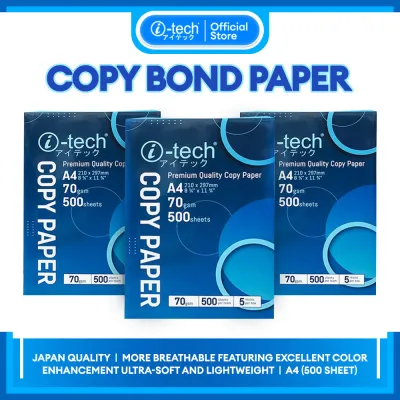
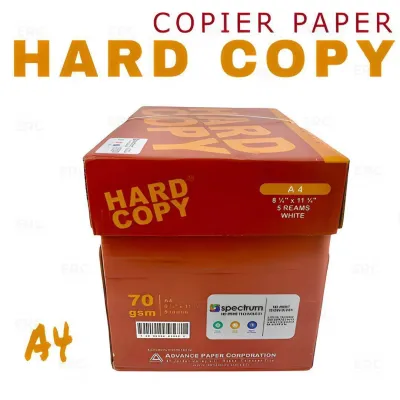
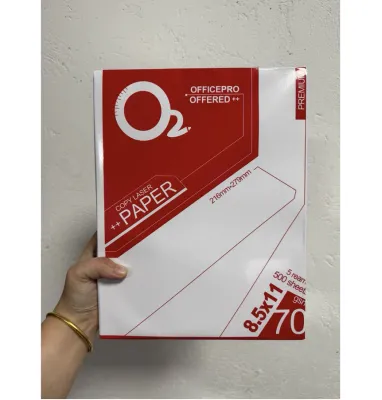
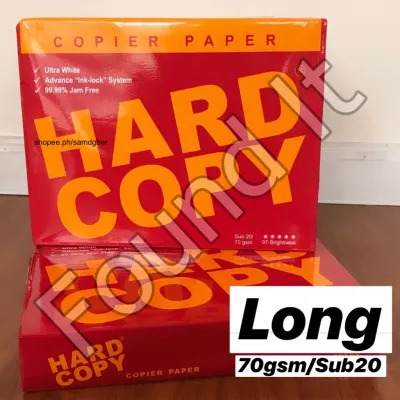
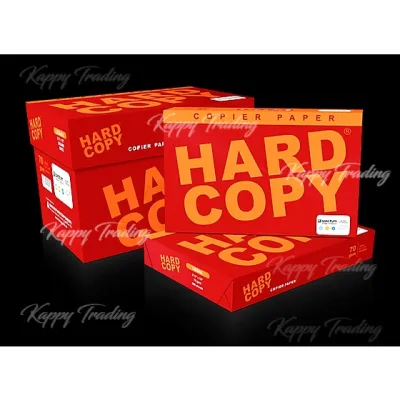
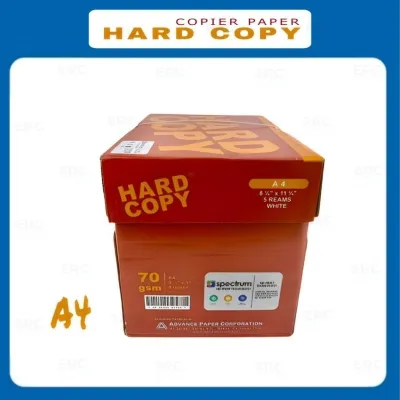
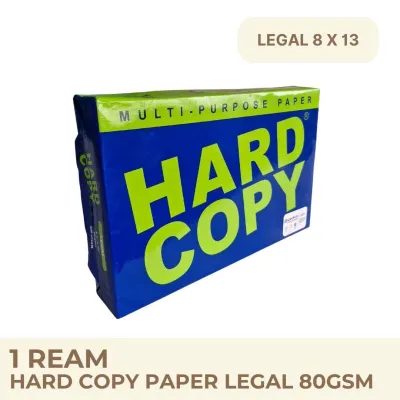
Prices are valid at publication and may change. Please refer to the product page for the latest price.
To ensure you get the exact texture and visual performance required for your projects, always check the manufacturer’s packaging labels. Look for specific details regarding paper thickness, brightness ratings, and surface finishes, as these characteristics can vary even among papers with the identical GSM rating.
Matching GSM to Your Daily Tasks
Different tasks demand distinct paper characteristics to achieve clean results. Factors such as opacity, stiffness, and ink absorption play a critical role in how your printed documents or hand-written notes turn out.

Choosing the wrong paper weight can lead to messy ink bleed-through, fragile pages, or even mechanical issues with your office equipment. Matching your specific project to the correct GSM category ensures both visual appeal and practical durability.
Everyday Printing and Copying
For routine office tasks, high-volume photocopying, and draft printing, standard lightweight papers are the most practical choice. These typically range from 70 GSM to 80 GSM, providing a lightweight yet functional medium for text-heavy documents.
Using 70 GSM or 80 GSM paper strikes a practical balance between cost-efficiency and daily performance. It is thick enough to prevent standard black text from showing through excessively on the reverse side, making it highly suitable for internal memos, school worksheets, and basic receipts.
Before purchasing bulk boxes of lightweight paper, verify your printer’s minimum weight specifications. Some high-speed office copiers require a minimum of 80 GSM paper to feed smoothly through the automatic document feeders without tearing or double-feeding.
Formal Documents and Presentations
When preparing client-facing proposals, professional resumes, or official certificates, a heavier paper weight is essential. Standard choices for these high-stakes documents usually range from 90 GSM to 100 GSM, which immediately conveys a sense of quality.
Heavier paper offers increased opacity, meaning you can print double-sided documents with minimal shadow or ink show-through. This weight also features a smoother, brighter surface finish that enhances text contrast and makes color graphics appear more vibrant.
Because these premium papers are noticeably stiffer, always check your printer’s manual to ensure compatibility with heavier media. Printing large batches of 100 GSM paper may require adjusting your printer’s paper type settings to prevent toner from rubbing off or ink from smudging.
School Projects and Creative Crafts
School projects, art portfolios, and creative crafts require durable paper that can withstand various mediums. When students use markers, highlighters, glue, or light watercolor washes, standard copy paper will quickly warp, wrinkle, or tear.
For these hands-on activities, selecting a paper weight of 100 GSM or higher is highly recommended. The dense fibers in heavier paper absorb moisture from adhesives and wet inks much better, keeping the project flat and intact.
While heavy bond paper is excellent for drawings and light crafts, remember that it does not fully replace specialized cardstock for structural models. Always check the product description to verify if the paper is rated for wet media or heavy folding before starting your project.
How to Check Printer Compatibility and Avoid Jams
Using the wrong paper weight is one of the most common causes of printer malfunctions and frustrating paper jams. Before purchasing a large supply of bond paper A4, consult your printer’s user manual or the manufacturer’s official website to find the supported GSM range.
Every printer model has mechanical limits regarding the thickness of paper its rollers can pull through the feed path. Feeding paper that is too thick can cause severe jams, misalign the internal rollers, or even damage the delicate heating elements in laser printers. Conversely, paper that is too thin may result in multi-feeds, where the printer pulls multiple sheets at once, leading to blank pages and crumpled paper.
To prevent issues, perform a simple test before running a large print job. Load a small stack of five to ten sheets of your new paper into the manual feed tray or bypass slot rather than filling the main paper cassette. Run a test print to observe how smoothly the machine handles the weight, checking for any signs of hesitation, unusual noise, or ink smudging as the sheet exits.
Smart Buying Tips for Bond Paper A4
When shopping for bond paper A4 in the Philippines, smart purchasing decisions can save money and protect your printed work from tropical humidity. Instead of looking only at the total price of a package, calculate the price per ream—which typically contains 500 sheets—to find the most economical option for bulk deals.
Pay close attention to the packaging labels for brightness and opacity ratings. High-brightness paper reflects more light, making text sharper and colors more vivid, which is especially important if you frequently print detailed charts or high-resolution images.
The tropical climate in the Philippines presents a unique challenge for paper storage, as high humidity can cause sheets to absorb moisture, leading to curling, misfeeds, and ink bleeding. To prevent this, store your paper in a cool, dry place off the floor, and keep unused sheets sealed inside their original moisture-resistant wrapper until you are ready to load them into the printer.
Frequently Asked Questions (FAQ)
Can I use the same bond paper A4 for both inkjet and laser printers?
Yes, standard uncoated bond paper A4 is generally compatible with both inkjet and laser printers for everyday text documents. However, if you are using very heavy weights or paper with specialized glossy coatings, you must check the packaging and your printer manual to ensure compatibility, as inkjet inks and laser toners bond differently to treated surfaces.
Does a higher GSM always mean better paper quality?
No, a higher GSM only indicates that the paper is heavier and thicker, not necessarily of higher quality. True paper quality depends on a combination of factors, including the raw fiber source, brightness, opacity, and surface smoothness, all of which must be matched to your specific printing or writing task.

Community discussion
Share your experience or ask a question. Comments are reviewed before publication.