
Quick Answer: Which Casio Calculator Should You Choose?
When choosing between the Casio fx-82MS and the Casio fx-82ES Plus, the decision comes down to how you prefer to input mathematical expressions and your overall academic budget. For most modern students, the Casio fx-82ES Plus is the superior choice. Its Natural Textbook Display (Natural V.P.A.M.) allows you to view fractions, square roots, and algebraic formulas exactly as they are printed in your textbooks, which significantly reduces input errors during high-pressure exams.
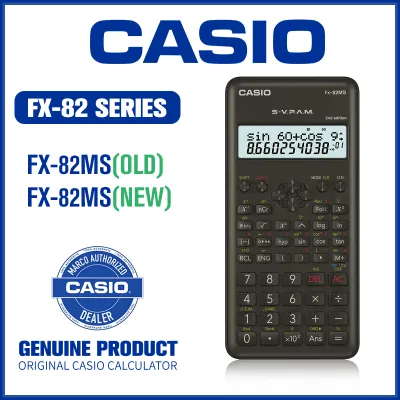
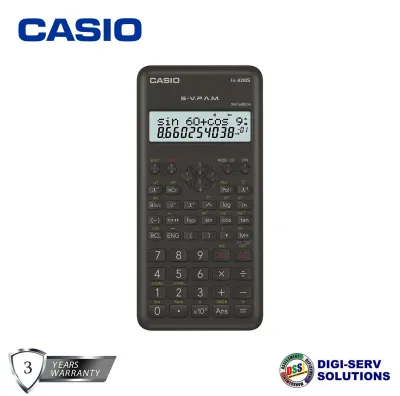
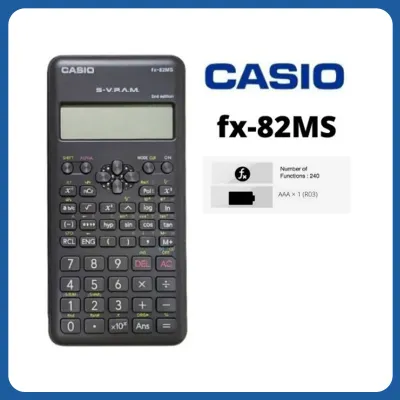
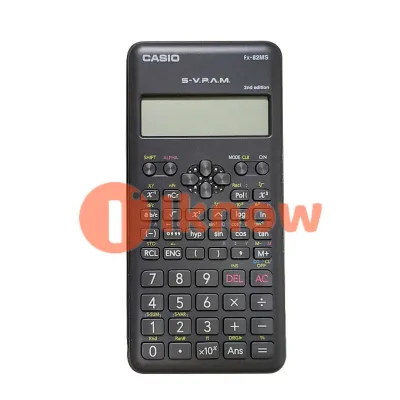
Conversely, the Casio fx-82MS remains a viable, budget-friendly option primarily for users who only require basic scientific functions and are already accustomed to the older, line-by-line input method. It is a highly durable, classic model that has served generations of students, but its legacy screen layout requires a steeper learning curve for multi-step equations.
Before making your final purchase, you must also verify the specific calculator guidelines of your school, university, or professional examination board. While both models are non-programmable scientific calculators, certain testing environments maintain strict lists of permitted models, making compliance your first priority.
Products mentioned in this guide
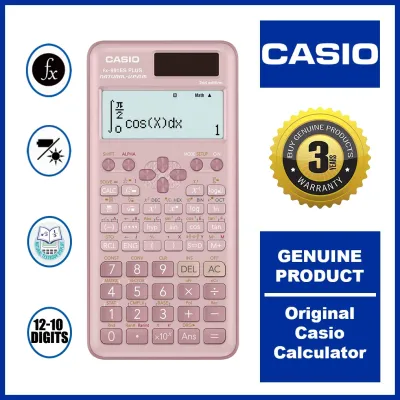
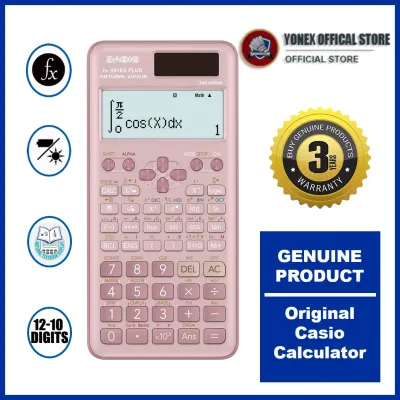
Prices are valid at publication and may change. Please refer to the product page for the latest price.
Key Differences: Display Technology and User Interface
The most immediate difference you will notice when placing these two calculators side by side is how they display mathematical expressions. This visual distinction fundamentally changes how you interact with the device during daily study sessions and timed tests.

Display Output and Visual Layout
The Casio fx-82MS utilizes the legacy Super Visually Perfect Algebraic Method (S-V.P.A.M.) engine. This system displays equations on a two-line screen: the top line uses a limited dot-matrix format to show the input characters, while the bottom line displays the numerical result on a segmented liquid crystal display (LCD). When you input a fraction on the fx-82MS, it appears as a linear string of numbers separated by an L-shaped symbol (for example, three-quarters displays as 3_⌋4).
In contrast, the Casio fx-82ES Plus features the Natural Visually Perfect Algebraic Method (Natural V.P.A.M.) engine. This full dot-matrix screen displays fractions with a proper horizontal division bar, places exponents physically above the base number, and stretches square root symbols completely over the entire radicand. Seeing your equations formatted naturally makes it much easier to spot a missing parenthesis or a misplaced negative sign before pressing the equal key.
Input Method and Keystroke Efficiency
Writing complex equations on the fx-82MS requires you to think like a computer programmer, using nested parentheses to ensure the correct order of operations. For instance, calculating the square root of a fraction requires you to carefully bracket the numerator and denominator to avoid syntax errors.
The fx-82ES Plus simplifies this workflow entirely. You can press the dedicated fraction key first, which creates a blank visual template on the screen. From there, you simply use the directional pad to navigate up to the numerator or down to the denominator, typing the values exactly as you see them on your worksheet. This intuitive approach minimizes the cognitive load of entering data, allowing you to focus on the actual mathematical concepts.
Button Layout and Build Quality
Both calculators share a similar physical footprint and come with a slide-on hard case that protects the screen and keys from scratches inside a crowded school bag. However, the fx-82ES Plus offers a more modern aesthetic with a refined keypad layout.
The function keys on the ES Plus are color-coded more clearly, with bright yellow for SHIFT functions and red for ALPHA functions. The keys themselves provide a slightly crisper tactile response, which helps prevent accidental double-presses. The legacy layout of the fx-82MS, while functional, feels slightly more cramped, and the plastic keys have a smoother, flatter finish that can feel slippery during long study sessions in warm, humid environments.
Menu Navigation and Usability
Navigating the settings on the fx-82MS requires you to repeatedly press the MODE key to cycle through various nested menus, such as computational (COMP), standard deviation (SD), or regression (REG) modes. This linear navigation can be slow and confusing if you forget which sub-menu contains the setting you need.
The fx-82ES Plus replaces this system with a centralized, menu-driven interface. Pressing the MODE key brings up a clean, numbered list of options directly on the screen. You simply press the corresponding number to select your desired mode, making transitions between general mathematics, statistics, and table generation fast and straightforward.
Feature Breakdown: Mathematical Capabilities and Limits
While both calculators are designed to handle standard secondary school and early college mathematics, the fx-82ES Plus includes several functional upgrades that provide a distinct academic advantage.
Shared Core Functions
At their core, both the fx-82MS and the fx-82ES Plus are highly capable tools that cover all the essentials. Both models offer:
- Basic arithmetic, percentage calculations, and fraction-to-decimal conversions.
- Trigonometric and inverse trigonometric functions (sine, cosine, tangent, and their inverses in degrees, radians, or grads).
- Hyperbolic and inverse hyperbolic functions.
- Common and natural logarithms, exponents, and roots.
- Statistical calculations, including standard deviation, linear regression, and logarithmic regression.
- Permutations (nPr) and combinations (nCr).
fx-82ES Plus Exclusive Advantages
The fx-82ES Plus expands on these basics with several advanced features that are completely absent from the fx-82MS:
- Prime Factorization: By using the FACT function, you can instantly break down any integer into its prime factors. This is incredibly helpful for simplifying fractions or finding the greatest common divisor during algebra homework.
- Random Integers: The RanInt function allows you to generate random integers within a specified range, which is highly useful for probability exercises and classroom simulations.
- Natural Fraction-to-Decimal Toggling: The dedicated S<=>D key lets you instantly toggle your final answer between a fraction, a decimal, and a recurring decimal representation, without having to re-enter the equation.
- Multi-Replay with List Viewer: While both models have a replay function to review previous calculations, the fx-82ES Plus allows you to scroll through your calculation history more fluidly, making it easier to edit and recalculate previous steps.
Processing and Memory Performance
Both calculators feature nine variable memories (A, B, C, D, E, F, X, Y, M) and an independent memory (M) to store intermediate values. However, the internal processor of the fx-82ES Plus handles complex, multi-layered equations with noticeably less lag. On the older fx-82MS, inputting a very long equation with multiple nested parentheses can occasionally exhaust the calculator’s calculation buffer, resulting in a “Stack ERROR” or requiring you to break the calculation down into smaller, manual steps.
| Feature / Specification | Casio fx-82MS | Casio fx-82ES Plus |
|---|---|---|
| Display Technology | 2-Line LCD (S-V.P.A.M.) | Natural Textbook Display (Natural V.P.A.M.) |
| Total Functions | 240 | 252 |
| Prime Factorization | No | Yes (FACT key) |
| Random Integers | No | Yes (RanInt key) |
| Fraction Display | Linear format (3_⌋4) | Natural textbook format (¾) |
| Fraction/Decimal Toggle | Via a b/c key | Via dedicated S<=>D key |
| Power Source | 1 x AA battery (varies by edition) | 1 x AAA battery (varies by edition) |
| Menu System | Sequential MODE key cycles | Numbered menu list screen |
Pricing, Availability, and Authenticity in the Philippines
Because scientific calculators are mandatory stationery items for students across the Philippines, both models are widely distributed, but they occupy different price tiers and face significant counterfeit risks in the local market.
Price Positioning
The Casio fx-82MS is positioned as the entry-level, budget-friendly scientific calculator. It is typically priced lower, making it highly accessible for families looking for a reliable math tool without a heavy financial commitment.
The Casio fx-82ES Plus sits in the mid-range academic tier. It carries a slightly higher price tag, reflecting its advanced display technology and expanded feature set. For most students, this small price gap is well worth the investment, as the Natural Textbook Display saves valuable time and reduces errors during exams throughout junior high, senior high, and college.
Where to Buy Safely
To ensure you receive a genuine product backed by a manufacturer’s warranty, it is highly recommended to purchase your calculator from authorized stationery retailers, established school bookstores (such as National Book Store), or official brand stores on major online marketplaces. Buying from unauthorized third-party sellers or street markets carries a high risk of acquiring a counterfeit unit.
Spotting Counterfeit Calculators
Counterfeit Casio calculators are common in the local market and are often made with cheap components that fail under tropical humidity, leading to battery leaks, unresponsive keys, or screen bleeding. When verifying the authenticity of your calculator, check the following physical markers:
- The Hologram Sticker: Genuine Casio calculators sold in the Philippines feature a reflective, metallic hologram sticker on the packaging. This hologram shifts colors when tilted and often contains a QR code that you can scan to verify authenticity on the official Casio website.
- Key Alignment and Print Quality: Look closely at the text printed on the keys and the calculator body. On authentic units, the font is crisp, perfectly centered, and durable. On fakes, the printing is often slightly blurry, off-center, or easily scratches off with a fingernail.
- Tactile Response: Genuine Casio keys have a distinct, springy press and do not stick. Counterfeit keypads often feel mushy, require uneven pressure to register, or double-register a single keypress.
- Self-Diagnostic Test: You can run a built-in diagnostic test on genuine Casio calculators. Pressing SHIFT + 7 + ON simultaneously (or the specific key combination for that model edition) will boot the calculator into a test mode, allowing you to cycle through pixel tests and view the internal ROM version. If the calculator does not respond to this command or displays unusual characters, it is likely a counterfeit.
Final Decision Framework: Match the Calculator to Your Coursework
To make your final decision, evaluate your current academic track, your budget, and the specific rules of your educational institution.
Choose the Casio fx-82MS if:
- You are on a strict budget: The fx-82MS offers reliable, basic scientific calculations at the lowest possible price point.
- Your coursework is basic: If you are only taking general mathematics, basic algebra, or introductory trigonometry where complex fraction equations are rare, the legacy display is perfectly adequate.
- You prefer familiar hardware: If you have used the MS series throughout your early education and have already memorized its keystroke sequences, staying with this model avoids the need to learn a new interface.
- Your school specifically mandates this model: Some classrooms standardize on the fx-82MS to ensure all students are following the exact same keystroke instructions from the teacher.
Choose the Casio fx-82ES Plus if:
- You are on a STEM track: If you are in Senior High School (STEM strand) or pursuing college degrees in engineering, physics, chemistry, or mathematics, the Natural Textbook Display is an invaluable tool for visualizing complex formulas.
- You want to minimize input errors: The ability to type fractions, exponents, and roots exactly as they appear in your textbook is the single best way to prevent syntax mistakes during timed exams.
- You want useful academic shortcuts: Features like prime factorization (FACT) and the quick fraction-to-decimal toggle (S<=>D) save precious seconds during quizzes.
Verify Before You Buy
Always check the latest calculator guidelines provided by your school district, university department, or professional licensing board. In the Philippines, the Professional Regulation Commission (PRC) maintains a strict list of allowed calculators for professional board examinations (such as civil engineering, electrical engineering, and certified public accountant exams). While both the fx-82MS and fx-82ES Plus are non-programmable and generally widely accepted, exam policies are subject to change. Verifying compliance beforehand ensures your calculator will not be confiscated at the exam room door.
Frequently Asked Questions (FAQ)
Is the Casio fx-82MS still allowed in major board exams?
Yes, the Casio fx-82MS is generally allowed in most major standardized and professional board exams because it is a non-programmable scientific calculator without graphing capabilities or text-storage memory. However, testing policies can be updated periodically. You should always consult the official, latest calculator guidelines issued by your specific examination board or university administration before arriving at the testing center to ensure your exact model edition remains on the approved list.
Can I update the fx-82MS software to match the ES Plus?
No, it is not possible to update or upgrade the software or firmware of the Casio fx-82MS. Standard scientific calculators use read-only memory (ROM) chips that are permanently programmed during the manufacturing process. The hardware, internal logic boards, and screen technologies of the two models are fundamentally different. To access the Natural Textbook Display and advanced mathematical functions of the fx-82ES Plus, you must purchase the ES Plus model.
How can I verify if my Casio calculator is authentic?
You can verify authenticity by checking for the official metallic hologram sticker on the packaging, which contains a color-shifting pattern and a verifiable QR code. Additionally, examine the physical build quality: genuine Casio calculators have crisp, perfectly aligned key labels, sturdy battery compartment screws, and a responsive, non-mushy keypad. You can also run the internal diagnostic test by pressing SHIFT + 7 + ON simultaneously to check the screen pixels and confirm the internal ROM version matches official Casio specifications.
Community discussion
Share your experience or ask a question. Comments are reviewed before publication.