
Selecting the right plastic folder cover requires matching the exact dimensions of your documents, choosing a thickness that suits your handling frequency, and verifying the ring hole configuration of your binder. In tropical climates like the Philippines, high humidity can cause plastic sheets to stick or warp, making material choice and proper sizing even more critical for protecting school projects, office reports, or legal documents. By understanding these specifications, you can prevent torn pages and ensure your files remain clean and organized.
Matching Folder Cover Sizes to Standard Document Dimensions
In local offices and schools, two primary paper sizes dominate: A4 and Letter (often referred to as short bond paper). Legal size (or long bond paper) is also widely used for contracts and official records. A common mistake is buying a plastic cover that matches the paper size exactly, without accounting for the extra margin needed for the binding edge or the tab dividers.
A proper plastic folder cover must be slightly wider and taller than the paper it protects. This extra margin, typically a few millimeters on each side, ensures that the edges of your documents do not fray or get crushed when the binder is closed. For example, an A4 cover needs to accommodate the 210 mm by 297 mm paper while leaving enough space on the left side for the punched holes or the binding strip.
Products mentioned in this guide
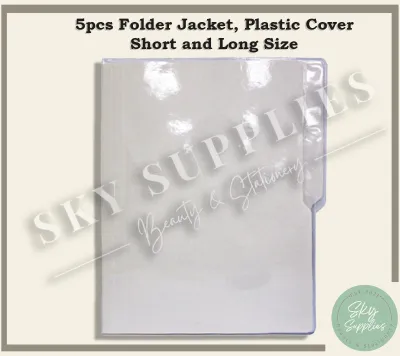
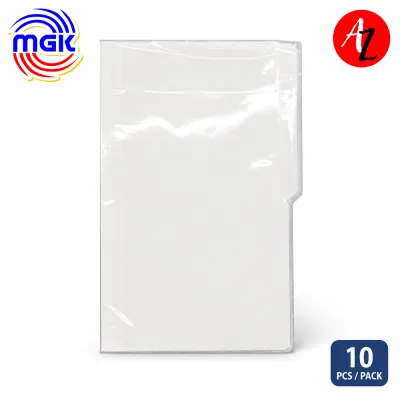
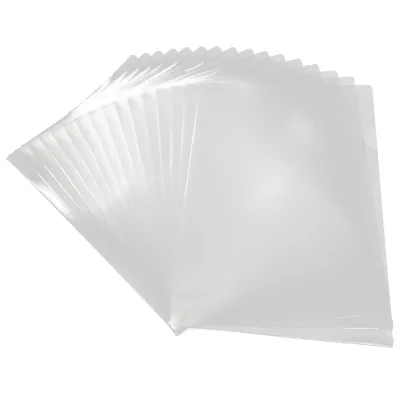
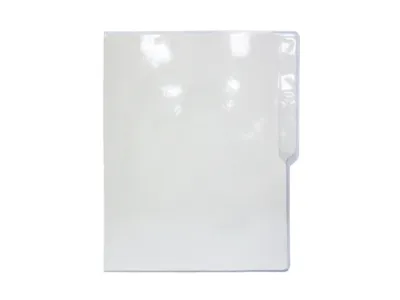
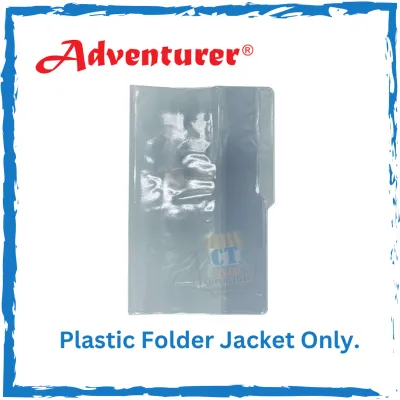
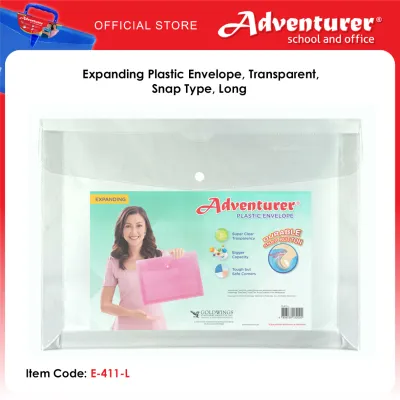
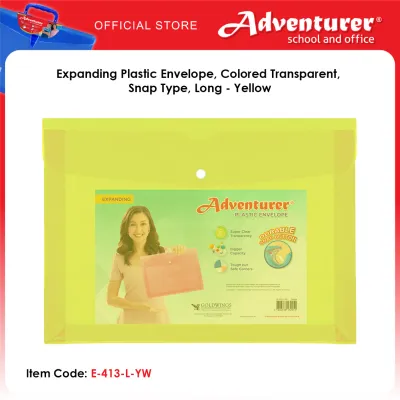
Prices are valid at publication and may change. Please refer to the product page for the latest price.
Before purchasing, check the physical dimensions of your documents with a ruler. Additionally, consider your binder’s spine width. A thick three-inch binder filled to capacity requires covers that can turn smoothly without catching on the rings or extending past the outer edge of the binder’s main cover. If the plastic cover is too wide, it will protrude from the binder, leading to bent corners and accumulated dust.
Decoding Plastic Thickness: Microns, Mils, and Durability
When browsing stationery supplies, you will encounter thickness measurements expressed in microns (micrometers) or mils. One mil is equal to one-thousandth of an inch, while a micron is one-millionth of a meter. Understanding these units prevents the disappointment of buying covers that are either too flimsy for heavy use or too rigid to turn easily.

Lightweight covers, usually ranging from 30 to 50 microns, are highly flexible and economical. These are best suited for low-touch archiving, temporary handouts, or light school reports where weight and cost are primary concerns. However, they offer minimal structural support and can easily crease under pressure.
Medium-duty covers, typically between 80 and 120 microns, offer a balanced compromise for daily office use. They provide enough rigidity to stand upright in a binder without sagging, yet remain flexible enough for comfortable page-turning. This thickness is ideal for training manuals, frequently referenced price lists, and student portfolios.
Heavy-duty covers, measuring 150 microns or more, are stiff and highly durable. They are designed to protect heavy documents, presentation materials, or menus that undergo constant handling. To verify these claims, look for specific technical details on the manufacturer’s packaging rather than relying on vague marketing terms like “ultra-durable” or “premium strength.” If you are purchasing from an online marketplace, check the product specifications section for the exact micron rating.
Ensuring Ring Hole Compatibility with Your Binder
A plastic cover is only as useful as its compatibility with your binder’s fastening system. Standard binders in the market utilize different ring mechanisms, including two-ring, three-ring, and four-ring configurations, as well as multi-hole comb or coil binding systems. Aligning the holes of your plastic cover with these rings is essential to prevent tearing and ensure smooth operation.
Pre-punched plastic covers often feature a reinforced binding strip along the left edge. This strip is designed with multiple holes—sometimes up to 11 or 30 holes—to fit various binder styles universally. While convenient, you must verify that the hole spacing matches your specific binder. For instance, a standard three-ring binder requires specific spacing that may not align with a basic two-hole punch pattern.
Alternatively, unpunched plastic covers offer maximum flexibility but require a manual hole puncher. If you choose this route, ensure the plastic is thick enough to withstand punching without tearing. The distance from the outer edge of the cover to the center of the punched holes must be sufficient to maintain structural integrity; punching too close to the edge will cause the plastic to rip under the weight of the document.
How to Measure and Match Your Existing Binder
To avoid purchasing incompatible covers, take a few minutes to measure your existing binder before placing an order. Start by measuring the overall height and width of the binder’s outer cover. Your plastic folder covers must sit fully inside these dimensions when the binder is closed to prevent exposure to dust, spills, and physical damage.
Next, measure the internal ring span. Use a standard ruler to find the distance between the centers of the rings. Note the shape of the rings as well; D-ring binders hold pages differently than round O-ring binders, which can affect how much clearance your plastic covers need near the spine. Count the exact number of rings to ensure your pre-punched covers will slide on without resistance.
Before committing to a bulk purchase for your school or office, test a single sheet or a small sample pack if possible. Insert your document, place the cover into the binder, and turn it back and forth several times. Observe whether the cover catches on the rings, sticks to adjacent pages, or hangs out of the binder. This simple trial run can save you from costly returns and wasted stationery supplies.
Frequently Asked Questions (FAQ)
Can I use an A4 plastic cover in a Letter-size binder?
Using an A4 plastic cover in a Letter-size binder is generally not recommended due to physical overhang and hole misalignment. A4 paper is taller and narrower than Letter paper. Consequently, an A4 cover will likely protrude from the top or bottom of a Letter-size binder, exposing it to damage. Additionally, the pre-punched holes on A4 covers rarely align perfectly with the standard three-ring spacing of Letter-size binders, causing the plastic to buckle or tear.
How do I prevent plastic folder covers from sticking together?
In the warm and humid climate of the Philippines, plastic covers made of materials like PVC are prone to static cling and surface adhesion, causing them to stick together. To prevent this, store your unused covers in a cool, dry place away from direct sunlight. You can also opt for covers made of polypropylene, which naturally resists sticking and is less prone to transferring ink from printed documents. Placing a thin sheet of paper between stacked covers can also reduce static and adhesion.
Community discussion
Share your experience or ask a question. Comments are reviewed before publication.