
Choosing the right document organizer depends on how you interact with your papers daily. If you need a rigid, portable writing surface for taking notes on the move, a clipboard is the ideal tool. For protecting loose sheets from dust, creases, and humidity during transit or quick categorization, a folder is the most efficient choice. When managing thick, multi-page documents that require secure archiving and frequent page-turning, a binder provides the necessary structure.
These tools are not mutually exclusive; instead, they often represent different stages of a document’s lifecycle. Understanding the unique strengths and limitations of each option allows you to build an organized system that keeps your paperwork intact and accessible.
When to Use Clipboards for Mobile Writing and Temporary Holding
A clip board serves as a highly portable, immediate workspace. Its primary function is to provide a rigid writing surface when a desk is unavailable, securing loose papers with a spring-loaded metal clip. This makes it an excellent tool for active environments where you must write while standing or walking.
Products mentioned in this guide
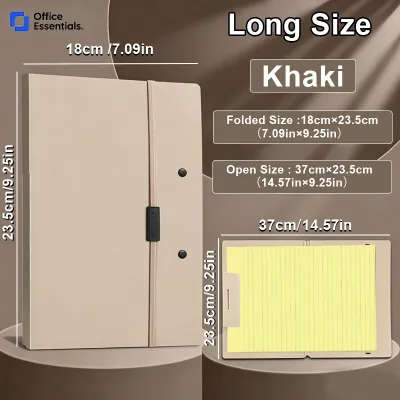
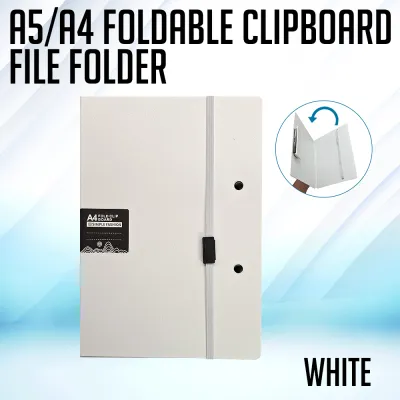
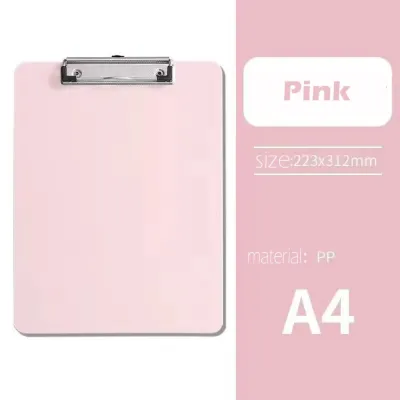
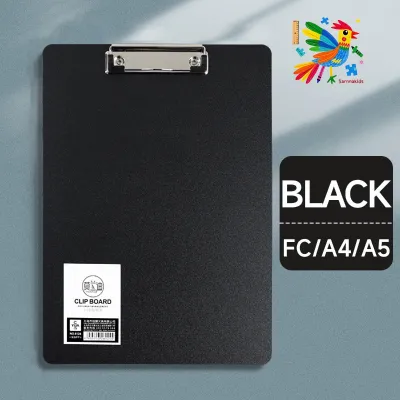
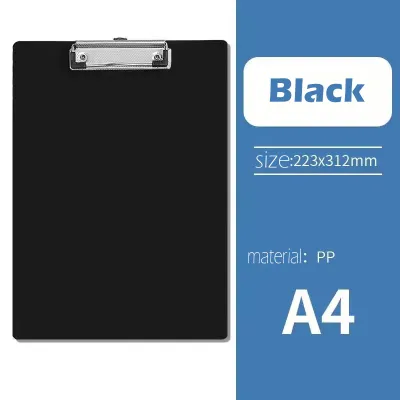
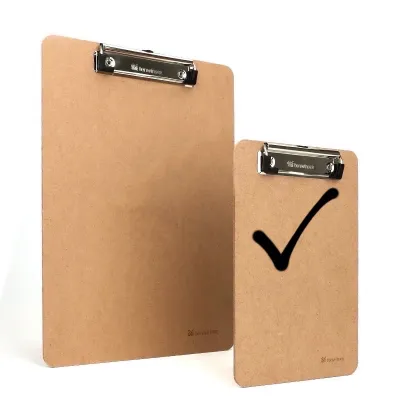
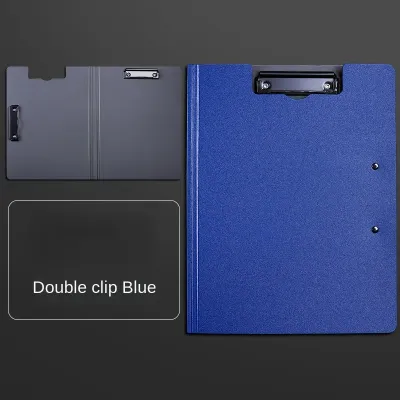
Prices are valid at publication and may change. Please refer to the product page for the latest price.
Fieldwork, warehouse inventory checks, medical intake forms, and presentation notes are classic scenarios where this tool excels. It allows you to fill out forms, sign contracts, or check off lists without needing a flat table. The open design ensures that your active document is always visible and ready for immediate notation.
However, the lack of a full enclosure is a significant limitation. Documents held on a standard board are exposed to environmental elements like wind, dust, and sudden tropical rain showers. High humidity can also cause exposed paper to soften and sag. Furthermore, the constant tension of the metal clip can leave indentations or creases on delicate paper over time.
When selecting this tool, evaluate the board material based on your working environment. Hardboard is economical but can swell and warp if exposed to moisture. Plastic options are lightweight, water-resistant, and come in various colors for color-coding. Aluminum models offer the highest rigidity and durability for industrial settings. Additionally, consider models with built-in storage compartments to keep extra forms, pens, and rulers protected from the elements.
When to Use Folders for Flat Storage and Document Protection
Folders are designed to enclose and separate loose papers, keeping them flat and organized without altering the sheets. They prevent edges from fraying, corners from dog-earing, and surfaces from gathering dust or light spills. Because they maintain a slim, flat profile, they are highly efficient for space-saving storage.

This solution is ideal for organizing tax records, student assignments, project proposals, and archival documents inside filing cabinets. Folders allow you to group related papers together quickly without the need for hole-punching, preserving the original state of the documents.
Several variations exist to meet different organizational needs:
- Manila Folders: Best for light, static filing inside drawers.
- Pocket Folders: Ideal for presentations or school subjects where papers must be accessed frequently.
- Expanding Files: Excellent for growing document collections, such as monthly utility bills.
- Clear Books: Feature bound plastic sleeves that offer high visibility and spill protection for reference sheets.
When choosing a folder, check the paper weight capacity to ensure it can hold your document set without tearing. For transit, look for secure closure mechanisms such as elastic bands, snap buttons, or hook-and-loop fasteners. Finally, verify the tab configurations; wide, sturdy tabs allow for clear labeling and rapid identification in a crowded drawer.
When to Use Binders for Heavy Archiving and Frequent Reference
Binders are the heavy-duty champions of document organization, designed to secure hole-punched pages within a rigid, protective cover. They allow you to compile hundreds of sheets into a single, book-like volume that can be easily indexed, updated, and referenced.
This system is highly suited for training manuals, legal contracts, academic course syllabi, and long-term project logs. Because the pages are bound by metal or plastic rings, you can flip through them quickly without risking loose sheets falling out of order. It is also simple to open the rings to insert updates or remove outdated pages.
Despite their high capacity, binders have distinct trade-offs. They require a compatible hole punch to prepare documents, which may not be suitable for original certificates or historical papers. They are also bulky and heavy, making them less convenient for daily commuting in a backpack. Overloading the rings beyond the manufacturer’s specified capacity can cause the rings to misalign, leading to torn page holes and snagged sheets.
To select the right binder, focus on the ring mechanism and spine width. D-ring mechanisms allow pages to lie flat and hold up to 25% more paper than standard round O-rings of the same size. Ensure the spine width matches your document volume—ranging from slim 1-inch models for quick projects to heavy-duty 3-inch models for archiving. For humid climates, check for rust-resistant ring coatings to ensure long-term durability.
How to Match Your Daily Workflow to the Correct Organizer
Selecting the right tool requires balancing your need for mobility against your need for document capacity and protection. The table below outlines how each organizer performs across key operational dimensions.
| Decision Dimension | Clipboard | Folder | Binder |
|---|---|---|---|
| Primary Purpose | Mobile writing & active display | Flat storage & quick sorting | Heavy archiving & sequential reference |
| Sheet Capacity | Typically 1 to 50 sheets | 1 to 100 sheets (expanding files hold more) | 100 to 600+ sheets depending on ring size |
| Document Protection | Low (exposed to air, dust, and moisture) | Medium (enclosed, protects against light spills) | High (rigid covers protect against crushing) |
| Portability | High (lightweight, easy to carry in hand) | High to Medium (fits easily in bags) | Low (bulky and heavy for daily travel) |
| Writing Surface | Built-in rigid backing | None (requires a desk or table) | None (covers are rigid, but rings obstruct writing) |
| Page Modification | Instant (clip release) | Instant (slide in/out) | Moderate (requires opening rings & hole-punching) |
| Verification Check | Check clip tension and board moisture limits | Verify closure security and material thickness | Check ring alignment and spine insert dimensions |
Before purchasing, always verify the manufacturer’s exact sheet capacity ratings, especially if you use thicker paper stocks. If you work outdoors, prioritize water-resistant plastic or aluminum materials over standard paperboard options.
How to Combine Clipboards, Folders, and Binders in One Workflow
Rather than choosing just one tool, you can integrate all three into a seamless document management lifecycle. This approach ensures that papers are handled efficiently from the moment they are generated to the day they are permanently archived.
Consider a typical administrative or field-based workflow:
- Data Capture (Clipboard): Use a plastic clipboard on-site to fill out customer intake forms, conduct safety inspections, or take initial notes. This provides the immediate, rigid surface needed for clear handwriting.
- Transit and Sorting (Folder): At the end of the day, remove the completed forms from the clipboard and slide them into a multi-pocket folder. This protects the active paperwork from getting crumpled or wet during your commute back to the office.
- Archiving (Binder): Once the forms are processed and finalized, punch holes in them and secure them inside a labeled 3-ring binder. This keeps the historical records safe, orderly, and easy for anyone to reference in the future.
When planning your physical workspace, keep storage footprints in mind. Binders are best stored vertically on sturdy shelves where their spines are clearly visible. Folders fit perfectly into lateral filing cabinets or desk drawers, keeping your desktop clutter-free. Clipboards can be hung on wall hooks using their built-in hanging loops, saving valuable drawer space.
To maintain consistency across your entire system, establish a unified labeling strategy. Use matching color codes across your folders and binder spines—for example, blue for financial records, green for client profiles, and red for urgent projects. This visual harmony reduces retrieval time and ensures that documents transition smoothly between each stage of your workflow.
Frequently Asked Questions (FAQ)
Can I use a clipboard for long-term document storage?
Using a clipboard for long-term storage is not recommended. Because clipboards leave documents completely exposed to the air, the paper will gradually accumulate dust, yellow from light exposure, and absorb ambient humidity. Over time, the constant pressure of the metal clip can also warp, crease, or discolor the top edge of your documents. For long-term preservation, it is best to transfer finalized papers into acid-free folders or protective binders that shield the sheets from environmental degradation.
Do I need a special hole punch for standard binders?
Yes, you must ensure that your hole punch matches the ring configuration of your binder. Standard binders typically use either a 2-ring or a 3-ring system, and the spacing between these rings must align precisely with the punched holes to prevent the paper from tearing. Before purchasing a hole punch, check its alignment guide and ring spacing specifications. For heavy-duty archiving, consider using plastic hole reinforcement stickers on your pages to prevent the punched margins from tearing during frequent page-turning.
Community discussion
Share your experience or ask a question. Comments are reviewed before publication.