
Finding the best CASIO business calculator for heavy-duty daily use depends entirely on your specific operational environment, as there is no single model that fits every professional scenario. For high-volume data entry, accounting, and desk-bound financial tasks, a Heavy-Duty Desktop model with durable key switches and a large display is the ideal choice. If your workflow requires physical audit trails for tax compliance or inventory verification, a heavy-duty Printing Calculator is the necessary standard.
To ensure long-term reliability in demanding environments, professionals must look beyond generic marketing labels and verify specific physical attributes. Key factors such as key switch durability, display readability under varying office lights, and dual-power reliability determine how well a device handles continuous daily typing. By matching these specifications to your daily workflow, you can select a calculator that maintains its performance over years of intensive use.
What "Heavy-Duty" Actually Means for Business Calculators
In a professional setting, “heavy-duty” is not just a marketing buzzword; it refers to a calculator’s ability to withstand continuous, high-frequency physical interaction and environmental stress. For an accountant or data entry specialist, this means typing thousands of keystrokes every day without the key legends fading or the switches losing their tactile response. In these high-frequency scenarios, the internal key mechanisms must be designed to register rapid inputs accurately without double-triggering or failing to register a digit.
Products mentioned in this guide
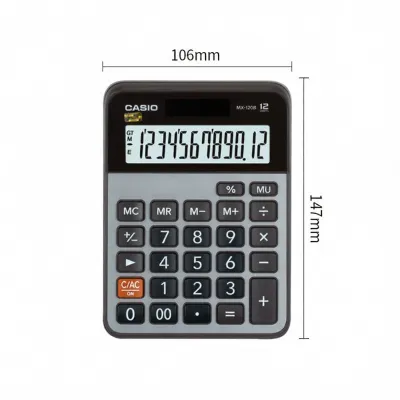
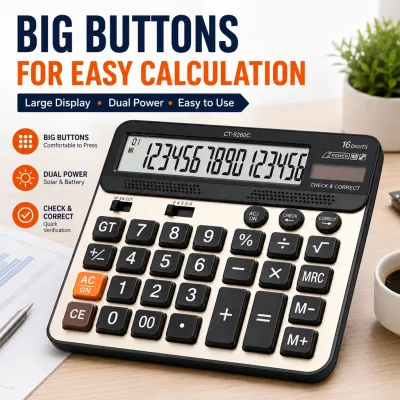
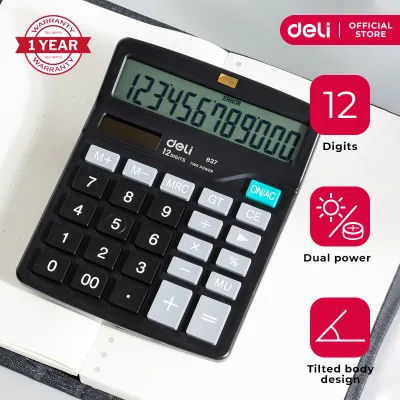
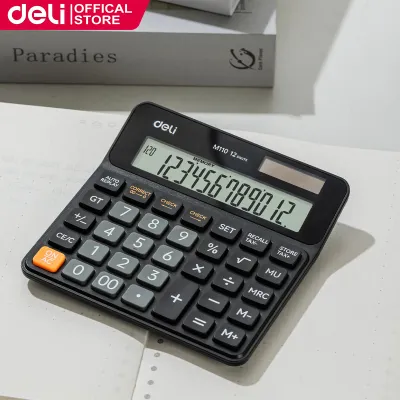
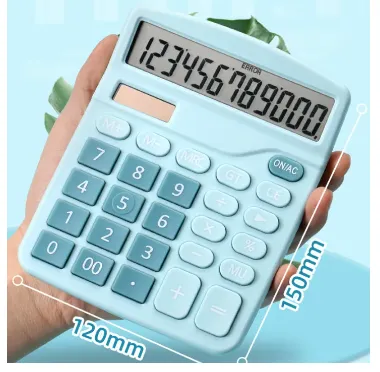
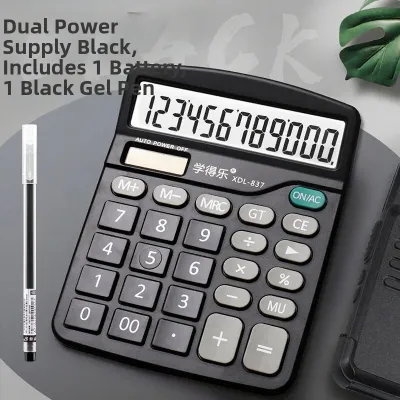
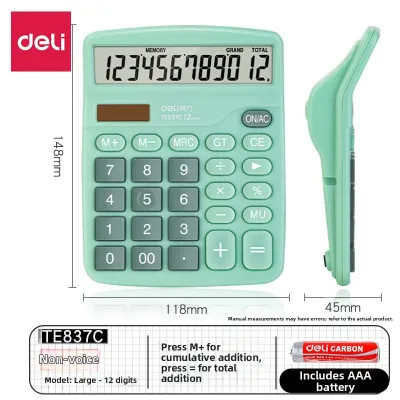
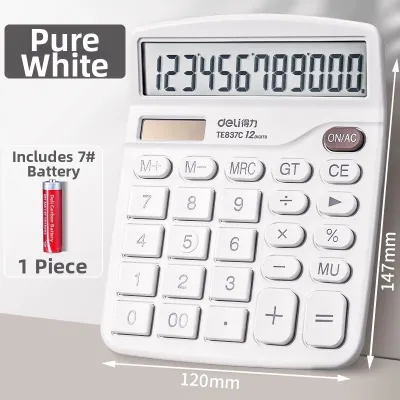
Prices are valid at publication and may change. Please refer to the product page for the latest price.
Conversely, heavy-duty use in retail counters, wholesale hubs, or warehouse environments introduces physical hazards that standard office supplies cannot survive. These workspaces expose the calculator to airborne dust, accidental liquid spills, and high ambient humidity, which can corrode internal contacts or gum up key travel. A true heavy-duty calculator features a robust chassis with a weighted base to prevent it from sliding across the desk during rapid, one-handed operation.
Furthermore, the structural integrity of the casing itself is a critical differentiator. Professional-grade models utilize thick, impact-resistant plastics and sometimes metal faceplates to protect the internal circuitry from accidental drops or heavy objects being placed on top of them. Understanding whether your primary stress factor is high-speed typing fatigue or environmental exposure is the first step in selecting the right heavy-duty tool.
Critical Features to Compare Across CASIO Business Models
Comparing different CASIO business models requires a systematic evaluation of their physical construction and specialized functional capabilities. Rather than focusing solely on basic arithmetic, professionals must analyze how specific design elements contribute to long-term durability and daily operational efficiency.

Build Quality and Keypad Resilience
The keypad is the primary point of contact and the most common failure point on standard calculators. When evaluating heavy-duty CASIO models, look for keys manufactured using double-injection molding, where the key legend is molded as part of the key itself rather than printed on the surface. This process ensures that the numbers never wear off, even after millions of keystrokes.
The tactile feedback of the keys is equally important for speed and accuracy. Heavy-duty models typically feature key switches with a distinct, springy return that lets the user feel when a keystroke has registered, reducing input errors during blind typing.
Additionally, check for protective design features such as raised bezels around the keypad or internal membrane barriers designed to redirect minor liquid spills away from the electronic contacts. In humid tropical climates, these protective barriers are essential for preventing moisture-induced short circuits.
Display Size and Readability
A clear, highly readable display is vital for reducing eye strain during long hours of financial auditing or inventory reconciliation. Heavy-duty business calculators generally offer 12-digit or 14-digit capacities to accommodate large financial figures, which is particularly useful when calculating high-value transactions in Philippine Pesos (₱).
The physical design of the display screen also impacts usability. Look for models with adjustable tilt screens or fixed, angled displays that align with your natural line of sight when seated at a desk.
Anti-glare screen coatings and high-contrast liquid crystal displays (LCDs) help maintain readability under harsh overhead fluorescent office lights or bright natural light near windows. Clear digit separators, such as three-digit commas, and explicit indicators for active functions (like tax or memory) further prevent costly reading errors.
Power Source and Operational Reliability
Uninterrupted power is non-negotiable for professional workflows where a sudden shutdown could wipe out a complex, multi-step calculation. Heavy-duty desktop models typically utilize a dual-power system that combines solar cells with a battery backup. This setup ensures the calculator remains fully operational in well-lit offices, dimly lit storage rooms, or during sudden power fluctuations.
When comparing models, verify the accessibility of the battery compartment. Some models require unscrewing the entire chassis to replace the backup battery, while others feature a simple slide-out door.
Additionally, look for an auto-power-off feature that is calibrated to preserve battery life during periods of inactivity without prematurely shutting down while you are in the middle of analyzing a physical document.
Specialized Business and Tax Functions
Beyond physical durability, a heavy-duty business calculator must streamline your daily calculations with dedicated, time-saving functions. For businesses operating in the Philippines, programmable tax keys are invaluable for quickly calculating Value-Added Tax (VAT) rates, allowing users to add or subtract tax percentages with a single keystroke.
Cost-Sell-Margin (CSM) keys are another essential feature for retail managers, purchasing officers, and financial analysts. These keys allow you to input any two variables—such as cost and desired margin—to instantly calculate the required selling price, eliminating the need for manual algebraic formulas.
For operations involving international trade or fluctuating pricing structures, look for models that offer dedicated currency conversion keys and markup/markdown (MU/MD) functions to simplify complex pricing adjustments.
Matching CASIO Calculator Categories to Your Daily Workflow
To select the right calculator, you must align the broad categories of CASIO’s business lineup with the specific demands of your daily work environment.
- Standard Desktop vs. Heavy-Duty Desktop: Standard desktop models are lightweight and suitable for occasional calculations, but they lack the structural weight and key travel depth required for continuous, high-speed data entry. Heavy-duty desktop models feature a heavier chassis that stays firmly planted on your desk, along with key switches designed to withstand millions of cycles. If your daily routine involves hours of continuous typing, the physical comfort and durability of a heavy-duty model are well worth the investment.
- Printing Calculators: For accounting departments, tax professionals, and audit teams, a physical paper trail is often a strict operational requirement. Printing calculators provide an immediate, printed record of every calculation step, which is essential for cross-checking entries and archiving physical tax records. However, these models require ongoing maintenance, including replacing ink rollers and paper rolls, and they must be positioned near a power outlet as they typically rely on AC power for the printing mechanism.
- Compact and Portable Business Models: If your work requires you to move between a retail counter, a back-office desk, and a warehouse floor, a full-sized heavy-duty desktop model may be too cumbersome. Compact business calculators offer a compromise, providing essential business functions like tax and currency conversion in a smaller, lighter form factor. While they sacrifice some of the heavy-duty key travel and chassis weight, they offer the mobility needed for field audits or shared workspaces.
Decision Matrix:
- Choose a Heavy-Duty Desktop Model if your workflow involves continuous, high-speed data entry at a dedicated desk, and you require maximum key durability without the need for a physical paper printout.
- Choose a Printing Calculator if you must maintain a physical audit trail for tax compliance, bookkeeping, or inventory verification, and you have a permanent desk space with access to an electrical outlet.
- Choose a Compact Business Model if you need to perform specialized business calculations on the move, across multiple locations, or in workspaces with limited desk real estate.
How to Verify Durability and Workspace Fit Before Buying
Before making a final purchase, it is crucial to verify that the calculator’s physical specifications and layout match your actual workspace and typing habits.
Start by inspecting the official product packaging or manufacturer specification sheets for explicit details regarding key construction and materials. Look for terms like “double-injection keys” or “metal faceplate” to confirm the device’s physical resilience. Avoid relying solely on generic “heavy-duty” claims on online marketplaces without verifying these concrete material specifications.
Next, measure your available desk space and compare it with the physical dimensions and weight of the calculator. A heavier calculator (typically weighing over 300 grams for desktop models) is highly desirable for rapid typing, as the added weight prevents the unit from sliding or shifting during intense use. Check the bottom of the calculator for high-friction rubber feet, which are essential for maintaining stability on smooth wooden or glass desks.
If you are purchasing a printing calculator, verify the availability and compatibility of consumable supplies, such as specific ink roller models and standard paper roll widths, in the local market. Ensure that these consumables are easy to source to avoid operational downtime.
Finally, if you have the opportunity to evaluate the calculator in-store, test the keypad layout to ensure the key spacing and size match your muscle memory. Pay close attention to the placement of the “0”, “00”, and decimal keys, as variations in these layouts can significantly affect your typing speed and error rate if they differ from what you are accustomed to using.
Frequently Asked Questions (FAQ)
Can a standard CASIO desktop calculator handle heavy-duty accounting tasks?
While a standard CASIO desktop calculator can perform all the necessary mathematical functions for accounting, it is not built to withstand the physical demands of continuous, high-volume typing. Standard models often use membrane keypads with printed legends that can wear off over time, and their lightweight plastic chassis can slide around during rapid data entry. For professional accounting, upgrading to a dedicated heavy-duty model provides the necessary key durability, tactile feedback, and desk stability required to prevent typing fatigue and input errors.
How do I clean and maintain a CASIO business calculator to extend its lifespan?
To maintain your calculator’s performance, regularly wipe the display screen and keypad with a dry or slightly damp microfiber cloth to remove dust and finger oils. Never spray liquid cleaners, aerosol sprays, or harsh solvents directly onto the calculator, as moisture can seep beneath the key switches and corrode the internal circuitry. If the calculator will not be used for an extended period, store it in a cool, dry place away from direct sunlight and high humidity, and remove the backup batteries to prevent potential damage from battery leakage.
Community discussion
Share your experience or ask a question. Comments are reviewed before publication.