
Finding a cute and aesthetic calculator in the Philippines means balancing visual appeal—like pastel tones, minimalist clear casings, or retro mechanical keys—with the strict functional requirements of local schools and universities. Whether you are preparing for high school algebra or university-level engineering courses, your calculator is a constant companion. Selecting a model that matches your personal stationery style can make long study sessions more enjoyable, but it must also perform the exact calculations your curriculum demands.
This guide helps you navigate the intersection of design and utility, ensuring you invest in a device that looks beautiful on your desk while remaining fully compliant with classroom rules and exam guidelines.
Quick Guide to Choosing Aesthetic Calculators
Aesthetic calculators have transformed from simple utility tools into essential desk accessories that complement a student’s personal style. However, a beautiful design must never compromise academic performance. The ideal calculator balances visual elements like soft color palettes or tactile keycaps with the specific mathematical functions required by your curriculum.
Products mentioned in this guide
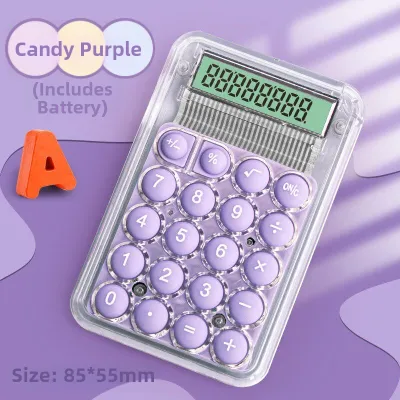
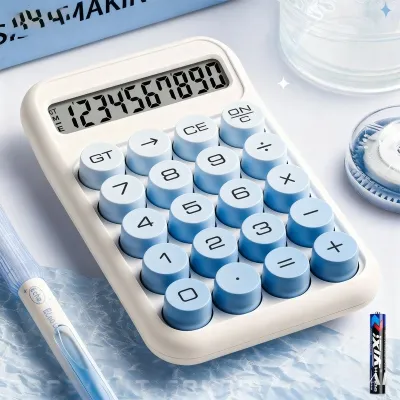
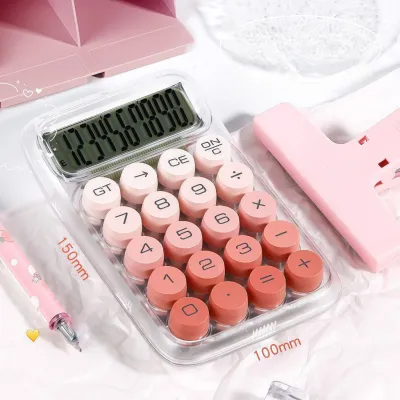
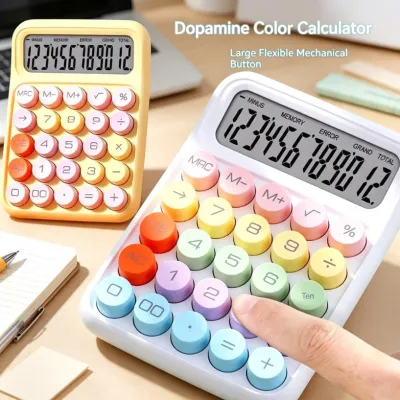
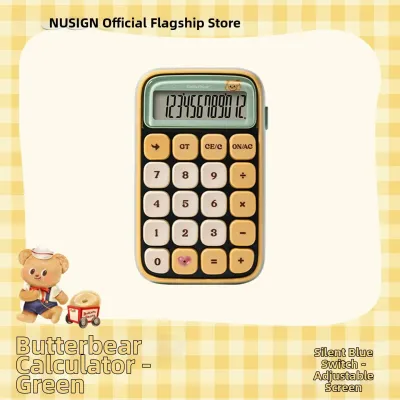
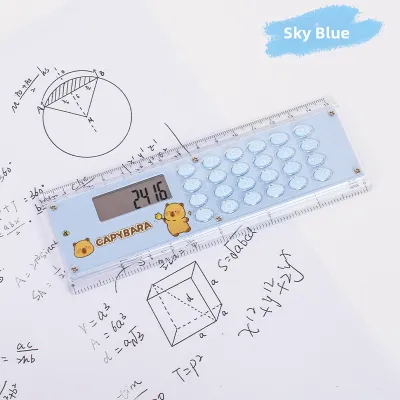
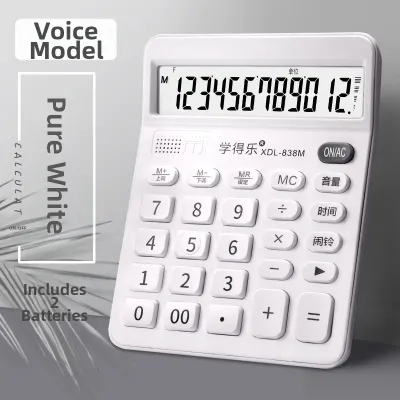
Prices are valid at publication and may change. Please refer to the product page for the latest price.
When selecting a model, the primary decision factors include the daily carry size, the functional division between basic four-function and advanced scientific models, and the power source. A bulky desktop calculator might look great on a study table but prove impractical for a cramped lecture hall desk in Manila. Conversely, an ultra-slim pocket calculator might lack the multi-line display needed for complex algebraic fractions.
In the Philippines, these stylish devices generally range from ₱200 for basic, non-branded aesthetic models to upwards of ₱1,500 for specialized scientific calculators with customized pastel or matte finishes. They are widely available in major physical stationery stores, department store school supply sections, and official brand stores on local online marketplaces. By understanding your specific academic needs first, you can narrow down your choices to models that are both visually satisfying and highly practical.
Popular Aesthetic Styles for Student Calculators
Identifying your preferred stationery theme is the first step toward finding the perfect calculator. Manufacturers have embraced several distinct design movements to cater to different student tastes.

Pastel and Soft-Tone Designs These calculators feature muted colors such as lavender, mint green, sakura pink, and milk tea beige. They typically utilize matte finishes that resist fingerprint smudges and rounded edges that soften the overall look of your study space. The soft visual profile helps reduce eye strain during long hours of study and blends seamlessly with popular pastel-themed highlighters, gel pens, and binders.
Minimalist and Monochrome For a clean, modern aesthetic, minimalist designs focus on neutral palettes like solid white, warm gray, or frosted transparent acrylic. These models prioritize thin profiles, hidden battery compartments, and high-contrast, simple typography on the keys. Transparent or clear-cased calculators are particularly popular for their futuristic, industrial look that showcases the internal circuit board and components.
Retro and Vintage-Inspired Drawing inspiration from classic type-writers, retro calculators feature round, raised keycaps with mechanical-style switches that offer a satisfying click. They often use bold, nostalgic color schemes like mustard yellow, olive green, or deep navy paired with cream-colored bodies. These models are highly tactile, making them a favorite for students who enjoy sensory feedback and a distinct clicking sound during long study sessions.
Character and Themed Editions These calculators incorporate cute illustrations, mascot motifs, or official brand collaborations. While highly appealing, students should evaluate the durability of printed graphics, which can wear off with heavy daily use. Additionally, overly bright or toy-like designs might occasionally draw unwanted attention or be deemed distracting in formal classroom settings, so a subtle themed accent is often preferred.
Essential Features and Usability Checks
While aesthetics draw you in, usability determines how long the calculator remains a helpful tool rather than an annoying distraction. Performing a few practical checks before buying ensures a smooth user experience.
Key Layout and Tactile Feedback Before committing to a design, evaluate the spacing and travel distance of the keys. Buttons that are too close together can lead to frequent input errors during fast-paced exams. If you study in quiet libraries or shared study hubs, test the noise level of the keys; mechanical-style retro keys can be surprisingly loud compared to silent membrane keys, which might disturb fellow students.
Display Readability A beautiful calculator is useless if you cannot read the screen under typical classroom lighting. Check the screen angle and digit size to ensure clear visibility from different sitting positions. Transparent or light-colored screens can sometimes suffer from glare or low contrast under bright fluorescent lights, so look for adjustable contrast settings or tilted displays that mitigate reflection.
Power Sources Choose between solar, battery-powered, or dual-power options. Dual-power models are highly reliable for students in the Philippines, as the solar panel handles daytime classes while the backup battery ensures continuous operation during evening study sessions or rainy days with low natural light. Always verify how easy it is to access and replace the battery compartment to avoid being locked out of your device when the power eventually drains.
Size and Portability Consider how the calculator fits into your daily routine. Measure the footprint against your standard pencil case, planner inserts, or backpack pockets. A slim, lightweight model is ideal for commuting on public transit, whereas a heavier, mechanical-key model is better suited as a permanent fixture on your home study desk where portability is not a primary concern.
Navigating School Rules and Exam Compatibility
It is crucial to differentiate between basic four-function calculators and scientific or graphing models. While a cute, basic calculator is generally permitted in almost every classroom and exam, high school and college math courses often require scientific capabilities. However, not all scientific calculators are permitted in formal testing environments.
Before purchasing a stylish device, consult your specific school handbook, course syllabus, or national examination board guidelines. Many institutions publish lists of approved calculator models, especially for standardized tests or university entrance exams. Buying a calculator that does not appear on these approved lists can result in it being confiscated at the exam room door, leaving you without a tool when you need it most.
Be aware of universal red flags that will instantly disqualify a calculator from exams. Any device featuring a full alphabetic keyboard, a QWERTY layout, or wireless internet connectivity is strictly prohibited. Stick to standard layouts where letters are secondary functions accessed via shift keys, ensuring your aesthetic choice remains fully compliant with academic integrity rules.
Where to Shop and Pre-Purchase Verification
Finding an authentic, high-quality aesthetic calculator requires a strategic shopping approach to avoid low-quality knockoffs that fail mid-semester.
Physical Stationery Stores Shopping in person at local stationery stores or department stores in the Philippines allows you to physically test the button responsiveness, check the screen clarity under real lighting, and verify the true colors of pastel or matte finishes, which can sometimes look different in online photos. It also eliminates the risk of shipping damage to delicate plastic casings.
Online Marketplaces and Official Brand Stores When shopping on local ecommerce platforms, always filter for official brand stores or authorized distributors to avoid low-quality counterfeit products. Read recent customer reviews specifically looking for uploaded photos and videos to verify the actual build quality, and check if other local students have successfully used the model for their classes.
Pre-Purchase Checklist Before finalizing your purchase, verify the seller’s warranty terms and return policies, especially regarding defective screens or dead pixels. Check if the package includes essential accessories like a protective slipcover or hard case, which are vital for protecting delicate matte finishes and clear acrylic casings from scratches inside your school bag.
Frequently Asked Questions (FAQ)
Can I use a cute scientific calculator for board exams in the Philippines?
The Professional Regulation Commission (PRC) maintains a strict list of allowed calculator models for licensure examinations in the Philippines. Most highly customized, pastel, or non-standard aesthetic scientific calculators are not on this official list. Additionally, proctors may scrutinize or reject calculators with custom skins, stickers, or unusual colorways to prevent cheating. It is highly recommended to use a standard, unmodified, PRC-approved model for board exams, keeping your cute aesthetic calculator for daily classroom use and study sessions.
Do transparent or clear calculators break easily?
Transparent calculators are typically made from acrylic or polycarbonate plastics. While polycarbonate is highly impact-resistant, acrylic can be prone to hairline scratches and cracking if dropped onto hard classroom floors. Because the casing is clear, internal dust accumulation, minor scratches, and any internal condensation caused by high tropical humidity will be highly visible over time. Storing your clear calculator in a padded pouch and avoiding rough handling will significantly extend its aesthetic lifespan.
How do I clean a pastel or matte-finish calculator without ruining it?
To clean a pastel or matte-finish calculator, use a dry microfiber cloth or a slightly damp cloth with plain water for routine maintenance. Avoid using alcohol-based sanitizers, harsh chemical cleaners, or abrasive wipes, as these can strip away the delicate matte coating, cause the plastic to become sticky, or discolor light pastel pigments. For the display screen, use a dedicated optical wipe or lens cleaner to prevent streaking and protect any anti-glare coatings from damage.
Community discussion
Share your experience or ask a question. Comments are reviewed before publication.