
Selecting the right short bond paper for your daily printing needs in the Philippines involves balancing print quality, printer longevity, and cost.
While Double A, PaperOne, and Copyland are household names in offices and schools, the most suitable choice depends on your specific printer setup, document requirements, and budget.
Rather than relying on brand reputation alone, understanding how these papers interact with local humidity, ink types, and printer rollers will help you make an informed decision.
Products mentioned in this guide
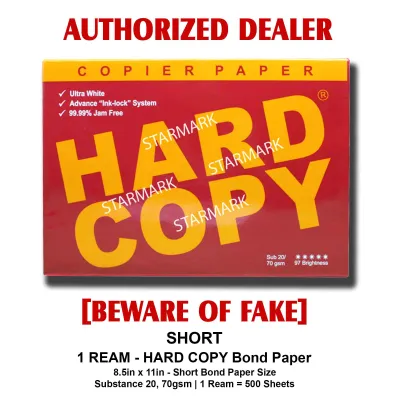
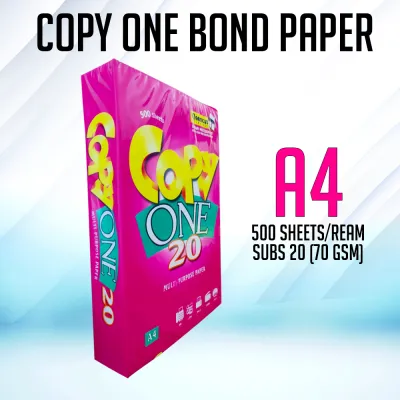
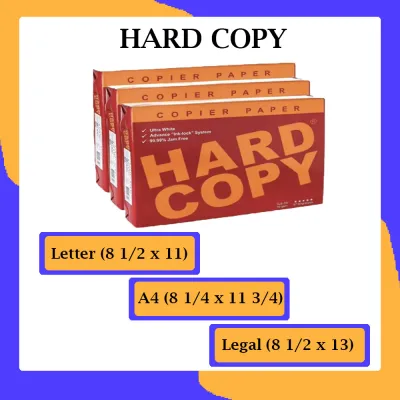
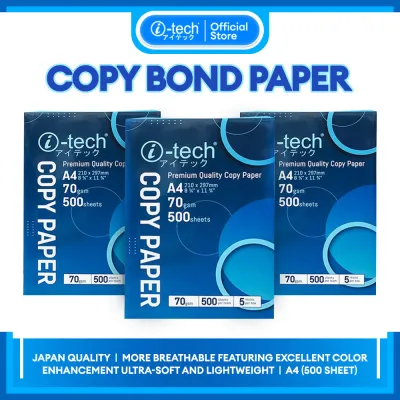
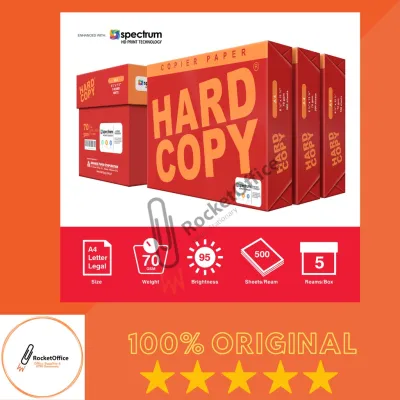
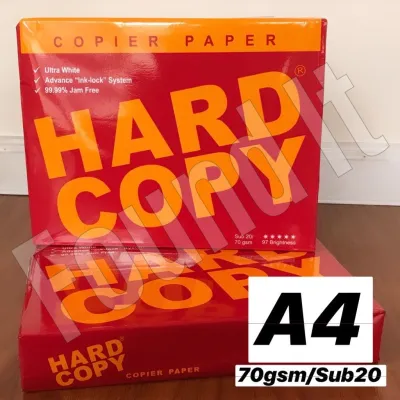
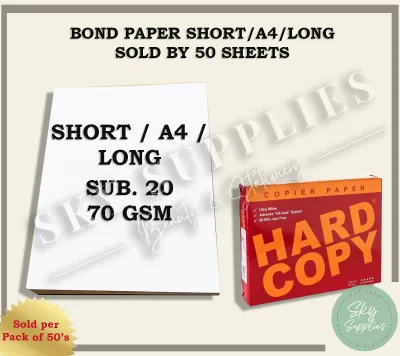
Prices are valid at publication and may change. Please refer to the product page for the latest price.
By evaluating key physical specifications, you can avoid frequent paper jams and ensure clean, legible prints for every document.
Key Specifications to Check Before Buying
When shopping for short bond paper, the specifications printed on the packaging provide critical clues about how the paper will perform in your printer.
The most common metric you will encounter is paper weight, measured in grams per square meter (GSM).
For everyday office and school tasks, the standard choices are 70 gsm and 80 gsm.
A 70 gsm paper is lighter and thinner, making it highly economical for single-sided drafts, but it is more prone to show-through and feeding issues in high-speed printers.
In contrast, 80 gsm paper offers greater thickness and opacity, which provides a more substantial feel and prevents ink from bleeding through to the other side.
Another vital specification is the brightness level, often indicated by a CIE whiteness rating on the ream wrapper.
Higher CIE ratings mean the paper reflects more light, resulting in sharper contrast between the black text and the white background.
For formal business proposals, resumes, or client-facing documents, a higher brightness level ensures a professional appearance.
For internal memos, school worksheets, or simple receipts, a slightly lower brightness rating is perfectly acceptable and often more cost-effective.
Beyond weight and brightness, the physical cut of the paper plays a silent but crucial role in printer performance.
High-quality manufacturing processes ensure precise, clean edges with minimal paper dust.
When paper is cut with dull blades during production, it leaves microscopic fibers and dust along the edges.
Over time, this dust accumulates on your printer’s pickup rollers and internal sensors, leading to slippage and misfeeds.
Inspecting the edges of a freshly opened ream can give you a quick indication of its manufacturing quality.
Evaluating Print Quality and Ink Handling
Print quality is not solely determined by your printer’s resolution; the paper’s surface characteristics dictate how ink or toner is received.

Inkjet printers spray liquid ink onto the page, which requires a paper surface that absorbs moisture quickly without allowing the ink to spread laterally.
If the paper fibers are too loose or poorly treated, you may observe feathering, where the edges of text characters look fuzzy.
To evaluate this, you can run a simple test print of a high-contrast text block and examine the sharpness of the letter edges under bright light.
Laser printers, on the other hand, use heat and pressure to fuse dry toner powder onto the paper surface.
This process requires the paper to withstand high temperatures without curling or releasing excessive moisture.
If a paper has high moisture content or poor thermal stability, the heat from the fuser unit can cause the sheet to warp immediately upon exiting the printer.
Checking how flat a printed sheet lies after passing through a laser printer is an excellent way to gauge its compatibility with thermal printing processes.
For double-sided printing, opacity is the key metric to observe.
If you plan to print manuals, reports, or study guides on both sides of the sheet, hold a printed sample up to a window or light source.
If the text from the reverse side is highly visible and distracting, the paper lacks the necessary opacity for duplex tasks.
Generally, 80 gsm papers perform significantly better in duplex scenarios than their 70 gsm counterparts, saving you from wasting sheets due to unreadable, overlapping text.
Ensuring Jam-Free Performance in High-Volume Printing
Paper jams are one of the most frustrating disruptions in any office or home workspace, and they are frequently caused by environmental factors rather than printer malfunctions.
In the tropical climate of the Philippines, high relative humidity is a constant challenge for paper storage and handling.
Paper is naturally hygroscopic, meaning it absorbs moisture from the surrounding air.
When a ream of paper absorbs excess humidity, the fibers swell, causing the sheets to stick together and lose their structural stiffness, which directly leads to multi-sheet feeds and jams.
Stiffness and surface friction are the two physical properties that dictate how smoothly a sheet travels through the printer’s paper path.
A sheet must be stiff enough to push through the rollers and negotiate the curves of the paper tray without buckling.
At the same time, the surface friction must be low enough that the pickup roller grabs only one sheet at a time.
If you notice your printer frequently pulling two or three sheets at once, the paper may have absorbed too much moisture, or the surface texture may have too much friction for your printer’s feeding mechanism.
To maintain paper integrity and prevent moisture-related jams, proper storage is essential.
Always keep unopened reams in their original moisture-barrier wrappers, which are designed to protect the paper from ambient humidity.
Once a ream is opened, store the remaining sheets in a tightly sealed plastic container or a dedicated dry cabinet.
Avoid leaving a large stack of paper in the printer’s open input tray overnight, as the exposed sheets will quickly absorb moisture from the humid night air, leading to feeding failures the following morning.
Comparing Price and Value for Everyday Use
When managing a budget for school or office supplies, calculating the true cost of printing requires looking beyond the initial purchase price of a single ream.
Instead, calculate the cost per sheet by dividing the total price of the ream by the number of sheets, which is typically 500 sheets for a standard ream.
While a cheaper brand might save you a few pesos upfront, frequent paper jams, misprints, and printer maintenance costs caused by paper dust can quickly erode those initial savings.
Investing slightly more per sheet for reliable paper can lead to lower overall operating costs.
Bulk purchasing is another effective strategy for reducing your printing expenses.
Buying paper by the box, which usually contains five reams, often comes with a lower price per sheet compared to buying individual reams.
However, bulk buying is only cost-effective if you have a dry, secure storage space to keep the paper safe from humidity, pests, and physical damage.
If your monthly printing volume is low, purchasing single reams as needed is often wiser to ensure you are always using fresh, dry paper.
To ensure you are getting genuine product quality, always verify current retail prices and purchase from authorized office supply dealers or official brand stores on online marketplaces.
Counterfeit paper or poorly stored stock that has been exposed to damp warehouse conditions can look identical on the outside but perform terribly in your printer.
Checking customer reviews specifically for packaging quality and delivery condition can help you avoid buying degraded or water-damaged paper that will cause immediate printing issues.
Decision Framework: Which Brand Should You Choose?
To make the final selection among Double A, PaperOne, and Copyland, you should match the unique characteristics of each brand to your primary printing tasks and equipment.
Double A is widely recognized for its high brightness, smooth surface finish, and robust stiffness.
This makes it an excellent choice if your work involves high-stakes client presentations, official legal documents, or color-heavy prints where visual appeal and a premium feel are paramount.
If your budget permits a slightly higher cost per sheet, verifying the specific 80 gsm options from this brand will yield highly professional results.
PaperOne offers a highly balanced, versatile performance that makes it a staple for general office environments.
It is engineered to handle both inkjet and laser printing efficiently, providing reliable ink absorption and good thermal stability.
Choose PaperOne if you run a busy workspace that requires high-volume printing of internal reports, standard correspondence, and double-sided documents.
It provides a dependable middle ground, offering excellent runnability and contrast without the premium price tag of specialty papers.
Copyland is highly suited for budget-conscious users who need to print high volumes of basic, single-sided documents.
If your daily tasks consist of printing temporary drafts, packing slips, simple school worksheets, or internal checklists where high brightness and thick paper are unnecessary, Copyland provides a highly economical solution.
By opting for their 70 gsm sheets, you can minimize your ongoing supply costs while still maintaining acceptable legibility for everyday text-based documents.
Before making your final purchase, always check your printer’s user manual to see if the manufacturer specifies a recommended paper weight range or moisture limit.
Some compact home printers have delicate feeding mechanisms that struggle with heavier 80 gsm papers, while high-speed office copiers may frequently jam when fed with lighter 70 gsm sheets.
Aligning your brand choice with your printer’s mechanical specifications and your storage capabilities will ensure a smooth, trouble-free printing experience.
Frequently Asked Questions (FAQ)
Can I use 70 gsm short bond paper in a laser printer?
Yes, you can use 70 gsm short bond paper in most laser printers, but you must check your printer manual to ensure it supports lighter paper weights.
Because laser printers use high heat to fuse toner, lighter 70 gsm paper is more prone to curling as it exits the fuser unit, especially if the paper has absorbed moisture from the air.
If you experience frequent jams or severe curling with 70 gsm paper, switching to a sturdier 80 gsm paper will usually resolve the issue by providing better structural resistance to the printer’s heat.
How should I store opened reams of bond paper in a humid climate?
To protect opened bond paper from the high humidity in the Philippines, always keep the paper in its original moisture-resistant wrapper and fold the open end closed.
Store the ream flat on a shelf or inside a drawer rather than standing it vertically, which can cause the sheets to warp over time.
Avoid leaving paper in your printer’s input tray if you do not plan to print for several days; instead, return the unused sheets to a sealed plastic container or a resealable bag to keep them dry and ready for use.
Community discussion
Share your experience or ask a question. Comments are reviewed before publication.