
Quick Answer: Core Checks for Compact Calculators
Finding a scientific calculator that balances compact portability with robust academic functionality requires focusing on three essential checks. First, verify the physical dimensions against your daily storage; a true “mini” calculator should measure under 13 centimeters in length to fit comfortably inside a standard pencil case or a uniform pocket. Second, inspect the screen technology, prioritizing high-resolution dot-matrix displays over basic segment screens to ensure complex fractions and algebraic symbols remain legible on a smaller footprint. Finally, always cross-reference the device’s model number with the official guidelines of your school or local professional regulatory boards in the Philippines to guarantee exam compliance before making a purchase.
Key Selection Criteria for Mini Scientific Calculators
Downsizing your primary mathematical tool involves a careful trade-off between physical convenience and daily usability. While a smaller device lightens your school bag, it also reduces the physical space available for keys and screen elements, making it vital to evaluate specific design specifications before buying.

Size, Weight, and Portability
When assessing a calculator’s portability, do not rely solely on product photos, which can be visually misleading. Always check the manufacturer’s listed dimensions and compare them directly to the compartment sizes of your backpack, binder, or school uniform pockets. A highly portable model typically weighs under 100 grams, ensuring it will not weigh down your daily carry during long commutes.
Products mentioned in this guide
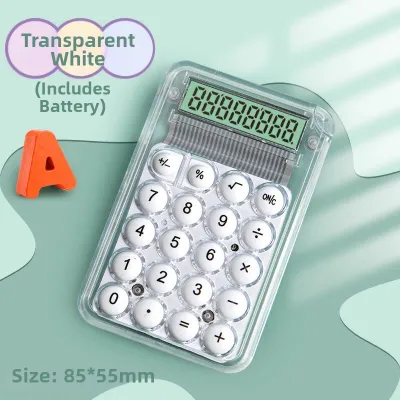

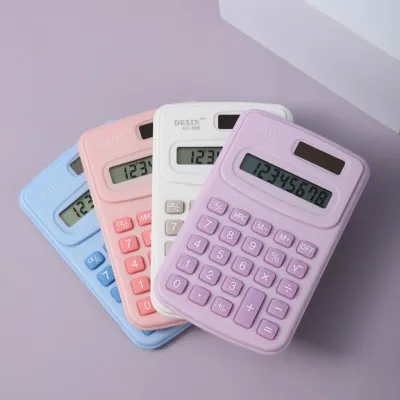
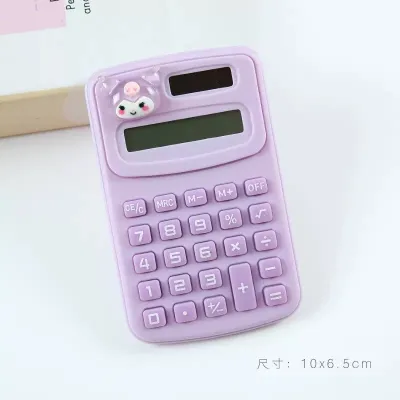
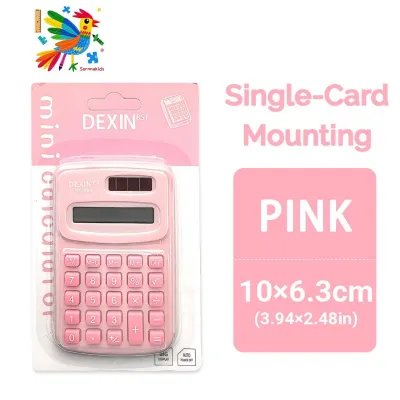

Prices are valid at publication and may change. Please refer to the product page for the latest price.
Thickness is another critical factor that dictates how easily a device slips into a crowded bag. Look for ultra-slim profiles that measure less than 1.5 centimeters thick when enclosed in their protective cases. A sturdy, slide-on hard cover is non-negotiable for student life in the Philippines, as it shields the delicate liquid crystal display (LCD) from pressure damage and prevents keys from getting snagged or damaged inside a packed bag.
Screen Display and Button Layout
Reducing the overall size of a calculator naturally results in a more compressed keyboard layout. To prevent frustrating input errors during timed quizzes, look for keys that feature a slightly domed shape and offer clear tactile feedback when pressed. Adequate spacing between individual keys, even on a mini keypad, is essential for maintaining typing speed and accuracy.
Display quality becomes even more critical as screen size decreases. Standard seven-segment LCD screens, which display numbers in blocky, digital-clock styles, can make complex multi-line equations difficult to read. Opting for a dot-matrix display allows the screen to render natural mathematical notation, such as proper fractions, square roots, and exponents, exactly as they appear in your textbooks.
Classroom lighting conditions can vary dramatically, from bright fluorescent bulbs to dimly lit lecture halls. To ensure comfortable viewing under any conditions, choose a model that offers adjustable screen contrast. Some compact designs also feature a subtle built-in screen tilt, which minimizes overhead glare and reduces neck strain during long study sessions.
Aesthetic and Design Options
Modern stationery trends have made it easier than ever to find calculators that match your personal style. Many reputable brands now offer sleek pastel finishes, clean minimalist colorways, and retro-inspired button designs that stand out from traditional, utilitarian black plastic. These stylish options allow you to coordinate your calculator with your notebooks, pencil cases, and other desk accessories.
However, aesthetic appeal must not come at the expense of long-term durability. In tropical climates where humidity and hand sweat are constant factors, cheap painted finishes on plastic casings can quickly bubble, peel, or fade. Prioritize models made from high-quality, matte-finished plastics that resist fingerprints and oil buildup.
Additionally, ensure that the visual design does not compromise the legibility of the button labels. The primary numbers and functions should feature high-contrast printing, and secondary functions (usually accessed via a “Shift” or “Alpha” key) must be clearly color-coded. If the labels are printed in faint or low-contrast colors to match a specific aesthetic, you may struggle to locate critical functions during a fast-paced exam.
Matching Calculator Features to Your Academic Needs
Not all scientific calculators are created equal, and choosing the right one depends heavily on your current level of study. Purchasing a model with too few functions can hinder your academic performance, while buying an overly complex device can lead to unnecessary confusion and higher costs.
Standard High School Math and Science
For junior and senior high school students in the Philippines, a standard scientific calculator with approximately 240 to 300 built-in functions is generally sufficient. Your device must easily handle basic trigonometric functions (sine, cosine, tangent), logarithmic calculations, and fundamental statistical operations like finding the mean and standard deviation of a dataset.
Convenience features, such as direct fraction-to-decimal conversion keys, save valuable time during chemistry and physics practical exams. It is also highly beneficial to choose a model that includes pre-programmed physical constants and unit conversions. Having quick access to values like the speed of light or acceleration due to gravity simplifies multi-step science problems and reduces the risk of manual entry errors.
Advanced Engineering and University Courses
STEM college majors, particularly engineering, architecture, and mathematics students, require a significantly more powerful tool. Your calculator must support complex number calculations, matrix algebra, vector calculations, and numerical integration or differentiation. Without these advanced capabilities, completing higher-level coursework becomes exceptionally difficult.
At the university level, a natural textbook display is virtually mandatory. This feature allows you to input and view complex, multi-tiered equations exactly as they are written in academic journals and textbooks. Seeing the entire expression on the screen simultaneously helps you identify missing parentheses or incorrect operators before executing the calculation.
Exam Compliance and Restrictions
Before investing in any stylish mini calculator, you must verify its compliance with local examination rules. In the Philippines, national standardized tests and professional licensure board exams maintain strict lists of approved calculator models. Using an unauthorized device can result in immediate disqualification from the testing room.
Prohibited features typically include programmable memory, graphing capabilities, and any form of wireless communication or data storage. These rules prevent academic dishonesty and ensure a level playing field for all examinees. Always consult the official website of your school’s department or the relevant national regulatory commission to verify that your chosen model is fully permitted for your specific exams.
Building Your Shortlist: Condition-Based Recommendations
To help narrow down your choices, it is useful to categorize potential calculators based on your primary daily requirements. By identifying your main priority—whether it is ultimate portability, visual style, or strict exam compliance—you can select a device tailored to your lifestyle.
For Maximum Portability and Everyday Carry
If your primary goal is to minimize bulk and keep your school bag as light as possible, focus on ultra-slim, lightweight models. These calculators prioritize a highly compact footprint, often utilizing thin button-cell batteries or dual-power solar panels to eliminate the need for bulky AAA batteries. Despite their small size, the best portable models maintain a comfortable key pitch that allows for efficient, two-handed typing during study sessions.
To ensure your portable calculator is always ready when you need it, look for reliable auto-power-off features. This function automatically shuts down the display after a few minutes of inactivity, preserving precious battery life when the device is jostled inside a dark backpack. A durable, snap-on protective cover is also essential to prevent accidental key presses while in transit.
For Color-Coded and Visually Appealing Designs
Students who want to express their personal style should look for calculators that offer a cohesive, aesthetic design without sacrificing mathematical utility. Popular options include soft pastel shades like mint green, lavender, and powder blue, as well as clean, monochromatic minimalist layouts. These designs turn a standard school tool into an attractive desk accessory.
When evaluating these stylish models, pay close attention to how the color-blocking is applied to the keyboard. The most functional designs use distinct, contrasting colors for primary command keys (such as “Clear,” “Enter,” and the basic arithmetic operators) to help your eyes navigate the keypad quickly. Additionally, check product specifications or user feedback to ensure the plastic casing has been treated to resist yellowing and discoloration from UV exposure and natural skin oils over time.
For Strict Exam Environments
When preparing for high-stakes exams, reliability and compliance are far more important than visual flair. For these situations, select a non-programmable scientific calculator with a traditional, widely recognized layout. Standard grey, black, or dark blue models with unmodified faceplates are less likely to draw unnecessary scrutiny or delays from exam proctors during security checks.
Ensure the display is a standard, non-graphing screen to comply with strict testing regulations. Battery reliability is paramount; choose a model that uses standard, easily replaceable batteries rather than obscure button cells. It is also wise to select a calculator that features a secure battery compartment secured by a small screw, preventing the battery from accidentally popping out and disrupting your focus during an exam.
Where to Buy and What to Verify Before Checkout
When you are ready to purchase your mini scientific calculator, setting a realistic budget is the first step. In the Philippines, high-quality, entry-level compact scientific calculators generally range from ₱500 to ₱1,000, while advanced models with natural textbook displays and multi-line screens typically cost between ₱1,200 and ₱2,500. Setting your budget within these ranges ensures you receive a reliable, genuine device.
Because counterfeit calculators are common on online marketplaces and informal retail stalls, verifying seller authenticity is critical. Fake calculators often look identical to genuine models on the outside but contain cheap, faulty logic boards that can output incorrect mathematical results or fail completely during use. To protect yourself, buy only from official brand stores, authorized stationery distributors, or well-known local department stores.
Before finalizing your purchase, carefully check the warranty terms and return policies. Genuine manufacturers typically offer a warranty of at least one to two years, which should be backed by an official warranty card included in the packaging. Avoid sellers who only offer short, informal “store warranties” of a few days, as this is a common red flag for counterfeit goods.
Once your calculator is delivered or purchased in-store, perform a thorough physical and functional inspection. Check the screen for dead pixels, uneven backlighting, or bleeding liquid crystals, and press every single key to ensure they all register smoothly without sticking. Many genuine scientific calculators also feature a built-in diagnostic self-test mode—usually accessed by pressing a specific combination of keys, such as holding down “Shift,” “7,” and “On” simultaneously—which allows you to verify the screen pixels and internal logic before you begin using the device for your coursework.
Frequently Asked Questions (FAQ)
Can I use a mini scientific calculator for board exams in the Philippines?
Physical size alone does not determine whether a calculator is allowed in national board exams. Instead, regulatory boards evaluate a device based on its internal capabilities, specifically banning programmable memory, graphing functions, and wireless communication. To ensure your mini calculator is permitted, you must cross-reference its exact model number with the official, updated list of allowed calculators published by the professional regulatory commission overseeing your specific field of study.
Do smaller calculators have fewer functions than standard ones?
Many compact or mini scientific calculators use the exact same internal microchips and logic programming as their full-sized counterparts, meaning they offer the same number of mathematical functions. The primary differences are entirely physical, such as smaller buttons, a more compressed keyboard layout, a smaller screen area, and the use of compact button-cell batteries instead of standard AAA batteries. Always review the manufacturer’s official specification sheet to confirm the exact function count and feature set before purchasing.
Community discussion
Share your experience or ask a question. Comments are reviewed before publication.