
Finding a reliable talking calculator with large buttons in the Philippines requires balancing physical accessibility, audio quality, and online purchasing safety. For individuals with visual impairments, low vision, or senior citizens managing household expenses, standard calculators can be frustratingly difficult to use due to tiny keys and hard-to-read screens. A dedicated talking calculator solves these challenges by reading out each keypress and final calculation aloud, providing immediate auditory confirmation. Because these specialized devices are rarely found in physical stationery shops, buyers must rely on online marketplaces, making it essential to know exactly how to evaluate their features from a digital listing.
When choosing a talking calculator, the goal is to find a device that promotes independence and reduces input errors. A successful purchase depends on verifying the physical layout, the clarity of the voice synthesizer, and the ease of daily maintenance. By focusing on specific design elements rather than generic product titles, you can secure an accessible tool that fits comfortably into daily routines.
Core Accessibility Features to Look For
An effective talking calculator must do more than simply announce the final result of an equation. The most critical accessibility feature is real-time auditory feedback for every single keypress. When a user presses a number or an operational key, the device should instantly speak that input aloud, allowing the user to detect and correct typing mistakes immediately before proceeding with the calculation.
Products mentioned in this guide
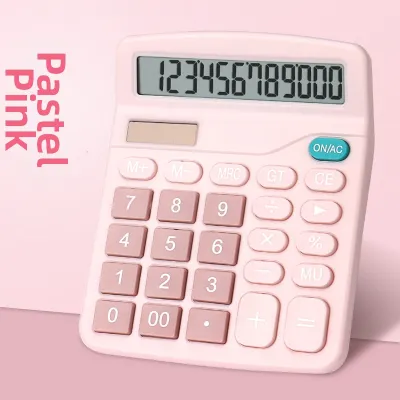
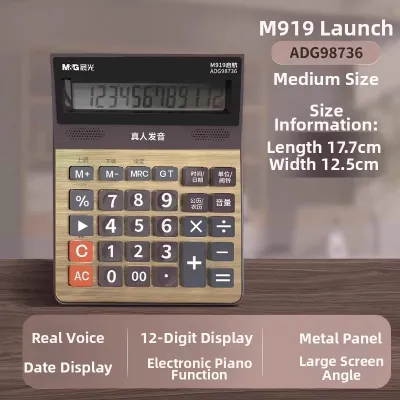
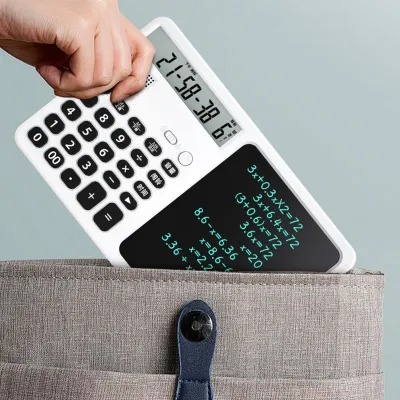
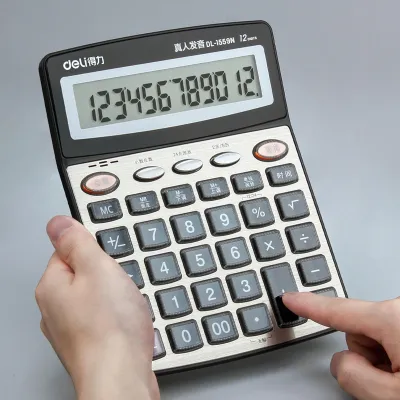
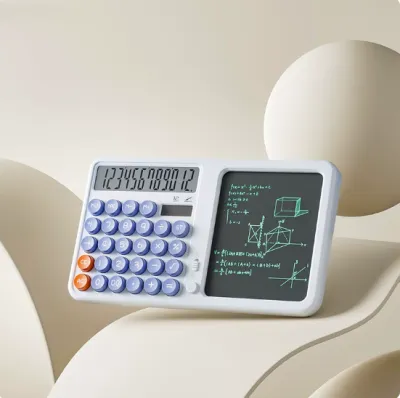
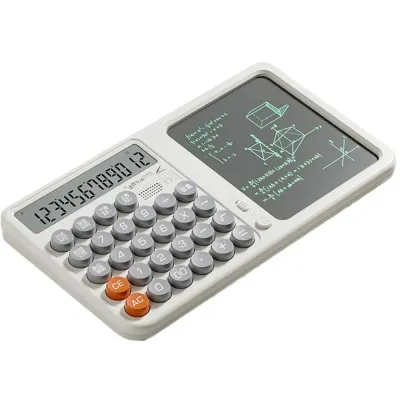
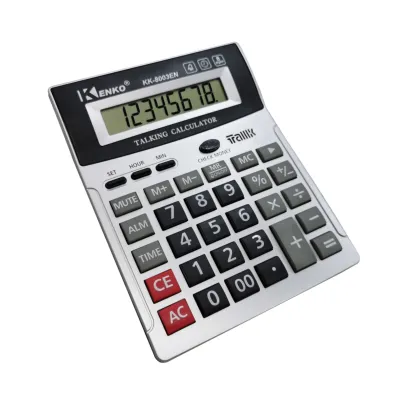
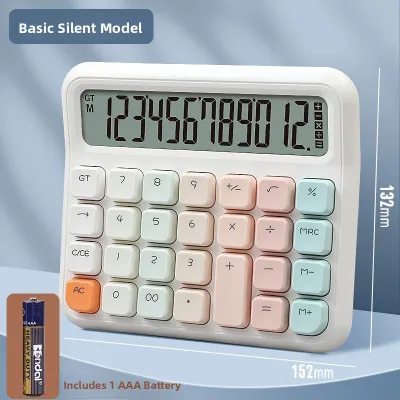
Prices are valid at publication and may change. Please refer to the product page for the latest price.
Memory recall and repeat functions are equally vital for auditory verification. A dedicated repeat key allows the user to hear the entire entered equation or the final sum again without having to clear the screen and restart the calculation. This is particularly helpful for complex, multi-step tasks like tracking monthly utility bills or balancing a household budget, where losing track of a single number requires starting over.
Physical orientation is another cornerstone of accessible design. High-quality talking calculators feature a distinct tactile indicator, typically a raised dot or bar, on the “5” key. This physical landmark serves as the home row anchor for the user’s hand. By feeling for the raised dot on the “5” key, a user with low vision or complete blindness can orient their fingers and navigate the entire numeric keypad without needing to look at the device.
Additionally, adjustable volume controls are non-negotiable. The calculator should feature a physical dial or a multi-level button system to adjust the speaker volume. This ensures the device remains usable in noisy environments, such as busy local markets, while allowing the volume to be turned down in quiet spaces like libraries or shared offices.
Evaluating Button Size, Spacing, and Tactile Feedback
When evaluating a calculator’s physical design, button size and spacing are critical to minimizing typing errors and reducing hand fatigue. Standard desktop calculators often crowd keys together, which increases the risk of pressing two buttons at once. An accessible calculator should feature oversized keys with generous physical separation between them, allowing users with limited fine motor skills to press individual buttons cleanly.

To ensure the buttons are sufficiently large, always check the product dimensions listed in the specifications. A reliable large-button calculator typically features individual keys that measure at least 1.5 to 2 centimeters in width and height. The physical body of the calculator itself should be wide enough to support a spacious layout, preventing the keys from feeling cramped.
High-contrast color schemes are essential for users with low vision. The most effective designs utilize high-contrast pairings, such as bold yellow keys with black numbers, or matte black keys with large white numbers. This stark contrast makes the keys stand out clearly against the calculator’s body, reducing eye strain and helping users locate specific functions quickly under various lighting conditions.
In the tropical climate of the Philippines, high humidity and sweat can cause cheap printed labels on keys to fade or rub off over time. When browsing listings, look for calculators that feature double-injection molded keys or keys with protective UV coatings. These manufacturing methods ensure that the high-contrast numbers remain permanently visible, even after years of daily use.
Furthermore, the physical feedback of the keys matters. Keys should have a deep travel distance and a distinct, springy click when pressed. This tactile response, combined with the spoken audio, provides double confirmation that a keypress has been registered, preventing accidental double-entries.
Audio Clarity and Output Options
The usefulness of a talking calculator depends entirely on the clarity of its voice module. Many budget-friendly models utilize highly compressed audio chips that produce muffled, robotic, or distorted sound, especially when the volume is turned up. It is important to seek out devices that offer clear, natural-sounding pronunciation of numbers and mathematical operations.
Verify the language and accent of the voice module before purchasing. Most talking calculators sold on local ecommerce platforms default to English voice outputs. However, some imported models may feature accents or default language settings that are difficult to understand. Reading user reviews and watching uploaded video demonstrations are the most reliable ways to verify that the spoken numbers are pronounced clearly and at a comprehensible speed.
For users who plan to use their calculator in public or shared spaces, a standard 3.5mm headphone jack is an invaluable feature. Plugging in a simple pair of earphones allows for private use in classrooms, offices, or quiet study areas without disturbing others. It also ensures that the user can hear the audio output clearly without background noise interference.
When reviewing product specifications, check if the device has a dedicated speaker grill on the front or top face. Speakers located on the bottom of the calculator can become muffled when the device is placed on a soft surface, such as a tablecloth or a lap, significantly reducing audio clarity.
Power Management and Battery Accessibility
Power configuration plays a major role in the long-term usability and maintenance of a talking calculator. While standard calculators often rely entirely on solar power, talking calculators require significantly more energy to run their voice synthesizers and speakers. As a result, solar panels on these devices are usually secondary, and a reliable battery source is required for consistent performance.
Most accessible calculators run on standard AA or AAA batteries, which are widely available in local supermarkets and convenience stores across the Philippines. Avoid models that rely solely on specialized button-cell batteries, as these can be difficult to find and replace, especially for users with limited dexterity.
Assess the design of the battery compartment. For senior users or those with arthritis, a battery cover that slides and clicks into place without requiring a tiny screwdriver is highly preferred. However, the compartment cover must still be secure enough that it does not pop open easily if the calculator is accidentally dropped.
An automatic shutoff feature is essential for preserving battery life. Because users may forget to turn off the device, the calculator should automatically enter a low-power sleep mode after a few minutes of inactivity. This prevents the batteries from draining completely overnight and ensures the device is always ready for use when needed.
How to Verify Listings on E-Commerce Platforms
Shopping for accessibility devices on online marketplaces requires a cautious and methodical approach. Because you cannot physically handle the calculator before buying, you must learn to analyze listings to separate genuine accessibility tools from standard office equipment that has been mislabeled.
When searching on local ecommerce platforms, use specific search terms to filter your results. Phrases like “talking calculator for blind,” “large button voice calculator,” or “low vision desktop calculator” are more effective than generic terms like “big calculator.” These targeted searches help bypass standard desktop models and bring up specialized accessibility products.
Always verify the actual physical dimensions of the calculator in the product description rather than relying on listing photos. Sellers often use deceptive perspective tricks or photoshopped images to make a standard-sized calculator appear massive. Look for the technical specifications section and confirm that the overall width and length of the device match your expectations for a large-format desktop tool.
Be vigilant about red flags in product descriptions. Some low-cost listings use the word “talking” in their titles, but a closer look at the specifications or customer reviews reveals that the device only emits a basic electronic beep when keys are pressed. A true talking calculator will explicitly state that it features “voice output” or “spoken English numbers.”
Finally, prioritize listings that include detailed customer reviews with real-world photos and videos. These reviews provide authentic insights into the actual volume level, voice clarity, and button feel of the calculator. Checking the seller’s rating and reading their return policy will also give you peace of mind in case the device does not meet the user’s specific accessibility needs upon arrival.
Frequently Asked Questions (FAQ)
Do talking calculators require special batteries?
No, most talking calculators do not require specialized batteries. They typically run on standard AA or AAA alkaline batteries, which are widely available in local stores. It is always best to check the product specifications or the user manual to confirm the exact battery requirements. Look for models with tool-free, slide-open battery compartments to make replacements quick and easy.
Can I connect a talking calculator to external speakers?
Yes, if the talking calculator is equipped with a standard 3.5mm audio output jack, you can connect it to external speakers or a pair of headphones. This physical port allows you to amplify the sound for a larger room or keep the audio private. Wireless Bluetooth connectivity is highly uncommon in standard talking calculators, so you should verify the presence of a physical headphone port in the product specifications.
How do I clean large buttons without damaging the voice module?
To clean the calculator safely, use a slightly damp microfiber cloth to wipe down the large buttons and the exterior casing. Avoid spraying water, cleaning alcohol, or liquid solvents directly onto the device, as liquid can easily seep into the speaker grill or the gaps around the buttons, damaging the internal voice module. Always consult the manufacturer’s guidelines for specific maintenance instructions.
Community discussion
Share your experience or ask a question. Comments are reviewed before publication.