
Selecting the right Canon transparent calculator requires a clear understanding of your daily calculation volume, your typical working environment, and your specific academic or professional requirements. While transparent and semi-transparent designs offer a striking, modern aesthetic that showcases the internal circuitry and components, their practical value depends heavily on display readability, key layout, and power reliability. In tropical climates like the Philippines, where high humidity and ambient temperatures can affect electronic devices over time, choosing a model with robust build quality and a reliable power configuration is essential for long-term utility. By evaluating how you intend to use the device—whether for quick retail transactions, daily office budgeting, or classroom learning—you can identify the form factor and feature set that will serve you best.
Identifying Your Core Calculation Needs
Before browsing specific models, it is crucial to define the primary tasks your calculator will perform. Daily arithmetic tasks in a retail shop, a local sari-sari store, or a home office require basic functions such as addition, subtraction, multiplication, division, and percentage calculations. These tasks do not demand complex mathematical formulas, meaning a standard desktop or pocket calculator with a clean, uncomplicated layout is highly efficient. On the other hand, academic coursework in high school or college often introduces algebraic, trigonometric, or statistical problems that require advanced functional capabilities.
The scale of the numbers you handle daily dictates the required display capacity of your calculator. An 8-digit display is generally sufficient for basic household budgeting, small business transactions under ₱50,000, and introductory school math. However, if you work in corporate accounting, financial planning, or scientific fields where you regularly manage larger figures or require high decimal precision, a 12-digit display is necessary. A larger digit capacity prevents the frustration of screen truncation and rounding errors, ensuring that your final calculations remain accurate and reliable.
Products mentioned in this guide
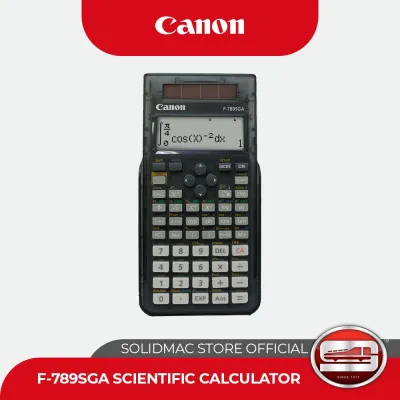
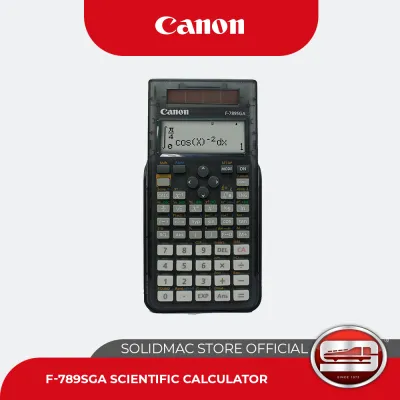
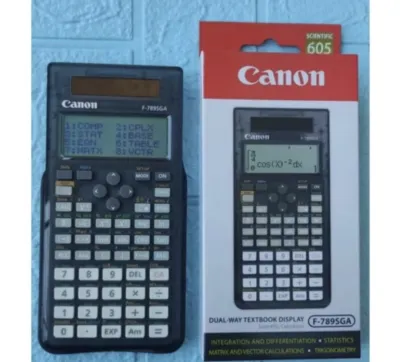
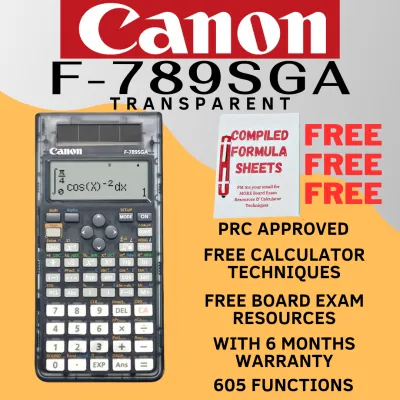
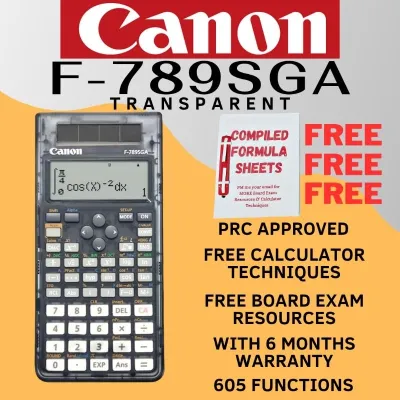
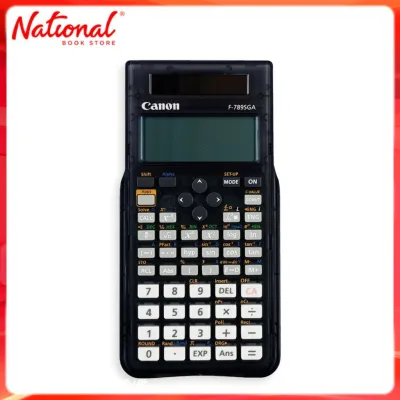
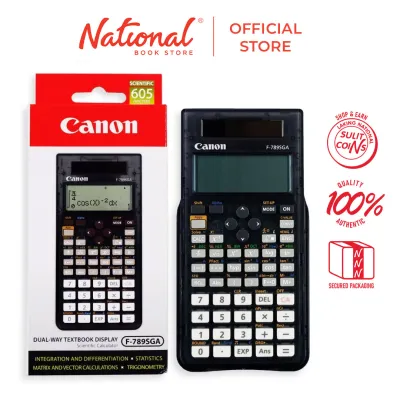
Prices are valid at publication and may change. Please refer to the product page for the latest price.
Portability is another key factor that influences your choice. If you are a student moving between different classrooms or a professional conducting field assessments, a compact, lightweight calculator that fits easily into a pocket or pencil case is highly advantageous. Conversely, if your work is primarily stationary, a larger desktop model offers superior stability. Desktop calculators feature a wider footprint, rubber feet to prevent sliding on smooth wooden or glass desks, and often an angled display that reduces neck strain during extended periods of use.
Essential Specifications to Compare
When evaluating transparent or semi-transparent calculators, technical and physical specifications play a major role in user satisfaction. Display technology is the first point of comparison. Because transparent casings can sometimes reflect light differently than solid-colored models, screen contrast is vital. Look for liquid crystal displays (LCDs) that offer sharp, dark digits and wide viewing angles. This ensures that whether the calculator is lying flat on a desk under bright fluorescent office lights or held at an angle in a sunny classroom, the numbers remain perfectly legible without causing eye strain.

The power source configuration directly impacts the reliability of your calculator. Solar-only models are highly eco-friendly and eliminate the need for battery replacements, but they rely entirely on adequate ambient light. In dimly lit offices, evening classes, or during rainy afternoons when natural light is limited, a solar-only screen may fade or turn off. Dual-power systems, which combine a solar panel with a small backup battery (such as a button cell), offer the best of both worlds. The device runs on solar energy whenever possible and seamlessly switches to battery power in low-light conditions, preventing sudden shutdowns mid-calculation.
Key layout and tactile feedback are essential for typing speed and accuracy. A standard office layout ensures that your fingers can find the correct keys instinctively without constant visual checks. Pay attention to key travel—the distance a key moves when pressed—and look for keys that offer a distinct, springy bounce. This tactile feedback helps prevent double-entry errors or missed keystrokes. For business and financial tasks, specialized keys such as double-zero (00), mark-up (MU), and grand total (GT) can significantly streamline your workflow.
Build quality is particularly important for transparent electronics. The clear plastic casing, typically made of acrylic or polycarbonate, must be durable enough to withstand daily wear, accidental drops, and scratches from being carried in a bag with keys and pens. Over time, exposure to ultraviolet (UV) light from sunshine can cause some clear plastics to yellow or become brittle. Checking for UV-resistant materials and robust casing seams will help ensure your calculator maintains its pristine, high-tech appearance for years to come.
Matching Canon Calculator Categories to Your Use Case
Aligning your specific user profile with the correct category of Canon calculators ensures that you do not overpay for unnecessary features or end up with a device that falls short of your needs. Basic and desktop models are the ideal choice for retail environments, administrative offices, and home budgeting. These models prioritize user comfort with large, easy-to-read screens and spacious keypads that accommodate rapid data entry. Their sturdy construction makes them excellent fixtures on a reception desk, a checkout counter, or an office workstation where quick financial calculations are a constant part of the daily routine.
Portable and mini models cater directly to users who value mobility and space-saving designs. These compact calculators are perfect for students, real estate agents, and logistics professionals who need a reliable tool for quick calculations on the go. Despite their smaller size, high-quality mini calculators maintain clear displays and responsive keys, making them highly functional for everyday tasks without adding bulk to your bag or briefcase.
If your academic or professional path requires advanced scientific or graphing capabilities, you must carefully evaluate the functional limits of transparent models. While transparent casings are highly sought after for their unique retro-modern aesthetic, they are predominantly featured in basic, pocket, or semi-scientific product lines. Advanced scientific calculators, which handle complex calculus, matrix algebra, and graphing functions, are typically designed with standard, non-transparent industrial casings to accommodate complex multi-line displays and extensive secondary key functions. Before purchasing, verify whether the transparent models available meet the specific syllabus requirements of your courses, or if you need to prioritize a standard scientific model to ensure academic compliance.
Pre-Purchase Checks and Verification
To ensure a satisfactory purchase, performing a few simple checks before finalizing your order is highly recommended. First, carefully inspect the transparent casing under a bright light. Look closely for any manufacturing imperfections, such as tiny air bubbles trapped in the plastic, hairline stress cracks around the screw joints, or internal cloudiness. A flawless clear casing not only looks better but also indicates structural integrity, ensuring the calculator can survive the occasional bump or drop.
Next, verify the functionality of the power source. If you are purchasing the calculator in a physical store, cover the solar panel completely with your hand to see if the display remains bright; this confirms that the backup battery is installed and functioning correctly. If you are buying from an online marketplace, check the product specifications to confirm whether the battery is included in the package. Additionally, inspect the battery compartment cover to ensure it fits tightly and securely, protecting the internal contacts from dust and tropical humidity.
Finally, always review the warranty terms and return policies offered by the seller. Purchasing your calculator from an authorized retailer or an official brand store on an ecommerce platform provides peace of mind, guaranteeing that you receive an authentic product rather than a low-quality counterfeit. A reliable warranty ensures that if any electronic components or display segments fail prematurely, you can easily obtain a replacement or professional after-sales support.
Frequently Asked Questions (FAQ)
How do I clean a transparent calculator casing without scratching it?
To keep your transparent calculator looking crystal clear, use a dry, soft microfiber cloth to gently wipe away dust, fingerprints, and skin oils. Avoid using paper towels, facial tissues, or rough cloths, as these can leave microscopic scratches on the clear plastic surface over time. Never apply harsh chemical solvents, rubbing alcohol, acetone, or abrasive household cleaners directly to the casing, as these substances can react with the plastic, causing it to cloud, craze, or even melt.
Do solar-powered transparent calculators work in low-light classrooms?
Solar-only transparent calculators require a sufficient level of ambient light to power their internal circuitry and keep the LCD screen visible. In dimly lit classrooms, lecture halls with projector screens, or during evening study sessions, a solar-only display may become faint or stop working entirely. To avoid interruptions during critical study hours or exams, it is highly recommended to choose a dual-power model that utilizes a battery backup when ambient light levels drop.
Are transparent calculators allowed in board exams?
Exam boards and testing authorities generally regulate calculators based on their internal processing capabilities and mathematical functions rather than their physical appearance or casing transparency. Features such as programmability, graphing capabilities, and formula storage are typically prohibited in official examinations to maintain academic integrity. Always cross-reference your specific calculator model’s functions with the official list of approved calculators provided by your exam board well in advance of your test date.
Community discussion
Share your experience or ask a question. Comments are reviewed before publication.