
Selecting the right desktop calendar for your workspace in the Philippines requires balancing physical desk space, planning habits, and environmental factors like tropical humidity. A well-chosen calendar does more than display dates; it serves as an immediate visual anchor for your daily tasks, helping you stay organized without the digital distraction of notifications. By evaluating your specific desk layout, writing preferences, and paper requirements, you can find a physical planner that seamlessly integrates into your daily workflow.
Whether you are setting up a corporate desk in a high-rise office or organizing a dedicated study corner at home, the physical presence of a calendar helps ground your daily routine. It provides a quick, friction-free reference point during phone calls, virtual meetings, or quick brainstorming sessions. Taking the time to assess your workspace constraints and planning style before purchasing ensures that your calendar remains a highly functional tool throughout the entire year.
Assessing Your Workspace and Planning Needs
Before browsing online marketplaces or visiting local stationery shops, take a close look at your physical desk setup. The amount of available surface area is the most critical constraint when choosing a desktop calendar. If your desk is already crowded with a laptop, external monitors, a keyboard, and a mouse, a large flat-laying calendar will likely feel restrictive and cluttered. Conversely, if you have a spacious, minimalist desk, a tiny standing calendar might get lost in the open space and fail to catch your eye when you need it.
Products mentioned in this guide
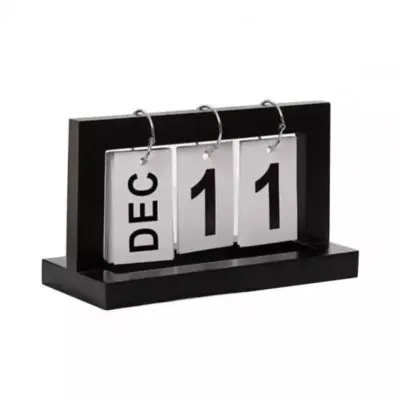
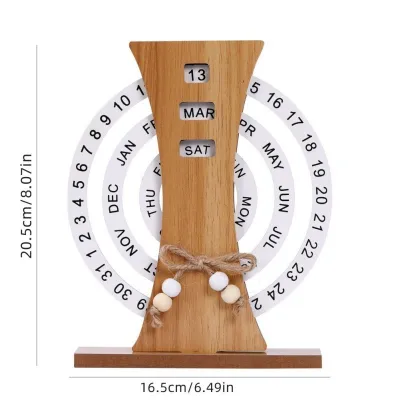
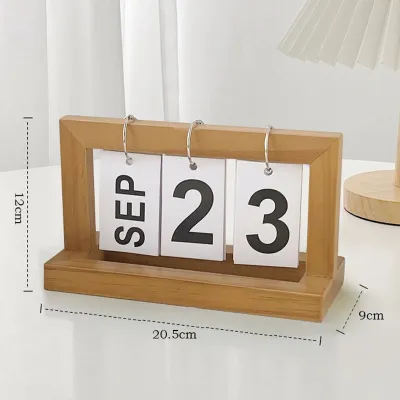
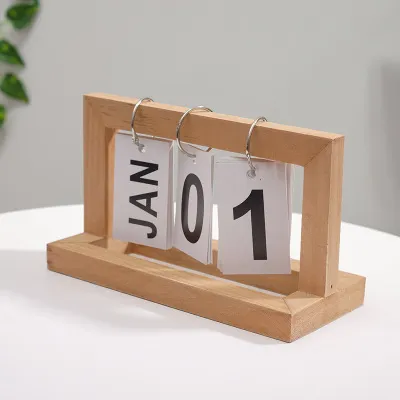
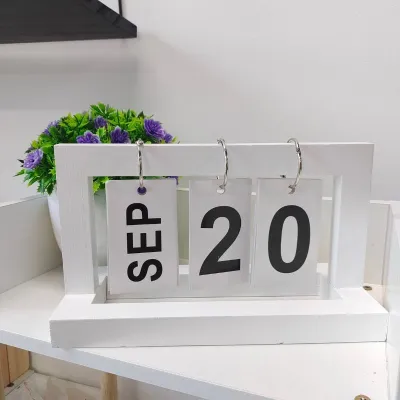
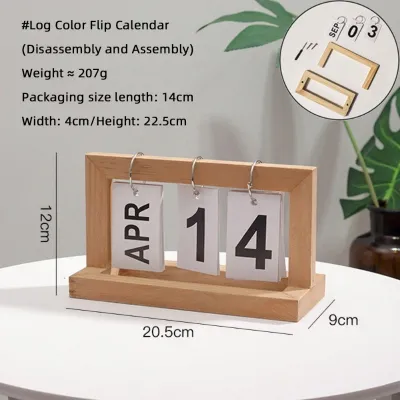

Prices are valid at publication and may change. Please refer to the product page for the latest price.
Your primary planning objective should dictate the layout and size of the calendar you choose. If you only need a quick reference to check what day of the week a specific date falls on, a compact standing calendar with large, clear numbers is highly efficient. However, if you plan to use the calendar as a primary task tracker, you will need a layout that offers spacious daily grids with enough room to write down meetings, deadlines, and daily reminders.
Visual harmony and professional appropriateness are also key considerations for your workspace. In a formal corporate office, a clean, neutral-toned calendar with professional typography and a sturdy, understated base helps maintain a polished aesthetic. For a creative home workspace, you have more freedom to choose vibrant designs, motivational themes, or customizable layouts that reflect your personal style and keep you inspired throughout the workday.
Core Formats and Layouts for Desktop Use
Standing tent calendars are the most popular format for office desks due to their space-saving design. These calendars feature a triangular cardboard base that allows them to stand upright, keeping the dates at eye level without taking up valuable desk real estate. When evaluating a standing calendar, pay close attention to the width and weight of the base. A wider, heavier base provides better stability, preventing the calendar from tipping over when you flip the pages or write down a quick note.

Flat blotter calendars lie completely flat on your desk surface and are typically much larger, often matching standard A3 paper dimensions or larger. These calendars are excellent for professionals who need a comprehensive, wide-angle view of their entire month at a single glance. In addition to their planning utility, blotter calendars serve as a protective barrier for your desk, shielding wooden or glass surfaces from scratches, coffee cup rings, and accidental ink stains. However, they require a dedicated, clutter-free area, making them less suitable for compact or highly active workspaces.
Choosing between monthly, weekly, and daily page layouts depends entirely on how deeply you plan your days. Monthly layouts provide a broad overview of deadlines, holidays, and major events, which is ideal for long-term project mapping and high-level planning. Weekly layouts offer a more detailed breakdown, providing dedicated columns or boxes for each day of the week so you can schedule specific appointments. Daily desktop calendars, often designed with tear-off pages, focus your attention entirely on the current day’s priorities, helping you maintain deep focus on immediate tasks.
Paper Quality and Writing Instrument Compatibility
Paper quality is an essential but often overlooked factor, especially in the humid tropical climate of the Philippines. High relative humidity can cause paper fibers to expand and absorb moisture from the air, which directly impacts how ink behaves on the page. When paper becomes damp from ambient humidity, it is much more prone to ink feathering, where the ink spreads outward along the fibers, and bleeding, where the ink penetrates completely through to the opposite side of the page.
To ensure your desktop calendar can handle your preferred writing instruments, always check the paper weight, which is measured in grams per square meter (GSM). Standard printer paper is typically around 70 to 80 GSM, which is highly susceptible to bleeding and ghosting when used with gel pens, rollerballs, or fountain pens. For a desktop calendar that you will write on daily, look for a paper weight of at least 100 GSM, and ideally 120 GSM or higher if you plan to use wet inks, highlighters, or colorful markers.
The surface texture of the paper also plays a significant role in drying speed and writing smoothness. Coated, ultra-smooth papers can look incredibly premium, but they often slow down ink drying times, which can lead to frustrating smudges when you close the calendar or turn the page. Uncoated, slightly textured papers absorb ink much faster, making them highly suitable for quick note-taking with standard gel pens. If you prefer using a pencil for flexible planning, verify that the paper surface allows for clean erasability without tearing the page or leaving deep, permanent indentations.
Binding, Durability, and Desk Protection
The physical construction of your desktop calendar determines whether it will survive a full year of daily handling and page turning. Wire-O and spiral bindings are the most reliable options for standing calendars. Wire-O binding uses double loops of metal wire, which allows the pages to turn smoothly and lie completely flat against the back of the calendar without curling or tearing. Spiral binding, which consists of a single continuous plastic or metal coil, is also highly durable but can sometimes cause the pages to misalign slightly over time.
The base material of a standing calendar must be rigid and heavy enough to support the weight of the pages without sagging or collapsing. Look for bases constructed from thick, multi-layered chipboard or rigid cardboard wrapped in a textured, non-slip paper. To protect your desk surface from damage, ensure that the bottom edge of the base is smooth and free of exposed metal staples, sharp plastic edges, or rough adhesives that could scratch polished wood, laminate, or glass desks.
For flat blotter calendars and tear-off daily designs, evaluate the quality of the perforation or binding glue. Perforated pages should tear away cleanly and effortlessly without ripping the remaining calendar structure or leaving messy paper scraps behind. If the calendar uses a glue-top binding, the adhesive must be strong enough to hold the pages securely throughout the year, yet flexible enough to allow you to peel away a completed month without damaging the backing board.
Building Your Conditional Shortlist
To find the perfect desktop calendar, avoid searching for a single universal winner and instead build a shortlist based on your specific working environment and daily habits. If you are shopping for a professional corporate office, prioritize minimalist designs with a highly stable, heavy cardboard base. Look for conservative layouts with clear, legible typography and ample writing space, ensuring your desk remains organized and professional during client meetings or video calls.
If you are setting up a home workspace, you have more freedom to integrate the calendar into your personal home decor. Consider options that include built-in habit trackers, goal-setting sections, or dedicated spaces for personal reflection and creative doodling. If your home desk doubles as a creative space, a calendar with thicker, mixed-media friendly paper will allow you to use colorful brush pens, stamps, and stickers without ruining the subsequent months.
Before making your final purchase, perform a few essential verification steps to ensure a perfect fit. Measure your physical desk space and compare it against the exact dimensions listed by the manufacturer. Review the paper specifications to confirm compatibility with your favorite pens, and check the calendar’s start and end months. While most calendars follow the standard calendar year, some academic or mid-year options may start in June or September, so double-checking the date range will prevent any planning disruptions.
Frequently Asked Questions (FAQ)
Can I use a desktop calendar if I primarily plan digitally?
Yes, a physical desktop calendar serves as an excellent complement to digital tools like Google Calendar, Outlook, or project management software. While digital apps are perfect for detailed scheduling, reminders, and shared team calendars, they require you to open an app or tab to view them. A physical calendar sits constantly in your peripheral vision, providing an instant, friction-free reference for dates and major deadlines without requiring you to click away from your active work window.
How do I keep a standing desk calendar from falling over?
To ensure your standing calendar remains stable, check the angle of the triangular base when fully opened. A wider base provides a lower center of gravity, making the calendar much more resistant to tipping. Avoid placing the calendar too close to the edge of your desk or in high-traffic areas where it might be easily bumped. If the base feels too light, you can place a small, heavy desk accessory, such as a paperweight or a tape dispenser, behind the base to provide extra support.
Community discussion
Share your experience or ask a question. Comments are reviewed before publication.