
Setting up an effective filing system requires matching your document types to the right storage tools, establishing a clear categorization method, and maintaining a regular sorting routine. When physical papers accumulate, they can quickly overwhelm your workspace, especially in humid tropical climates where moisture can degrade unprotected sheets. By choosing between flexible folders and rigid binders, you can create a structured environment that protects your records and allows you to retrieve any document in under a minute. This guide walks you through assessing your needs, selecting the right stationery, and building a sustainable system.
Assess Your Document Storage Needs
To build a system that actually works, you must first understand what you are storing and how often you need to access it. Documents generally fall into two categories: active files that you reference weekly, and archival files that you must keep for legal, tax, or historical reasons but rarely touch. Active files need to be within arm’s reach, while archival files can be stored in deeper storage areas.
Physical space is another critical constraint. Take a look at your desk, open shelves, or filing cabinets. In the Philippines, high relative humidity can cause paper to warp or attract pests if left loose on open shelves. If your storage area is prone to moisture, enclosed binders or plastic expanding files will serve you better than open trays.
Products mentioned in this guide
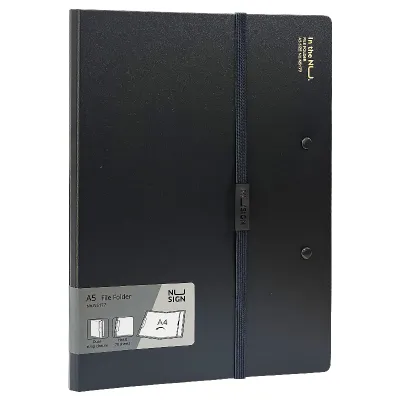
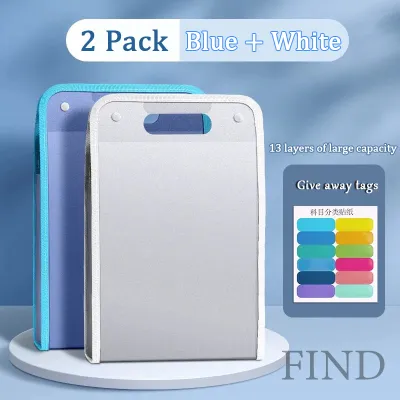
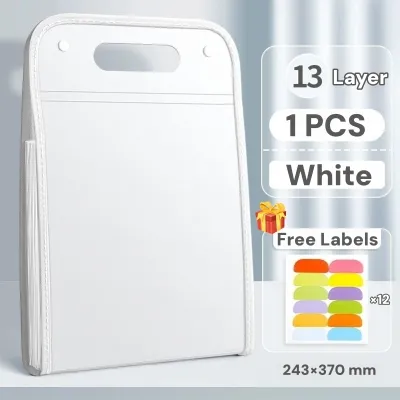
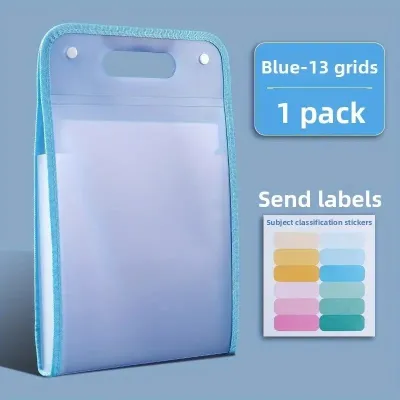
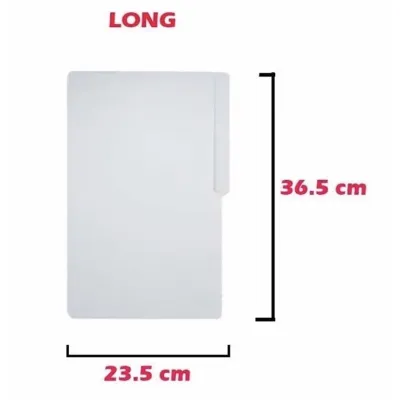
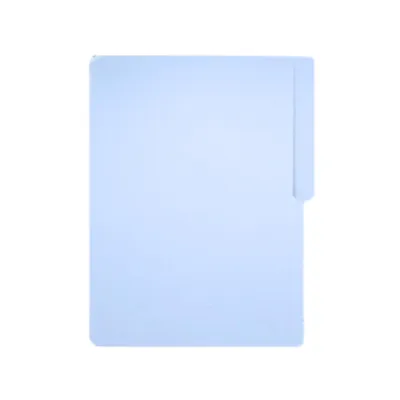

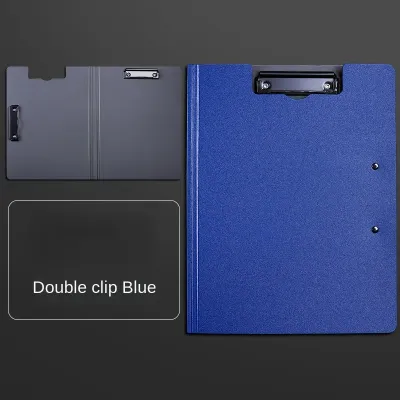
Prices are valid at publication and may change. Please refer to the product page for the latest price.
Finally, pay close attention to document formats. Standard office documents in the local market typically use A4, Letter (short), or Legal (long) paper sizes. Mixing these sizes in a single storage unit can lead to bent edges and torn pages. Measure your longest documents before purchasing any supplies to ensure they will not protrude from the edges of your folders.
Choose the Right Folders and Binders
Selecting the right stationery is a balance of utility, protection, and budget. For loose, temporary, or mixed-size documents, standard folders are highly efficient. Manila folders are lightweight and cost-effective for categorizing thin stacks of paper inside a drawer. If you need portability, expanding folders with elastic bands or snap closures keep documents secure when you are on the move. Pocket folders work well for active projects where you need to slip papers in and out quickly without punching holes.

For larger volumes of paper that require structured browsing, binders are the superior choice. The ring mechanism dictates how the pages turn and how much the binder can hold. Round rings (O-rings) are common and economical but can cause pages to sag and are best for lighter loads. D-ring binders allow pages to lie flat against the back cover, maximizing capacity and reducing wear on the paper holes. For heavy-duty archiving, lever arch binders feature a robust locking mechanism and a finger pull hole on the spine, making them easy to retrieve from high shelves.
Material choice is vital for long-term durability. Paperboard binders are affordable but can warp or peel in humid environments. Polypropylene (PP) and PVC-covered binders offer excellent water resistance and are easy to wipe clean, making them ideal for tropical climates.
When planning your budget, consider buying in bulk. Basic manila folders can be purchased in packs for a very low unit cost in ₱, making them ideal for high-volume, low-risk sorting. Heavy-duty binders represent a higher initial investment in ₱, but their durability saves money over time by protecting critical documents from environmental damage and frequent handling.
Create a Logical Categorization and Labeling System
A filing system is only as good as its searchability. Start by grouping your documents into broad, intuitive categories based on your daily workflows. For a household, these might include utilities, medical records, vehicle maintenance, and personal identification. For a business or home office, categories often align with clients, financial records, tax compliance, and active projects. Keep these main categories limited to five or six groups to avoid overcomplicating the system.
Once you have your main categories, establish a consistent sorting method. Alphabetical sorting works best for client names or project titles. Chronological sorting is ideal for financial statements, utility bills, and tax documents where the date is the primary reference point. For highly complex systems, an alphanumeric code can link physical folders directly to digital backups. Color-coding is an incredibly effective visual tool; assigning a specific color to each major category (such as blue for finance and green for personal) allows your eyes to navigate directly to the correct section instantly.
Labeling must be clear, legible, and consistently placed. Use a label maker or write in neat block letters on adhesive labels. For folders, place the labels on the tabs so they are staggered and visible from front to back. For binders, utilize the clear plastic spine inserts. Ensure the text is large enough to read from a distance of one meter, allowing you to scan your shelves quickly without pulling down multiple binders.
Step-by-Step Assembly and Filing Process
With your supplies gathered and your system planned, it is time to assemble your files. Begin by gathering all your loose papers into one central location. Before you place a single sheet into a folder, perform a thorough purge. Discard duplicate copies, outdated drafts, expired receipts, and junk mail. This step alone can reduce your storage volume by up to thirty percent, saving valuable physical space and reducing the number of folders you need to buy.
Next, prepare your documents for their new homes. If you are using binders, you will need to decide between punching holes or using clear sheet protectors. Punching holes is efficient for high-volume, low-value documents, but ensure you use a sturdy, aligned paper punch to keep the holes uniform. For important certificates, contracts, or frequently handled reference sheets, clear plastic sheet protectors are highly recommended. They prevent tearing, protect the paper from oily fingers, and shield the ink from humidity without requiring you to damage the original document with holes.
As you place documents into your binders or expanding folders, insert tabbed dividers to mark the boundaries of your subcategories. Write the subcategory name on the divider tab. If a binder contains a large volume of diverse documents, place an index sheet at the very front. This index acts as a table of contents, detailing exactly what is contained within each tabbed section, which dramatically speeds up retrieval times.
Maintain and Update Your Filing System
An organized filing system can quickly revert to chaos without a maintenance routine. Prevent paper piles from accumulating on your desk by setting a dedicated time to process incoming documents. A weekly fifteen-minute session or a monthly one-hour block is usually sufficient to file away new bills, receipts, and correspondence. Treat this time as an appointment with your productivity.
Establish clear rules for when documents should leave your active system. For example, utility bills can be kept for one year before being recycled, while tax documents must be archived for several years depending on local regulations. Keep a dedicated “To Shred” box next to your filing area for documents containing sensitive personal information, and empty it regularly.
Finally, remain flexible. Your storage needs will naturally change as your career progresses, your business grows, or your household dynamics shift. If you find that a particular folder is overflowing while another remains empty, do not hesitate to split the busy category into two separate folders or adjust your spine labels. A living, breathing filing system is one that adapts to your daily life.
Frequently Asked Questions (FAQ)
How do I prevent paper from tearing in a binder?
Paper tears easily when turned frequently on binder rings. To prevent this, use clear plastic sheet protectors for any pages you reference daily. For standard punched paper, apply self-adhesive reinforcement rings around the punched holes to strengthen the paper fibers. Additionally, never overfill your binder; leave at least ten percent of the ring capacity free so pages can glide smoothly along the rings without catching or pulling.
What is the best way to store oversized documents?
Oversized documents like blueprints, large certificates, or design drafts do not fit standard folders. Use expanding folders or dedicated archival boxes designed specifically for larger formats like A3 or legal sizes. If you must store them in standard binders, check the manufacturer’s specifications for oversized pocket inserts. Only fold documents if the paper fibers are durable enough to withstand creasing without cracking or degrading over time.
Community discussion
Share your experience or ask a question. Comments are reviewed before publication.