
To spot a fake Casio scientific calculator quickly, check the holographic security sticker on the packaging, verify that the buttons have a firm, tactile click rather than a mushy feel, and inspect the screen for crisp, perfectly aligned mathematical fonts. For absolute certainty, you can perform an on-device diagnostic test or scan the official QR code on the box to verify the serial number through Casio’s official web portal. Counterfeit units often fail these basic physical and digital checks.
Quick Answer: Verifying Your Casio Calculator
When verifying your calculator, start with a visual scan of the packaging and the device’s physical build. Genuine models feature high-definition screen fonts, consistent button resistance, and a color-shifting hologram sticker. If the physical traits seem suspicious, use the built-in QR code function or register the serial number on the official manufacturer website to confirm authenticity before relying on the device for important tasks.
Why Fake Calculators Matter for Students and Professionals
Using a counterfeit scientific calculator is a significant risk, especially during critical academic and professional milestones in the Philippines. Cheaply made clone microchips and poorly soldered logic boards can produce subtle calculation errors, leading to incorrect answers during high-stakes engineering, accounting, or science exams.
Products mentioned in this guide
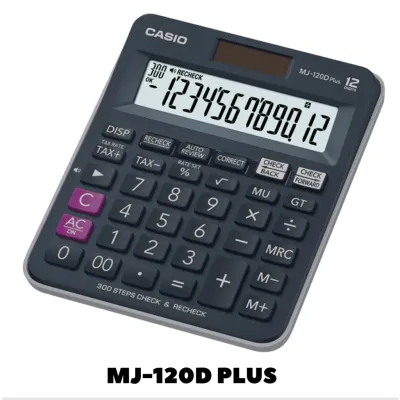
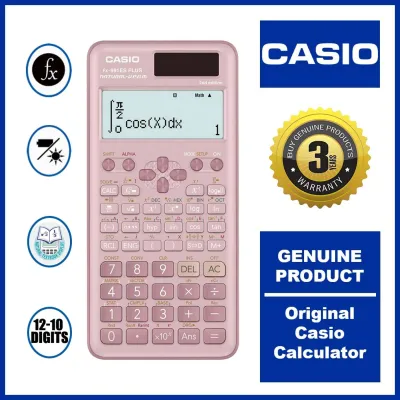
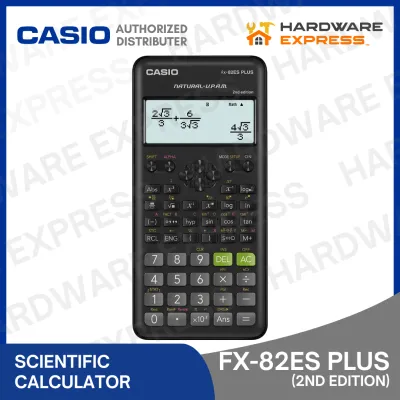
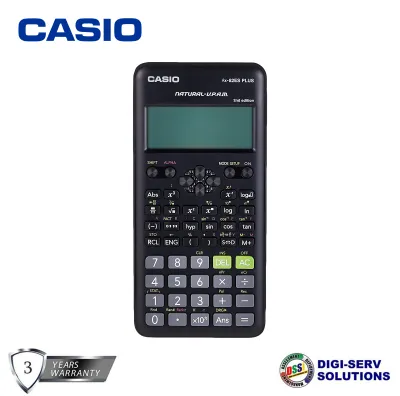
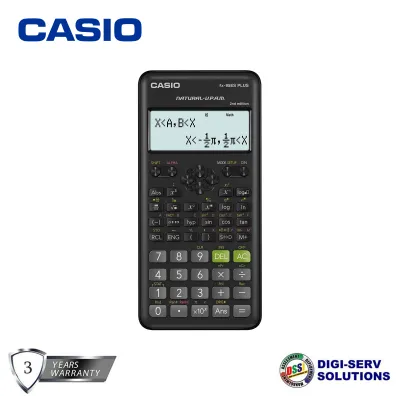
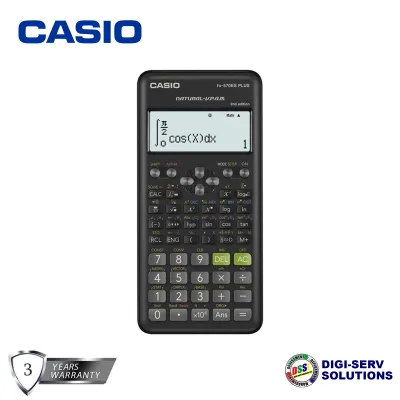
Prices are valid at publication and may change. Please refer to the product page for the latest price.

Furthermore, the Professional Regulation Commission (PRC) and school proctors strictly inspect calculators before standardized board exams. If you are caught with a counterfeit or unapproved device, it may be confiscated immediately, risking disqualification. Beyond exam day, these fake devices represent a false economy; while they cost less upfront, their fragile screens, loose battery contacts, and easily worn-out buttons mean they often fail within months, forcing you to buy a replacement anyway.
7 Signs to Identify a Fake Casio Scientific Calculator
Identifying a counterfeit calculator requires a systematic inspection of its physical build, display behavior, and packaging. While a single minor imperfection might occasionally occur due to regional packaging variations, a combination of several discrepancies is a definitive warning sign that the device is not genuine. By evaluating the calculator across these seven distinct areas, you can protect yourself from purchasing a substandard clone.
Packaging, Labels, and Print Quality
The first line of defense is the box. Genuine packaging features high-resolution printing with sharp, legible text and accurate brand colors. Counterfeit boxes often display blurry graphics, washed-out colors, and noticeable spelling errors—such as “sciencetifec” instead of “scientific”—which is a common red flag when searching for a genuine “sciencetifec calculator casio original” online.
Inspect the included user manual and warranty card. Authentic documents are printed on high-quality paper with clear, aligned text, whereas fakes often use thin, grayish paper with smudged ink. Additionally, look for the official holographic security sticker on the box, which should display a multi-layered, color-shifting pattern when tilted.
Build Materials, Weight, and Button Feedback
Pick up the calculator and feel its weight. Genuine Casio calculators use dense, high-grade matte plastics that resist bending and feel substantial in the hand. Counterfeits are typically made from cheap, lightweight, and overly glossy plastics that emit a strong chemical odor.
Next, test the keys. Authentic buttons are engineered with precise, uniform spring resistance, offering a crisp tactile click when pressed. In contrast, fake keys often feel mushy, stick when pressed at an angle, or have unevenly printed labels that are misaligned. Finally, slide the protective hard cover onto the device; a genuine cover slides smoothly and snaps securely into place without rattling, while a counterfeit cover may feel loose or require excessive force to slide on.
Screen Display and Font Clarity
Turn on the calculator and examine the liquid crystal display (LCD). Genuine screens offer high contrast, wide viewing angles, and uniform illumination, making the numbers easy to read even under bright classroom lights or dim study rooms. Counterfeit screens often suffer from uneven contrast, dead pixels, or a faint display that fades when viewed from an angle.
Pay close attention to the font of the numbers and mathematical symbols. Authentic Casio firmware uses a highly specific, clean, and pixel-perfect typeface. Fakes often display numbers with irregular spacing, pixelated curves, or incorrect font weights that look noticeably different from the official product images.
Holograms, Serial Numbers, and Back Engravings
Flip the calculator over to inspect the back casing. Genuine models feature deeply and cleanly engraved text detailing the model number, power specifications, and manufacturing origin. On a counterfeit, this text is often shallow, unevenly stamped, or simply printed on a cheap sticker that peels off easily.
If the model includes a holographic sticker on the back of the unit itself, verify that the hologram shifts colors smoothly and displays the brand logo clearly under direct light. You should also locate the unique serial number or batch code. Authentic units have these codes clearly printed or engraved, allowing you to cross-reference them with official customer support databases to confirm their legitimacy.
Official Verification Methods
When physical inspection leaves room for doubt, you can leverage official digital verification tools provided by the manufacturer. Many modern Casio scientific calculators feature a built-in QR code function. By pressing a specific key sequence (often involving the shift and menu keys on ClassWiz models), the calculator generates a unique QR code on its screen. Scanning this code with a smartphone directs you to the official Casio verification website, which will instantly display a message confirming whether the device’s internal chip is authentic.
Additionally, you can visit the official Casio Philippines website to register your product using its serial number. If the system rejects the serial number or flags it as already registered multiple times, the device is likely a counterfeit. Avoid relying on unverified third-party authenticity checker apps downloaded from unofficial app stores, as these can be manipulated by counterfeiters to show false positive results. For absolute peace of mind, contact authorized local distributors directly to verify the seller’s credentials.
Safe Purchasing Channels in the Philippines
To completely eliminate the risk of buying a counterfeit, always purchase your stationery and school supplies from authorized retail channels. In the Philippines, established physical bookstore chains and major department stores are the most reliable sources for genuine scientific calculators. If you prefer shopping online, restrict your purchases to official brand stores or certified mall sellers on major e-commerce platforms.
When evaluating third-party online sellers, look closely at their store ratings and customer feedback. Be highly skeptical of listings offering prices that are significantly lower than the standard market rate—for instance, a brand-new advanced scientific calculator listed for only ₱200 to ₱300 is almost certainly a fake, as genuine models typically retail for much more. Read the negative reviews specifically, as previous buyers will often post photos of counterfeit packaging or complain about calculation errors. Before checking out, do not hesitate to message the seller to ask for proof of authorized distributorship or confirmation that they provide an official receipt.
Steps to Take If You Receive a Fake
If you realize you have purchased a counterfeit calculator, stop using it immediately to avoid academic or professional complications. Document the evidence by taking clear, well-lit photos and videos comparing the fake device’s flaws—such as misspelled labels, mushy buttons, or display errors—against the genuine specifications.
Next, initiate a return and refund request through the e-commerce platform’s buyer protection program or visit the physical store where you made the purchase. Most major online marketplaces have strict policies against counterfeit goods and will freeze the seller’s payout while investigating your claim. Provide your documented photos and videos as proof. Finally, report the seller to the platform’s customer support and relevant consumer protection agencies in the Philippines. This helps take down fraudulent listings and protects other students and professionals from falling victim to the same scam.
Frequently Asked Questions (FAQ)
Can a fake Casio calculator pass a standardized board exam?
No, relying on a fake calculator during a standardized board exam in the Philippines is highly risky. Proctors are trained to inspect calculators for approved model lists and physical authenticity markers before the exam begins. If a proctor identifies a counterfeit device, it will be confiscated on the spot, leaving you without a calculator for the exam or potentially leading to immediate disqualification.
Do all genuine Casio scientific calculators have a hologram?
Not necessarily. While most modern Casio scientific calculators distributed in the Philippines feature a holographic security sticker on the box or the casing, some older production batches or models imported from different regions may not have them. To verify these models, rely on other physical checks like button feedback, screen font clarity, and the built-in QR code verification system.
Is it safe to buy a used Casio scientific calculator online?
Buying a used calculator online carries a higher risk of receiving a counterfeit or a damaged unit with hidden defects. If you choose to buy second-hand, arrange to meet the seller in person in a safe, public space. This allows you to perform physical checks, test every button, inspect the screen contrast, and run the diagnostic test mode before completing the transaction.
Community discussion
Share your experience or ask a question. Comments are reviewed before publication.