
Selecting the right led light pad is the fastest way to elevate your tracing, sketching, and manual animation workflows. Rather than straining your eyes against a window pane or struggling with uneven overhead lighting, a dedicated light pad provides a flat, illuminated surface that makes transferring complex designs seamless. To find a model that fits your creative habits, you must evaluate several physical and technical specifications, from the actual illuminated boundaries to the structural rigidity of the frame.
Understanding these features prevents common frustrations, such as finding that your drawing paper slips constantly or buying a device that cannot penetrate thick sketch paper. By focusing on practical usability rather than flash marketing claims, you can secure a reliable tool that supports your drawing projects for years.
Surface Size vs. Active Area: Matching Your Paper Format
When shopping for a light pad, the first specification you will encounter is the paper size rating, such as A4, A3, or A2. It is critical to distinguish between the physical footprint of the device and its “active area”—the actual illuminated zone. Many manufacturers market a device as “A3 size” based on its overall frame dimensions, but the active area itself may be slightly smaller than a standard A3 sheet (297 x 420 mm). If the illuminated zone is too small, the edges of your paper will be cast in shadow, forcing you to shift your sheets and risk misaligning your layers.
Products mentioned in this guide
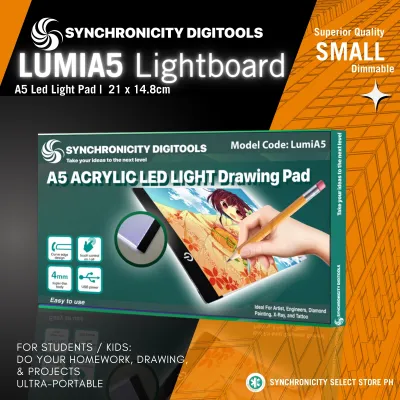
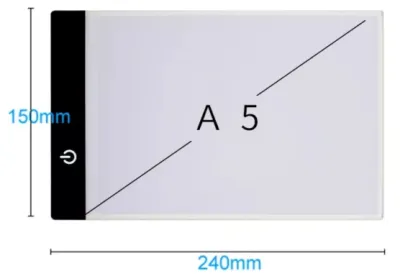
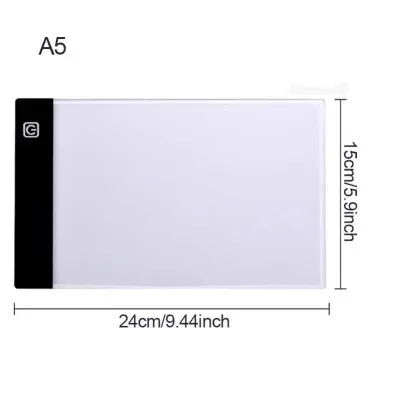
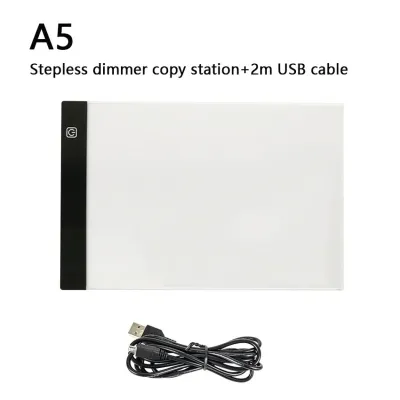
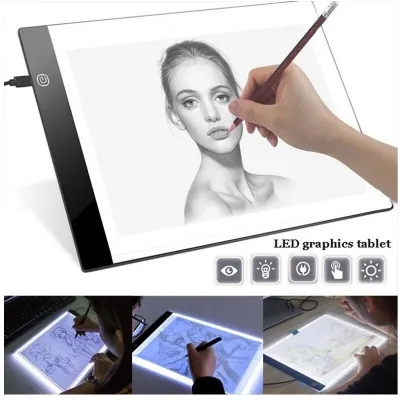
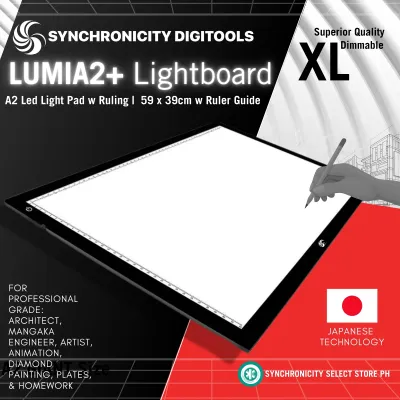
Prices are valid at publication and may change. Please refer to the product page for the latest price.
To ensure a perfect fit, compare the active area dimensions directly against your standard paper formats. An A4 light pad is highly portable and fits comfortably on smaller desks, making it ideal for daily sketching, journaling, or standard animation cels. If your work involves architectural drafts, large-scale illustrations, or arranging multiple reference sheets side-by-side, upgrade to an A3 or A2 pad. Always verify that the active area is slightly larger than your target paper size to allow room for masking tape or paper clips along the borders.
Brightness and Uniformity: Ensuring Clear Tracing Through Thick Paper
The primary job of an led light pad is to project light through multiple sheets of paper, making the underlying lines visible. The ease with which you can trace depends heavily on the paper weight, measured in grams per square meter (GSM). Standard printer paper (70 to 80 GSM) requires very little illumination to show details. However, if you work with heavy drawing papers, Bristol board, or watercolor sheets ranging from 150 to 300 GSM, you will need a light pad with high luminance. Check the product specifications for the maximum lux rating; pads offering 3,000 to 4,000 lux are generally powerful enough to penetrate medium-to-heavy art papers.

Brightness control is another essential feature. While basic models limit you to three fixed settings (low, medium, high), stepless dimming allows you to hold down the power button to smoothly adjust the luminance. This lets you match the light intensity precisely to your paper thickness and environment, preventing eye strain from a pad that is too bright or too dim.
Beyond raw brightness, you must check the uniformity of the light distribution. Low-quality pads often suffer from dark corners, edge light-bleed, or harsh hotspots directly over the internal LED strips. This uneven lighting can distort your perception of line weight and contrast while tracing. To evaluate this before buying, read user reviews specifically looking for mentions of “hotspots” or “dim edges.” If you are testing a unit in person, turn it on in a darkened room with a blank sheet of paper laid across it to verify that the illumination remains consistent from the center all the way to the outer margins.
Additionally, consider the color temperature of the LEDs. Most pads emit a cool white light (around 6,000K to 6,500K), which provides high contrast and makes pencil lines stand out clearly. If you are sensitive to blue light or frequently sketch during late-night sessions, look for a model that offers adjustable color temperatures, allowing you to switch to a warmer, softer light to protect your eyes.
Power Sources and Build: Balancing Portability with Desk Stability
How your light pad receives power dictates where you can work. Most modern pads utilize a USB connection, allowing you to run the device off a laptop, wall adapter, or power bank. This portability is highly useful in tropical climates like the Philippines, where artists often sketch in cafes or need backup power options during seasonal power fluctuations.
However, power requirements scale up with size. While compact A4 pads run perfectly on standard 5V USB power, larger A3 and A2 pads demand more energy to maintain high brightness. For these larger formats, choose models with dedicated AC adapters or robust USB-C power delivery. Relying on an underpowered USB port can result in flickering, dimming, or voltage drops.
The physical build also impacts your drawing experience. Ultra-thin profiles (around 5 mm) are highly portable but can flex or bow under heavy downward pressure from pencil shading or erasing. If your drawing style is physical, look for a light pad with a reinforced frame, rigid ABS backing, or a tempered glass surface to prevent the internal LED panels from flexing or cracking.
Surface Material: Anti-Glare and Scratch Resistance for Daily Sketching
The surface of your light pad is your direct workspace, defining your visual and tactile drawing experience. Standard pads use a glossy acrylic top layer which, while lightweight, acts like a mirror under bright overhead studio lights. This glare causes significant eye strain over long sessions. To prevent this, choose a pad with an anti-glare or frosted surface treatment that diffuses the LED light into a comfortable, matte finish.
Scratch resistance is another critical durability factor. Standard acrylic is soft and easily scarred by hard drafting pencils (such as 2H to 6H), metal compass points, or utility knives. Over time, deep scratches catch the light and create distracting glowing lines. Verify whether the pad uses hardened acrylic, a specialized PET protective coating, or a tempered glass surface. Tempered glass is highly recommended if you regularly use sharp cutting tools.
Finally, pay attention to surface texture. A completely smooth, glass-like surface offers no resistance, causing your tracing paper to slide around unless taped down securely. A micro-textured or slightly frosted finish provides a subtle grip that anchors the paper and offers tactile feedback resembling the “tooth” of traditional sketch paper. Before committing to a specific material combination, perform an observable trial: place your preferred paper on the pad and test how smoothly your pencils glide, how cleanly you can erase, and whether the paper shifts under normal drawing pressure.
Marketing Gimmicks: Specs You Can Safely Ignore
When browsing online marketplaces, you will encounter listings boasting high-tech add-ons designed to justify higher prices. One common gimmick is app connectivity or smart home integration. Controlling your light pad’s brightness via a smartphone app adds unnecessary complexity and electronic failure points. A simple, responsive physical button or touch-sensitive switch on the frame is faster and more reliable.
Be skeptical of extreme brightness claims that lack quality diffusion. Some manufacturers advertise exceptionally high lux outputs to stand out. However, without a high-quality optical diffusion plate to spread the light evenly, extreme brightness simply results in a blinding center hotspot, making the pad unusable.
Lastly, ignore novelty accessories like built-in plastic rulers, detachable phone stands, or colored light filters. Built-in rulers are rarely calibrated precisely enough for professional drafting, and extra attachments clutter your workspace. Your budget is better spent on a pad that prioritizes a rigid frame, a high-quality flicker-free LED panel, and a durable, scratch-resistant surface.
Frequently Asked Questions (FAQ)
What paper weight (GSM) can an LED light pad effectively penetrate?
A standard led light pad can easily penetrate typical tracing paper and standard printer paper (70 to 80 GSM) even at low brightness settings. For heavier drawing mediums, such as 150 GSM sketch paper or 300 GSM watercolor paper, you will need a pad rated for higher luminance (around 3,000 lux or more). When working with these dense, heavy-weight papers, you should expect to set the light pad to its maximum brightness and work in a dimly lit room to ensure the underlying guidelines remain clearly visible through the thick fibers.
Is it safe to use an LED light pad for long sketching sessions?
Yes, modern LED light pads are safe for extended use as they do not emit harmful ultraviolet (UV) radiation or excessive heat. However, to prevent eye strain and visual fatigue during long drawing sessions, you must choose a pad that features flicker-free technology and an anti-glare surface. It is also vital to adjust the pad’s brightness to complement your ambient room lighting; using a highly illuminated pad in a pitch-black room creates harsh contrast that tires your eyes quickly, so always aim for a balanced, comfortable light level.

Community discussion
Share your experience or ask a question. Comments are reviewed before publication.