
Kodak photo paper comes in several distinct types categorized by finish, weight, and size, each designed to suit different printing projects and printer capabilities. Choosing the right paper requires matching the surface coating and thickness to your specific printer, ink type, and display environment. In tropical climates like the Philippines, where high humidity can affect paper handling and ink drying times, understanding these differences ensures your printed memories remain vibrant and smudge-free.
Choosing the Right Finish: Glossy, Matte, and Semi-Gloss Explained
The surface finish of your photo paper determines how light reflects off the print and how colors are perceived. Glossy finishes are highly reflective and are known for producing deep blacks, high contrast, and vibrant color saturation. This makes them excellent for family snapshots, colorful landscapes, and everyday photo albums. However, the shiny surface is highly susceptible to glare under direct lighting and easily shows fingerprints, smudges, and dust, requiring careful handling.
Matte finishes offer a completely non-reflective surface that scatters light. This texture is ideal for black-and-white photography, text-heavy layouts, and artistic prints where a classic, understated look is desired. While matte paper produces softer color reproduction and less intense contrast than glossy options, it is entirely immune to glare and fingerprints, making it highly readable from any angle.
Products mentioned in this guide
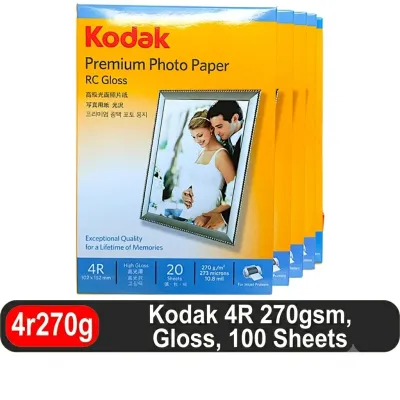
192 Lazada user ratings
Great value for money, Vibrant and sharp prints, Impressive color reproduction, Perfect for preserving precious memories, Ideal for both per…Read full reviewShow less
Great value for money, Vibrant and sharp prints, Impressive color reproduction, Perfect for preserving precious memories, Ideal for both personal and professional use, Durable and long-lasting, High-quality materials used,
Vibrant and sharp prints, Excellent photo paper quality, Impressive color reproduction, Easy to use and handle, Great value for money, magan…Read full reviewShow less
Vibrant and sharp prints, Excellent photo paper quality, Impressive color reproduction, Easy to use and handle, Great value for money, maganda pagkakabalot safe na safe yung parcel walang tupi tupi unlike sa ibang store.
good quality. pictures turned out well. bought 3 packs of it. well packaged received in good condition would buy again😆
Fast delivery… super ganda ng quality ng paper, salamat sa sellet, salamat sa rider, will order again☺️
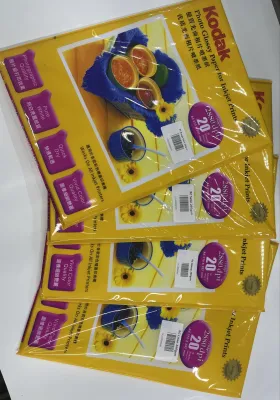
149 Lazada user ratings
Excellent color accuracy, Easy to handle and use, Enhances the details of my photos, Vibrant colors, Professional-grade paper, Excellent col…Read full reviewShow less
Excellent color accuracy, Easy to handle and use, Enhances the details of my photos, Vibrant colors, Professional-grade paper, Excellent color accuracy, Easy to handle and use, Vibrant colors, Enhances the details of my photos, Professional-grade paper, Excellent color accuracy, Easy to handle and use, Enhances the details of my photos,
Durable and long-lasting, High-quality prints, High-quality prints, Excellent color accuracy, Excellent color accuracy, Versatile for differ…Read full reviewShow less
Durable and long-lasting, High-quality prints, High-quality prints, Excellent color accuracy, Excellent color accuracy, Versatile for different types of prints, Great value for money, Easy to handle and use, Easy to handle and use, Enhances the details of my photos, Enhances the details of my photos,
Enhances the details of my photos, Vibrant colors, Durable and long-lasting, Durable and long-lasting, Versatile for different types of prin…Read full reviewShow less
Enhances the details of my photos, Vibrant colors, Durable and long-lasting, Durable and long-lasting, Versatile for different types of prints, High-quality prints, High-quality prints, Great value for money, Professional-grade paper, Smooth and glossy finish,
Professional-grade paper, Vibrant colors, Great value for money, maganda makintab tlaga sa personal maganda pagkakaprint dto inadjust ko lan…Read full reviewShow less
Professional-grade paper, Vibrant colors, Great value for money, maganda makintab tlaga sa personal maganda pagkakaprint dto inadjust ko lang brightness para ndi gaano madilim
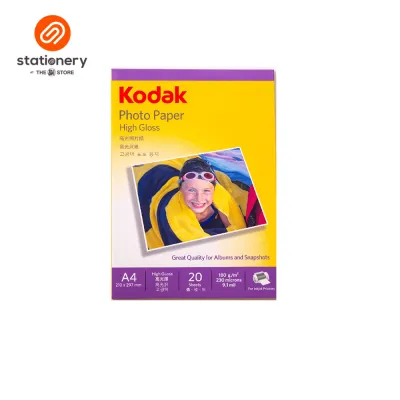
242 Lazada user ratings
Ideal for capturing memories, Produces vibrant and sharp images, Easy to use and handle, The 180gsm weight gives a sturdy feel, Perfect size…Read full reviewShow less
Ideal for capturing memories, Produces vibrant and sharp images, Easy to use and handle, The 180gsm weight gives a sturdy feel, Perfect size for photo albums, great value for money.
Easy to use and handle, Impressive print quality, Produces vibrant and sharp images, The 180gsm weight gives a sturdy feel, great value for …Read full reviewShow less
Easy to use and handle, Impressive print quality, Produces vibrant and sharp images, The 180gsm weight gives a sturdy feel, great value for money.
It's clean and packed well. Original Kodak naman sya. The prints are clear and not blurry so I'm satisfied with the item. Great value for mo…Read full reviewShow less
It's clean and packed well. Original Kodak naman sya. The prints are clear and not blurry so I'm satisfied with the item. Great value for money,
The 180gsm weight gives a sturdy feel, Ideal for capturing memories, Impressive print quality, Produces vibrant and sharp images,
Professional-looking prints, The 180gsm weight gives a sturdy feel, Quality:10/10 Design:10/10 Size:10/10 Price:10/10
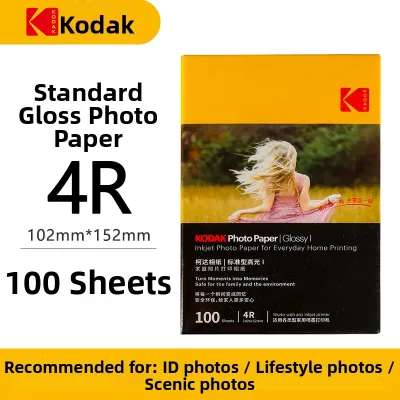
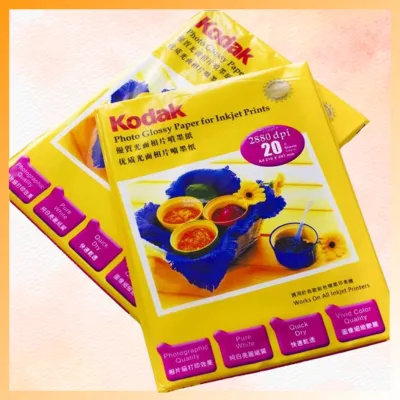
32 Lazada user ratings
Mukhang legit at maganda, same as advertised. Hindi pa nmin nabubuksan at nagagamit, sana eh maayos at compatible sa printer nmin. Sana din …Read full reviewShow less
Mukhang legit at maganda, same as advertised. Hindi pa nmin nabubuksan at nagagamit, sana eh maayos at compatible sa printer nmin. Sana din hindi magsmear ung print. Nadeliver din naman on schedule. Thank you.
Kodak pa rin ang the best, quality po ang glossy photo paper sulit po ang presyo, thanks Lazada, Seller at sa Delivery Man.
Vibrant and colorful prints, Smooth and glossy texture, Dries quickly without smudging,
very good po,salamattt
i think it's good.
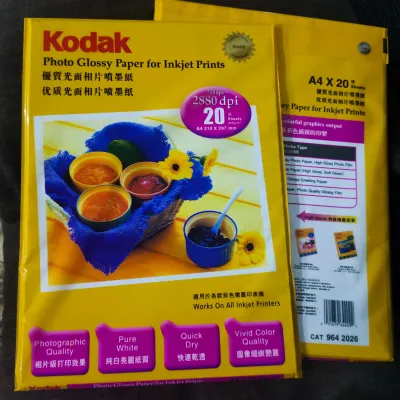
8 Lazada user ratings
Secure nakarating and mabilis shipping despite sa issues ngayon with shipping companies. 3 days lang, nasakin na agad despite Visayas area p…Read full reviewShow less
Secure nakarating and mabilis shipping despite sa issues ngayon with shipping companies. 3 days lang, nasakin na agad despite Visayas area pa ko. I tried printing din and super satisfied.
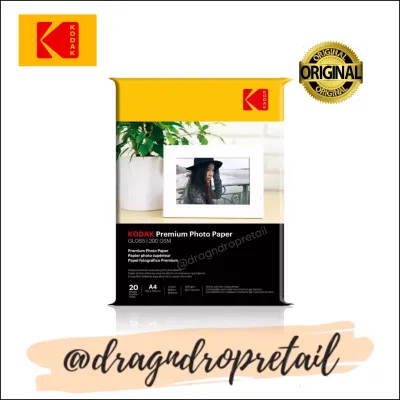
177 Lazada user ratings
Enhances the beauty of photos, Perfect for capturing memories, Vibrant colors on glossy paper, Fast-drying inkjet paper, Easy to use with in…Read full reviewShow less
Enhances the beauty of photos, Perfect for capturing memories, Vibrant colors on glossy paper, Fast-drying inkjet paper, Easy to use with inkjet printers, High-quality and durable, Professional quality prints, Perfect for photo albums,
Perfect for capturing memories, Easy to use with inkjet printers,
Vibrant colors on glossy paper, Professional quality prints,
gamit ko sya sa apg peint ng pictur.🥪🥪🥪🥪🥪🥪🥪🥪🥪🥪🧋♥️♥️♥️♥️🧋🧋🧋🧋🥪🧋♥️♥️♥️♥️
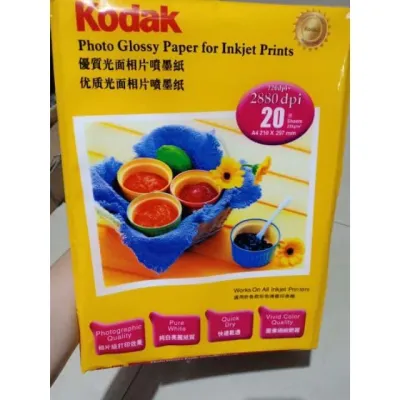
66 Lazada user ratings
Produces sharp and vibrant images, Perfect for showcasing your photos, The paper feels thick and sturdy, Easy to use and handle, Perfect for…Read full reviewShow less
Produces sharp and vibrant images, Perfect for showcasing your photos, The paper feels thick and sturdy, Easy to use and handle, Perfect for showcasing your photos, The paper feels thick and sturdy,
Medyo may kanipisan sya compare sa mga nabibili ko over the counter. I love the packaging. Safe talaga . Dito nalang Rin Ako bili sunod. Mab…Read full reviewShow less
Medyo may kanipisan sya compare sa mga nabibili ko over the counter. I love the packaging. Safe talaga . Dito nalang Rin Ako bili sunod. Mabilis maideliver.
proper na dumating ang item. medyo nagduda ako nung una pero nagsend ng pic ang seller bago ma-send kay courier. salamat po!
Picture not related. Di ko na makita sa gallery ko yung items hehhehe anyway well packed. Maganda sya. Thank you po..
Thank you seller Lazada J&t Express delivery raider’s 👍
Prices are valid at publication and may change. Please refer to the product page for the latest price.
Semi-gloss or satin options serve as a practical middle ground. These papers provide a subtle sheen that offers good color depth and contrast without the harsh reflections of full glossy paper. They are highly favored for professional portraits, school portfolios, and large-format displays where you need to reduce glare under bright overhead lights while maintaining rich, lifelike colors.
When deciding on a finish, consider how you plan to display the final print. If you intend to place the photo behind glass or acrylic in a frame, a glossy print can stick to the glazing or create distracting double reflections. Using a matte or semi-gloss finish for framed displays prevents these visual distortions and keeps the image clear.
Decoding Paper Weight and Thickness for Printer Compatibility
Paper weight and physical thickness are critical specifications that dictate how a sheet feels in your hand and how it behaves inside your printer. Paper weight is measured in grams per square meter (GSM), while thickness is typically measured in mils (thousandths of an inch) or millimeters. A higher GSM generally indicates a stiffer, heavier sheet that feels more like a traditional darkroom photograph, but it also requires more robust feeding mechanisms.

Standard inkjet printers have strict physical limitations regarding the maximum paper weight they can reliably pull through their rollers. Before purchasing heavy-weight fine art or premium photo papers, which often exceed 200 GSM or 250 GSM, consult your printer’s manual to verify its maximum supported media weight. Attempting to feed paper that is too thick can cause feed errors, roller slippage, or permanent damage to the internal feed gears.
For everyday snapshots, school projects, and quick proofs, lighter papers ranging from 120 GSM to 180 GSM are highly practical and cost-effective. For archival prints, professional portfolios, or gallery displays, heavier papers of 200 GSM to 300 GSM are necessary to provide the structural integrity needed to prevent curling and warping over time.
The physical path the paper takes through your printer also matters when dealing with heavier media. Standard bottom-loading paper cassettes force the sheet to make a sharp U-turn, which can easily cause jams with thick photo paper. If your printer features a rear-feed slot or a manual bypass tray, always use it for heavier sheets to ensure a straighter, smoother path through the print head.
Selecting the Right Size and Format for Your Output
Matching the paper dimensions to your project requirements and printer capabilities prevents wasted material and ensures clean, professional borders. Kodak photo paper is available in standard sheet sizes, including 4×6 inches (the classic size for standard photo albums), 5×7 inches (popular for desk frames), 8×10 inches, A4, and Letter size. Selecting the correct size upfront saves you the hassle of manual trimming and ensures compatibility with standard retail frames.
While desktop inkjet printers are designed for pre-cut single sheets, some advanced or large-format printers can accommodate roll paper. Roll paper is highly efficient for printing custom panoramas or high-volume batches, but it requires a printer equipped with a roll holder and a built-in cutter. For most home and office projects, single-sheet packs remain the most convenient and accessible format.
Before printing, verify that your printer’s physical paper tray guides can adjust securely to hold smaller dimensions like 4×6 inches without letting the paper skew. You should also check your printer driver settings to confirm if your specific model supports borderless printing for the selected size, as some entry-level printers require a minimum white margin on all sides.
Finally, consider the sheet count per package when planning your budget. Purchasing bulk packs of 100 or more sheets can significantly lower your cost-per-print for large school or office projects. However, if you only print occasionally, smaller packs of 20 to 50 sheets are a safer choice, as they prevent unused paper from sitting open and absorbing ambient moisture over time.
Ensuring Printer and Ink Compatibility
To achieve clean, smudge-free prints, the chemical coating on your photo paper must be compatible with your printer’s technology and ink formulation. Most Kodak photo papers are engineered specifically for inkjet printers. Never attempt to run inkjet photo paper through a laser printer; the intense heat of a laser fuser can melt the plastic-based emulsion coating, ruining the paper and potentially destroying your printer’s internal components.
The type of ink your printer uses—either dye-based or pigment-based—also affects how it interacts with the paper. Dye-based inks penetrate deep into the paper’s receiving layer, resulting in vibrant, high-gloss finishes, but they can take longer to dry in humid environments. Pigment-based inks sit on top of the paper surface, offering excellent longevity and fade resistance, but they require compatible microporous coatings to prevent the ink from smearing or rubbing off.
To get the best results, always adjust your printer driver settings to match the specific paper type you are using. Selecting “Glossy Photo Paper,” “Matte,” or “Satin” in your print dialog box tells the printer exactly how much ink to lay down. This prevents oversaturation, which can lead to pooling, muddy colors, and excessively long drying times.
Whenever you introduce a new paper-ink combination, perform a small test print on a single sheet before starting a large print run. Observe how quickly the ink dries, check for any bleeding or color shifts, and verify that the colors look accurate under natural light. This simple step saves time, ink, and paper, ensuring your final prints turn out exactly as intended.
Frequently Asked Questions (FAQ)
How should I store unused Kodak photo paper to maintain its quality?
To protect the sensitive chemical coating of your photo paper, keep unused sheets in their original plastic packaging and outer cardboard box until you are ready to print. Store the package flat in a cool, dry, and dark place, such as a drawer or cabinet, away from direct sunlight and air conditioning vents. In tropical climates, high humidity can cause the paper to warp or the coating to become sticky, so keeping the packaging sealed is essential. Avoid storing photo paper near household chemicals, solvents, or strong adhesives, as the fumes can degrade the ink-receptive layer.
Why do my printed photos look different from my screen display?
Digital screens display images using the emissive RGB (Red, Green, Blue) color model, which produces bright, backlit colors that are difficult for physical inks to replicate. Printed photos rely on reflective light and the CMYK (Cyan, Magenta, Yellow, Black) ink system, which has a narrower color spectrum. To bridge this gap, try lowering your monitor’s brightness to a standard viewing level, as an overly bright screen makes physical prints look dark by comparison. Additionally, ensure you select the correct media type in your printer driver settings to allow the printer’s color management system to accurately translate the digital image to the physical page.

Community discussion
Share your experience or ask a question. Comments are reviewed before publication.