
Selecting the right CASIO calculator with printer receipt for your business in the Philippines requires a careful analysis of your daily transaction volume, workspace constraints, and record-keeping requirements. There is no single model that fits every enterprise; instead, the ideal choice aligns with whether you manage a high-volume accounting desk in a corporate district, a compact retail counter in a bustling commercial mall, or general office bookkeeping for a local distributor. By identifying your primary administrative tasks, you can avoid overpaying for specialized features you do not need, or conversely, wearing out a light-duty machine with heavy daily workloads.
In the Philippine business landscape, maintaining clear physical records is not just a matter of organizational efficiency but also a practical step for local tax compliance and auditing. A reliable printing calculator provides an immediate, indelible audit trail that digital-only systems cannot easily replicate, especially during unexpected power interruptions or system updates. Understanding the distinct categories and technical specifications of these devices ensures that your office stationery investment remains durable, productive, and cost-effective over years of continuous operation.
Quick Answer: Matching CASIO Calculators to Business Roles
To choose the correct calculator with printer receipt, you must first evaluate your daily print volume and workspace layout.
Products mentioned in this guide
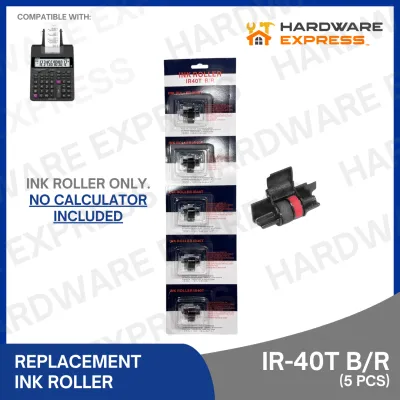
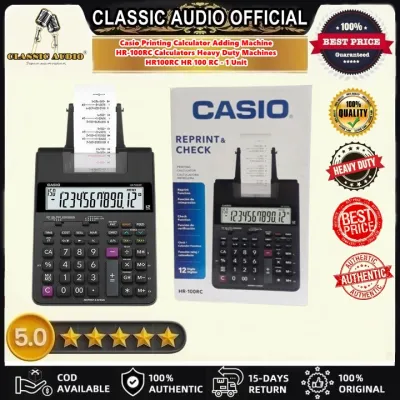
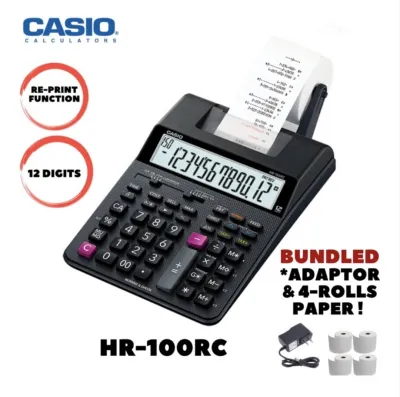
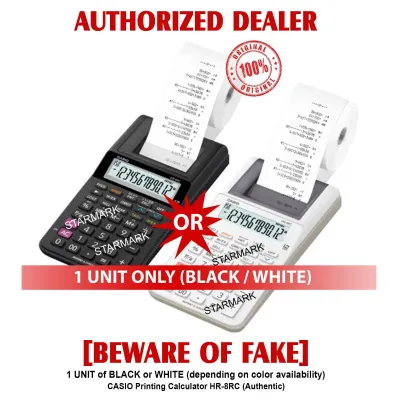
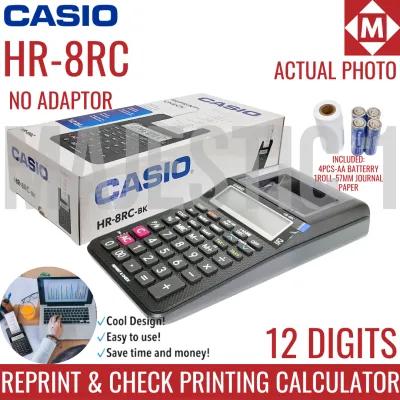
Prices are valid at publication and may change. Please refer to the product page for the latest price.
For high-volume financial departments, external auditing firms, and dedicated accounting desks, a heavy-duty desktop model is the standard choice. These units are built to run continuously, offering rapid printing speeds, robust keypads that withstand millions of strokes, and wide paper margins for complex ledger tracking.
For retail counters, customer-facing cash wraps, and pop-up shops where space is premium, a compact printing calculator is the most efficient fit. These models prioritize a smaller footprint and rapid receipt generation, allowing you to hand customers a physical record of their transaction without cluttering the counter.
For general office bookkeeping, periodic invoicing, and administrative tasks, a standard office printing calculator offers a balanced middle ground. This category provides reliable, moderate print speeds and a standard footprint, making it ideal for businesses that need physical audit trails but do not run the printer continuously throughout the day.
Key Features to Compare Before Buying
Before purchasing a calculator with printer receipt, understanding the technical specifications prevents operational bottlenecks. Different business workflows demand distinct hardware capabilities, ranging from how fast the paper feeds to how the machine handles power interruptions. Evaluating these features systematically ensures your investment supports your staff’s daily productivity.

Print Speed and Paper Width
Print speed is typically measured in lines per second (LPS). In a fast-paced retail environment or during peak business hours in a local wholesale shop, a slow printer can create frustrating delays for both staff and customers. High-volume environments benefit from speeds of 3.5 to 4.5 lines per second, which keep the workflow moving smoothly. Conversely, general office environments where calculations are performed more deliberately can operate comfortably with speeds around 2.0 lines per second.
Paper width is another critical dimension to verify before purchase. Most standard printing calculators use 58mm (or approximately 2 1/4 inches) paper rolls, which is the standard size for retail receipts and basic ledger trails. However, some specialized accounting models may accommodate wider formats or require specific roll diameters. Ensuring your preferred model uses a standard, widely available paper width prevents supply issues, especially when sourcing consumables from local office supply stores in provincial areas.
Power Source and Memory Functions
Operational reliability often depends on how the calculator is powered. Heavy-duty desktop models generally rely on direct AC power, ensuring consistent printing performance and bright displays without the risk of battery depletion. For mobile businesses, pop-up markets, or areas prone to power fluctuations, dual-power models—which combine an AC adapter with battery backup—provide essential security. This ensures that even during a sudden power outage, your calculations are preserved, and you can continue issuing receipts without disruption.
Memory and business-specific functions are the core of a printing calculator’s utility. Features such as Grand Total (GT), Mark-Up/Mark-Down (MU), Cost/Sell/Margin, and dedicated Tax Calculation keys simplify complex calculations into single keystrokes. For instance, computing the local 12% Value-Added Tax (VAT) in the Philippines is significantly faster when you can program a dedicated tax rate key. Before purchasing, verify which specific functions are mandatory for your daily bookkeeping, as saving even a few seconds per transaction accumulates into substantial time savings over a fiscal year.
CASIO Printing Calculator Categories Breakdown
CASIO categorizes its printing calculators to serve different operational scales. By understanding the design intent behind each category, business owners can select a machine built for their specific environment.
Heavy-Duty Accounting Models
Heavy-duty models are the workhorses of the financial sector, designed for continuous, high-volume operation. These machines feature heavy-duty mechanical printers that can handle hours of uninterrupted ledger work without overheating or jamming. They are typically equipped with large, comfortable keypads resembling computer numeric pads, featuring contoured keys that reduce typing fatigue for professional accountants and bookkeepers.
These professional-grade models also offer the highest print speeds, often exceeding 4 lines per second, and produce crisp, highly legible two-color prints (typically black for positive figures and red for negative values). The two-color system is invaluable during detailed audits, allowing professionals to spot deficits or deductions instantly on long paper rolls. Furthermore, these units are designed with robust internal memory systems and advanced financial functions, making them the default choice for corporate offices in major business districts like BGC or Ortigas.
Compact Retail and Point-of-Sale Models
In retail environments, space is often the most valuable asset on the counter. Compact printing calculators are engineered specifically to minimize their physical footprint while maintaining the essential ability to issue a physical receipt. These models are lightweight and often feature a streamlined chassis that fits easily alongside cash drawers, barcode scanners, or credit card terminals.
Despite their smaller size, these models do not compromise on the core functions required for customer transactions. They typically feature rapid paper feeding, clear displays that remain legible under bright store lighting, and dedicated keys for quick tax and change calculations. They are highly popular among small boutiques, local pharmacies, and family-run distributors who must comply with basic receipt-provision requirements but lack the space or budget for a full electronic point-of-sale (POS) system.
Standard Office Bookkeeping Models
Standard office models occupy the practical middle ground, offering a balanced combination of features, speed, and size. These calculators are designed for administrative staff, office managers, and business owners who perform daily bookkeeping, invoice verification, and monthly inventory checks. They do not require the extreme speed of a heavy-duty machine, nor do they need to be ultra-compact for a tight retail counter.
These models generally print at moderate speeds, typically between 2.0 and 3.0 lines per second, which is more than adequate for intermittent daily use. They use standard paper rolls and standard ink rollers, making them highly cost-effective to maintain over several years. Their keypads are spacious enough for comfortable typing, and they include all standard business keys, providing a reliable and durable solution for general office environments across the country.
Decision Framework: Which Model Should You Choose?
To finalize your purchase decision, evaluate your business operations against these specific scenarios and requirements:
- Choose a Heavy-Duty Accounting model if your business processes high volumes of complex financial data daily, requires detailed two-color paper trails for auditing, and demands the fastest available print speeds. This is the correct choice for accounting firms, large corporate back offices, and wholesale operations where the calculator is in active use for several hours each day.
- Choose a Compact Retail model if your primary constraint is counter space, and you need to provide quick, physical receipts to customers at a point of sale. This option is ideal for small retail stores, market stalls, and service businesses where the calculator must sit comfortably alongside other counter equipment.
- Choose a Standard Office model if you require a reliable, all-purpose calculator for general administrative tasks, periodic invoicing, and moderate daily bookkeeping. This category offers the best balance of performance and cost for standard office environments that do not experience continuous, high-volume printing.
- Verify first if your workspace has specific power constraints, such as a lack of nearby wall outlets, which would require a battery-operated or dual-power model. Additionally, check if your business has existing supply chains for specific paper roll sizes, as choosing a model that matches your current inventory of paper rolls can simplify procurement.
Maintenance and Consumables for Long-Term Use
Maintaining your printing calculator properly ensures clear prints and extends the lifespan of the mechanical components. In the tropical climate of the Philippines, high humidity and ambient temperatures can affect both paper and ink. For ink-based models, high humidity can occasionally slow down ink drying times, while extreme heat can cause thermal paper to degrade or fade prematurely.
Always verify whether your specific CASIO model utilizes an ink ribbon/roller mechanism with plain paper or a thermal printing mechanism. Using the incorrect paper type can result in faint prints or mechanical failures. If you are unsure of the paper compatibility, perform a simple scratch test on a paper sample (thermal paper will leave a dark mark when scratched with a fingernail) or consult the manufacturer’s model specifications before loading a new roll.
To maintain your device, keep the print head and paper compartment free of dust and paper lint by gently blowing air or using a soft, dry brush. If a paper jam occurs, always turn off the device before attempting to clear it. Gently pull the paper in the direction of the natural feed path; never pull the paper backward or use sharp metal tools like scissors or paperclips to dislodge a jam, as this can permanently scratch the print head or damage the delicate gears. For specific cleaning guidelines and approved consumable part numbers, always refer to the manufacturer’s instruction manual.
Frequently Asked Questions (FAQ)
Can I use thermal paper rolls in all CASIO printing calculators?
No, you cannot use thermal paper rolls in all models. Thermal paper is designed exclusively for calculators equipped with thermal print heads, which use heat to generate characters. If your calculator uses an ink ribbon or ink roller, you must use standard bond paper rolls. Attempting to use thermal paper in an ink-based machine will result in blank or highly smudged prints, while using plain paper in a thermal calculator will yield no print at all because there is no ink to transfer. Always check your model’s specifications to determine the correct paper type.
How do I clear a paper jam without damaging the print head?
To clear a paper jam safely, first turn off the calculator and disconnect it from its power source. Open the paper compartment cover to expose the paper feed mechanism. Gently grip the paper and pull it slowly in the natural direction of the paper feed path. Avoid pulling the paper backward through the mechanism, as this can misalign the gears or damage the feed teeth. Never use sharp objects, such as pens, scissors, or paperclips, to pry the paper out, as these can easily scratch the delicate print head. If the paper remains stuck, consult the troubleshooting section of your user manual or contact an authorized service center.
Community discussion
Share your experience or ask a question. Comments are reviewed before publication.