
Finding the right label sticker for your Nimbot B21 thermal printer requires matching both the physical dimensions of the paper compartment and the specific material requirements of direct thermal printing. This guide breaks down the essential specifications you need to check, helping you avoid blank prints, paper jams, and incompatible rolls before you make a purchase.
Physical Size Limits: Width and Roll Diameter
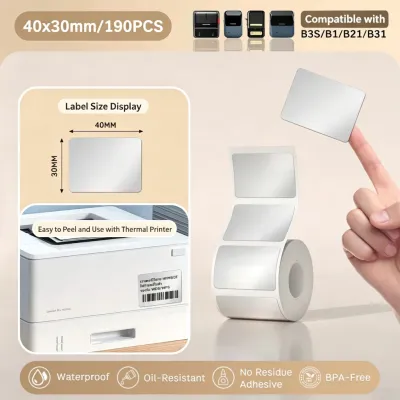
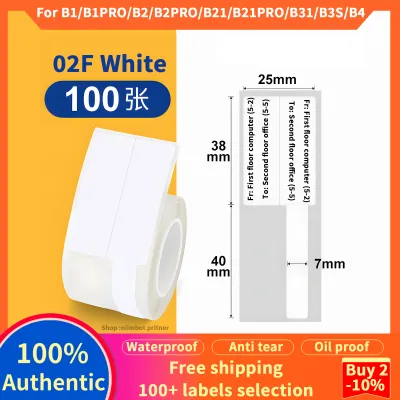
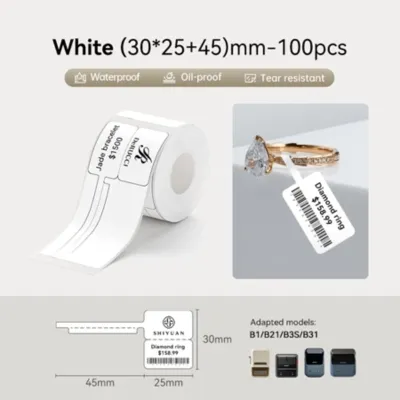
The Nimbot B21 is a compact, portable device, which means its internal paper compartment has strict physical boundaries. To ensure smooth feeding and prevent mechanical strain, any label roll you purchase must fit precisely within these dimensions. The most critical measurement to check is the paper width, which must fall within the printer’s supported range of 20 mm to 50 mm. The printer features adjustable internal guide brackets that slide to hold the roll securely; if your paper is narrower than 20 mm, the brackets cannot clamp it, leading to shifting and crooked prints. Conversely, any roll wider than 50 mm simply will not fit into the bay.
In addition to the width, you must pay close attention to the roll’s outer diameter. The paper compartment lid must latch completely shut for the feed rollers to engage and the optical sensors to align. The maximum allowable outer diameter for a roll is approximately 45 mm. If you purchase a bulk roll designed for larger desktop printers, the roll will be too thick, preventing the lid from closing. Forcing an oversized roll into the compartment creates excessive friction against the top cover, which strains the small stepper motor, causes paper jams, and leads to compressed or distorted text.
Products mentioned in this guide
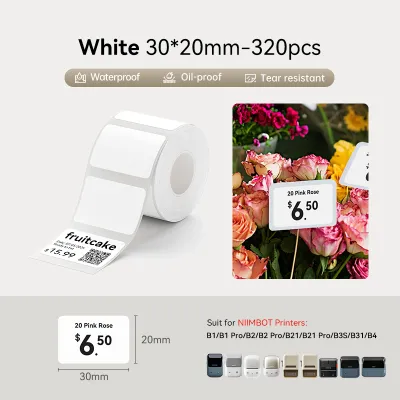
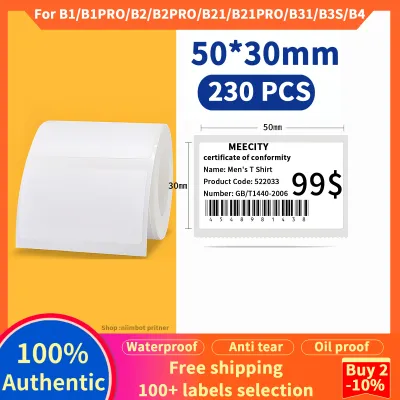
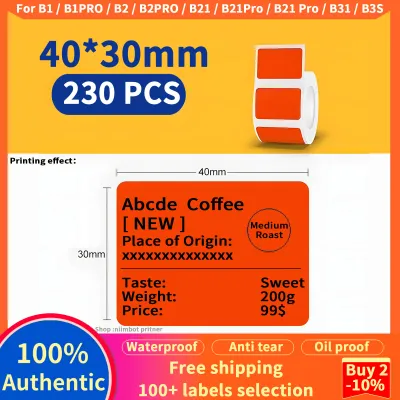
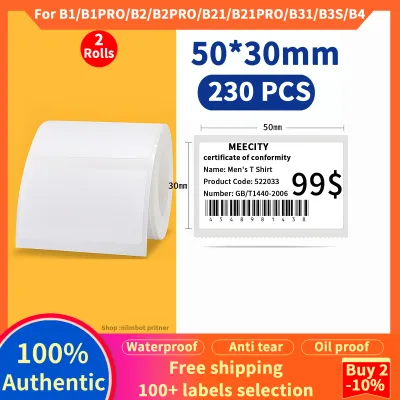
Prices are valid at publication and may change. Please refer to the product page for the latest price.
Finally, the length of individual pre-cut labels on the roll affects how the printer feeds and detects paper. The internal sensor requires a minimum label length to register the gap between stickers accurately. If the labels are too short, the printer may fail to detect the transition, resulting in continuous feeding and wasted paper. When setting up your print job, always ensure the label length matches the template dimensions configured in your mobile application to guarantee that the print starts and stops exactly where it should.
Material Compatibility: Why Thermal Paper is Required
The Nimbot B21 utilizes direct thermal printing technology, which completely eliminates the need for ink cartridges, toner, or ribbons. Instead, the printer’s thermal head applies controlled heat directly to the surface of the label. This process requires specialized thermal paper coated with a heat-sensitive chemical layer that turns dark when exposed to the printhead’s heat elements. Because of this mechanism, standard paper, vinyl, or decorative tapes will not work; passing them through the printer will result in completely blank sheets.

To verify if a mystery roll or a third-party sticker is compatible, you can perform a quick and simple scratch test. Take a fingernail or a rigid plastic edge and swipe it quickly across the printable surface of the label. The friction from a rapid swipe generates enough localized heat to leave a dark grey or black mark on genuine direct thermal paper. If the surface remains completely white and unmarked, the material lacks the necessary thermal coating and cannot be used in your printer.
Using incompatible materials does more than just produce blank labels; it can also damage your device. Non-thermal stickers often feature synthetic topcoats or adhesives that are not formulated to withstand the high temperatures of a thermal printhead. Under heat, these materials can melt or release sticky residues that cling to the printhead, leading to faded print zones, permanent heating element damage, or adhesive buildup that clogs the roller mechanism. In warm and humid tropical climates, using high-quality thermal labels with protective water- and oil-resistant coatings is especially important to prevent the printed text from fading prematurely over time.
Label Formats: Continuous Rolls vs. Die-Cut Labels
When selecting labels, you will generally choose between continuous rolls and die-cut rolls, each serving different organizational and crafting purposes. Continuous rolls consist of a solid strip of thermal paper without any pre-cut divisions. This format is highly versatile, allowing you to print custom-length labels, long banners, or decorative borders for journaling. After printing, you use the integrated manual cutter on the printer to slice the paper. When using continuous rolls, you must adjust the settings in the companion application to continuous mode so the printer does not search for non-existent gaps.
Die-cut labels are pre-cut stickers of fixed dimensions attached to a continuous backing liner, separated by small physical gaps. This format is ideal for creating uniform price tags, expiration dates, or organizing labels with clean, rounded edges. The printer’s optical sensor detects the physical gap between each sticker to automatically calibrate the starting position of the next print. To use these successfully, you must select or create a template in the companion application that matches the exact width and height of the physical stickers on your roll.
Another format you might encounter is black mark labels, which feature printed black lines on the back of the liner instead of physical gaps. These marks tell the printer’s sensor where one label ends and the next begins. Before purchasing black mark rolls, check your specific printer model’s documentation and the companion application to confirm support for black mark detection. If your device is only calibrated to detect physical gaps, it will fail to recognize the black marks, leading to alignment errors and continuous feeding issues.
How to Verify Compatibility Before You Buy
To avoid purchasing unusable rolls, always execute a quick verification checklist before finalizing your order on online marketplaces or at local stationery shops. First, carefully read the product description and packaging for explicit “direct thermal” or “thermal printing” labels. Avoid generic listings that only use terms like “sticker paper” or “label tape” without specifying the printing technology, as these are often standard adhesive papers meant for traditional inkjet printers.
Next, cross-reference the physical dimensions of the roll with your printer’s limits. Ensure the width is strictly between 20 mm and 50 mm and the roll’s outer diameter does not exceed 45 mm. Many third-party sellers list rolls as compatible with a wide range of models, but some of these listings contain errors. Verifying the actual millimeter measurements provided in the product specifications is the most reliable way to guarantee a physical fit.
Finally, open your printer’s companion mobile application and check the template library. If you are buying a unique pre-cut label size from a third-party manufacturer, verify that the application allows you to input custom label dimensions manually. Some older app versions or specific printer configurations have limited template options, so ensuring you can set custom dimensions beforehand prevents alignment issues and ensures your designs print perfectly centered every time.
Frequently Asked Questions (FAQ)
Can I use standard vinyl, glossy stickers, or washi tape in the Nimbot B21?
No, standard vinyl, glossy stickers, and traditional paper washi tapes are completely incompatible with the Nimbot B21. Because this printer does not use ink or toner, it relies entirely on the chemical reaction of direct thermal coatings to produce an image. Standard craft materials lack this thermal-sensitive layer and will remain blank. Additionally, the adhesives on standard decorative tapes are not designed to withstand the heat of a thermal printhead and can melt, leaving a sticky residue that can ruin the printer’s internal mechanism.
Does the printer support third-party thermal labels or only official ones?
Yes, the Nimbot B21 can physically feed and print on third-party or generic direct thermal labels, provided they match the required physical dimensions and sensor formats. However, using generic rolls requires extra care. You must manually verify that the roll width is between 20 mm and 50 mm and that the roll diameter fits inside the compartment. Furthermore, because official rolls often contain identification chips or standard templates within the companion app, using third-party labels may require you to manually input custom label dimensions and adjust print density settings within the app to achieve optimal print quality.
Community discussion
Share your experience or ask a question. Comments are reviewed before publication.