
When deciding between 70 GSM and 80 GSM short bond paper, the best choice depends on your specific printing and writing needs. If your primary goal is to prevent ink bleed-through and ensure clean, double-sided documents, 80 GSM short bond paper is the more reliable option. However, if you are looking for a budget-friendly paper for quick, single-sided drafts or high-volume everyday printing, 70 GSM paper is highly practical.
Understanding GSM and Short Bond Paper Basics
GSM, or Grams per Square Meter, is the standard metric used globally to measure paper density and weight. It is calculated by weighing a single sheet of paper that measures exactly one square meter. While GSM is a measure of weight rather than thickness, a higher GSM almost always indicates a thicker, denser sheet because more wood pulp fibers are packed into the same space. This density directly influences how much light and ink can pass through the paper.
In the Philippines, short bond paper is a staple in schools, offices, and government agencies. This size typically measures 8.5 by 11 inches, which is equivalent to the international Letter size standard. When purchasing paper in bulk reams, verifying both the GSM and the physical dimensions is essential. A slight mismatch in size can lead to compatibility issues with document binders, folders, and printer tray configurations, while choosing the wrong weight can affect the overall presentation of your work.
Products mentioned in this guide
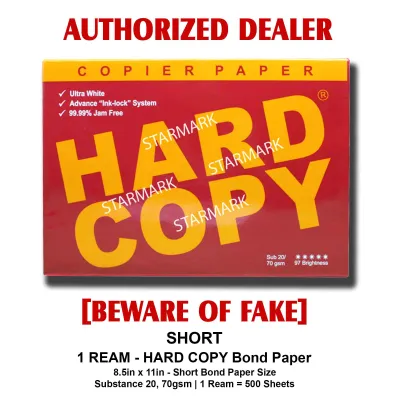
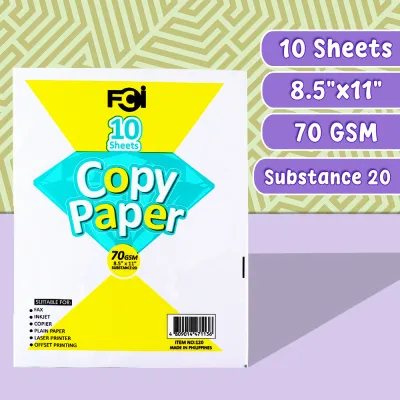
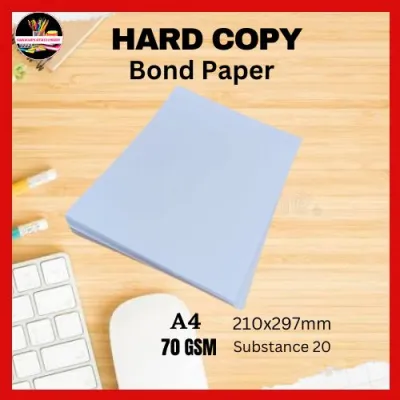
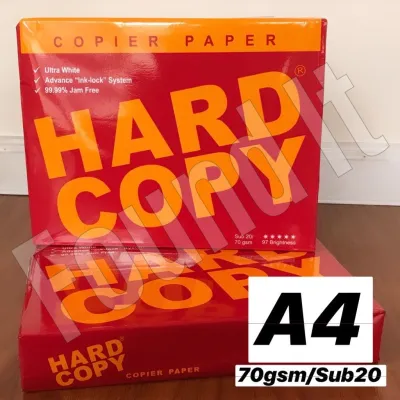
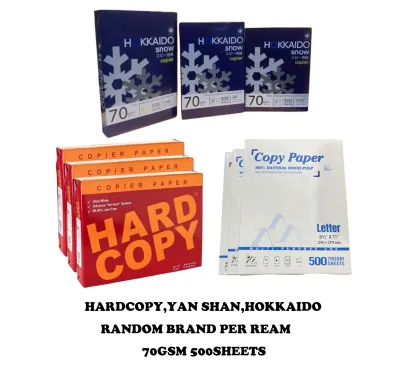
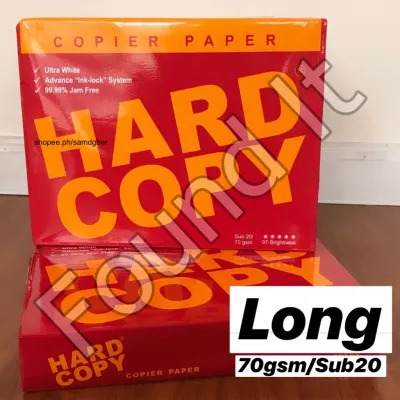
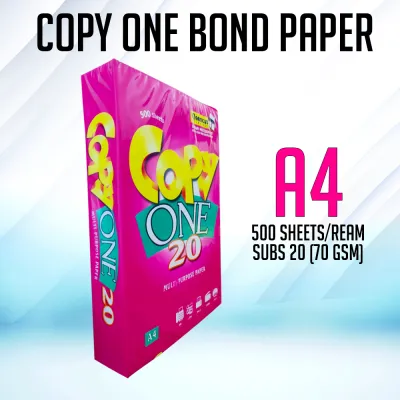
Prices are valid at publication and may change. Please refer to the product page for the latest price.
70 GSM vs 80 GSM: Thickness, Opacity, and Printer Compatibility
The physical differences between 70 GSM and 80 GSM paper are immediately apparent to the touch. An 80 GSM sheet feels sturdier, stiffer, and more substantial, whereas a 70 GSM sheet is noticeably more flexible and lightweight. This difference in density directly impacts the paper’s opacity. Opacity refers to how much light—and consequently, ink—can pass through the sheet. Because 80 GSM paper is denser, it has higher opacity, which prevents text printed on one side from showing through to the other. With 70 GSM paper, the lower opacity often results in “ghosting,” where the shadow of the text on the reverse side is clearly visible, making double-sided reading difficult.

Furthermore, printer feed mechanisms are highly sensitive to paper stiffness. Thinner, more flexible 70 GSM sheets are more prone to static cling and bending, which can cause the printer rollers to pull multiple sheets at once, leading to frustrating paper jams. The stiffer profile of 80 GSM paper allows it to glide smoothly through the feed rollers of high-speed copiers and laser printers, reducing downtime in busy office environments.
Matching Paper Weight to Your Pens and Printers
Matching your paper weight to your writing instruments and printing technology is key to achieving clean results. For everyday writing, standard ballpoint pens perform well on both 70 GSM and 80 GSM paper because they use oil-based inks that dry quickly and do not deeply penetrate the paper fibers. However, if you prefer gel pens, rollerballs, or fountain pens, the story changes. These pens use water-based or liquid inks that require more absorption time. On 70 GSM paper, these liquid inks are highly likely to feather—where the ink spreads outward along the paper fibers, creating fuzzy edges—or bleed completely through to the back of the page.
Inkjet printers present a similar challenge because they spray liquid ink onto the page. High ink saturation on a thin 70 GSM sheet can cause the paper to warp, buckle, or wrinkle as it dries. Laser printers, which use dry toner and heat to fuse the image onto the page, are much more forgiving of 70 GSM paper, though the risk of heat-induced curling remains.
To help you decide, consider this quick checklist:
- Choose 70 GSM for: High-volume internal drafts, single-sided worksheets, temporary handouts, and standard ballpoint pen writing.
- Choose 80 GSM for: Official correspondence, double-sided reports, inkjet printing, and writing with gel or fountain pens.
How to Test for Bleed-Through and Store Your Paper
To ensure you have selected the right paper before committing to a large bulk purchase, you can perform a simple at-home test. Take a single sheet of the paper and write on it using your most frequently used pens, or print a sample page with a mix of text and solid graphics. Allow the ink to dry completely, then hold the sheet up to a natural light source. Examine the back of the page to distinguish between show-through (where you can see the shadow of the ink) and bleed-through (where the ink has physically soaked through the fibers to the other side). If you observe actual bleed-through, the paper is too thin for that specific ink or printer setting.
Once you have purchased your paper, proper storage is vital, especially in tropical climates like the Philippines where high humidity is common. Paper is highly hygroscopic, meaning it readily absorbs moisture from the air. Excess moisture weakens the paper fibers, increases the risk of ink bleeding, and causes the sheets to curl or warp. Keep your paper reams sealed in their original moisture-resistant wrappers until you are ready to load them into the printer. Store them in a dry, elevated cabinet away from damp walls or floors. If you notice consistent paper jams, severe curling, or a damp feel to the sheets, these are clear stopping conditions indicating the paper has absorbed too much moisture and should be replaced.
Frequently Asked Questions (FAQ)
Can I use 70 GSM paper for double-sided printing?
While it is physically possible to print on both sides of 70 GSM paper, it is generally not recommended for professional or formal documents. The lower opacity of 70 GSM paper leads to significant show-through, making the text on both sides overlap visually and reducing readability. If you must use 70 GSM for double-sided printing, stick to light text drafts and avoid solid graphics or heavy ink coverage. For clean, legible double-sided documents, 80 GSM is the standard choice.
Does a higher GSM always mean better paper quality?
Not necessarily. GSM only measures the weight and density of the paper, not its overall quality. Other factors such as brightness, whiteness, surface smoothness, and fiber binding play a massive role in how the paper performs. A premium, well-engineered 70 GSM paper with a smooth, high-quality finish can sometimes resist ink feathering and bleed-through better than a cheap, rough 80 GSM paper with loose fibers. When choosing paper, consider both the GSM and the manufacturer’s specifications for smoothness and ink compatibility.

Community discussion
Share your experience or ask a question. Comments are reviewed before publication.