
Selecting the right hard copy bond paper A4 weight is a balance between document purpose, printer capabilities, and budget. While all A4 sheets share standard dimensions of 210 mm by 297 mm, their thickness, stiffness, and opacity vary based on their weight. This weight is measured in grams per square meter, commonly abbreviated as GSM. Understanding how these weights perform under different printing conditions prevents common office headaches like paper jams, ink bleeding, and unprofessional-looking documents.
To make an immediate decision, you can match your primary printing task to a specific paper weight. Choose 70gsm paper if you are running high-volume, single-sided print jobs such as internal drafts, temporary worksheets, or text-heavy reading materials where keeping costs low is the main priority. Opt for 80gsm paper if you need a versatile, standard sheet for everyday office operations, double-sided reports, and professional correspondence that requires a clean, reliable presentation. Select 100gsm paper when printing high-impact documents like certificates, formal presentation handouts, or marketing portfolios that feature heavy ink coverage and require a premium, substantial feel.
The physical characteristics of paper are directly tied to its GSM rating. A higher GSM indicates a denser, thicker sheet of paper, which naturally provides greater stiffness and opacity. However, weight is only one part of the equation; surface smoothness, ink absorption, and drying speed depend heavily on the specific fiber blend and manufacturing coatings used. Before purchasing paper in bulk, it is always wise to perform a quick manual test to ensure the paper’s texture and ink compatibility meet your specific standards.
Products mentioned in this guide
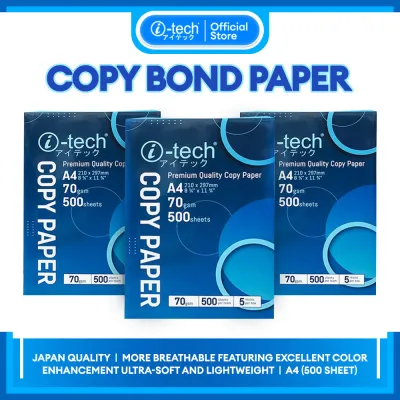
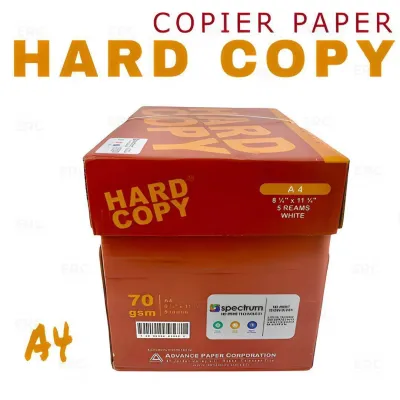
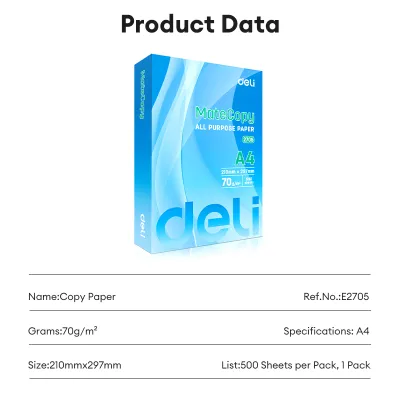
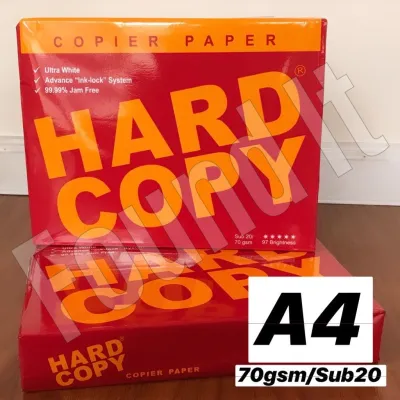
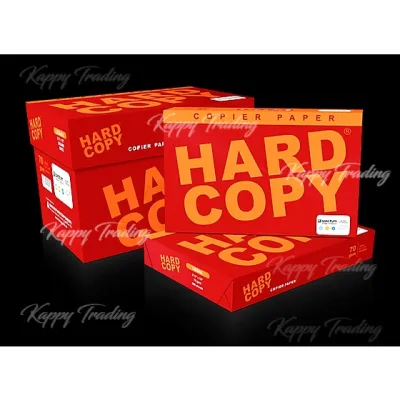
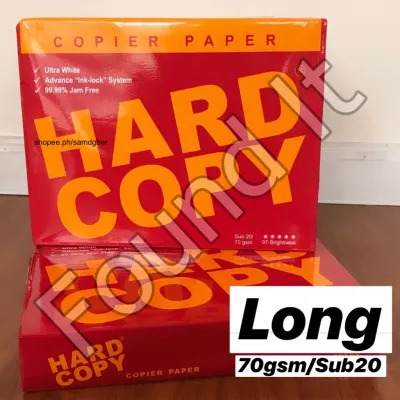
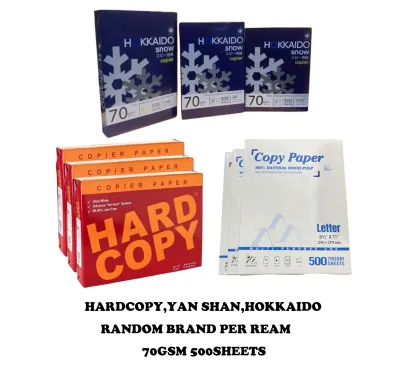
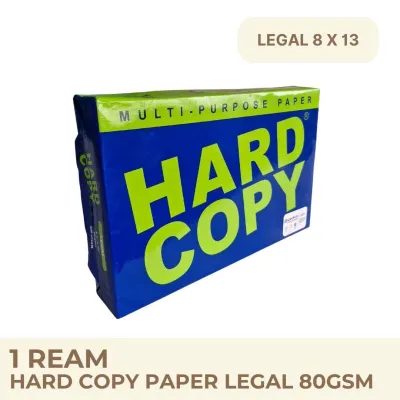
Prices are valid at publication and may change. Please refer to the product page for the latest price.
How to Choose Between 70gsm, 80gsm, and 100gsm A4 Paper
When navigating the selection of hard copy bond paper A4 options, establishing a clear decision framework saves time and prevents wasted resources. The three most common weights—70gsm, 80gsm, and 100gsm—each serve distinct roles in school, home, and office environments. Choosing the wrong weight can lead to poor print quality, excessive ink show-through, or mechanical issues within your printer’s feeding system.
To choose effectively, evaluate the final destination of your printed document. If the document is intended for quick reading and immediate disposal, such as an internal email printout or a rough draft, a lighter paper is highly practical. If the document will be handled by clients, partners, or academic evaluators, a medium-weight paper provides the necessary durability and professional feel. For high-stakes presentations, awards, or documents containing rich color graphics, a heavy-weight paper ensures the colors remain vibrant without warping the page.
Stiffness and opacity are the two primary physical traits affected by GSM. Opacity refers to how much light passes through the sheet, which determines whether text printed on one side will be visible on the reverse. Stiffness dictates how well the paper resists bending as it travels through the printer’s internal rollers. While 70gsm paper is highly flexible and slightly translucent, 100gsm paper is rigid and highly opaque, making it virtually immune to show-through even under heavy ink saturation.
70gsm A4 Bond Paper: Suitable for High-Volume Everyday Printing
The 70gsm A4 bond paper is the workhorse of high-volume environments where cost efficiency is the primary concern. This lightweight paper is ideal for printing internal memos, draft documents, personal study notes, and high-volume text files that do not require double-sided printing. Because it is thinner, a single ream takes up less physical storage space, making it easy to manage in busy offices or classrooms.

However, the lightweight nature of 70gsm paper comes with distinct limitations that you must verify in your daily workflow. The most notable drawback is low opacity, which leads to significant show-through. If you attempt to print double-sided documents on 70gsm paper, the text from the back page will often bleed through visually, making the document difficult to read. Additionally, because the paper is thin, it is more susceptible to absorbing moisture from the air, which can cause the sheets to curl and jam in high-speed copiers or older printer models.
Despite these limitations, the cost-to-value trade-off of 70gsm paper is highly favorable for budget-conscious operations. When purchasing paper in bulk, choosing 70gsm allows you to stretch your budget further, saving a noticeable amount of ₱ per ream compared to heavier alternatives. For single-sided text documents where aesthetic presentation is secondary to information delivery, this paper weight offers an unmatched level of economy.
80gsm A4 Bond Paper: The Standard for Professional Documents
The 80gsm A4 bond paper is widely recognized as the universal standard for professional, corporate, and academic documents. It strikes an exceptional balance between thickness, opacity, and feed reliability, making it the default choice for standard office copiers, laser printers, and inkjet devices. Whether you are printing formal business letters, multi-page reports, resumes, or double-sided handouts, 80gsm paper delivers a clean and polished appearance.
One of the primary advantages of 80gsm paper is its superior performance in double-sided printing. The added density compared to 70gsm paper significantly reduces show-through, ensuring that text and moderate graphics on both sides of the sheet remain crisp and legible. Furthermore, its structural stiffness allows it to feed smoothly through automatic document feeders and duplexing units without folding, tearing, or double-feeding, which minimizes printer downtime.
Before committing to 80gsm paper for your entire office, it is helpful to run a few simple verification checks. Test how the paper handles your specific office ink or toner; a high-quality 80gsm sheet should allow ink to dry quickly without feathering or smudging. It should feel substantial and professional in the hand, giving recipients a sense of quality without requiring you to adjust your printer’s default paper tray settings or media profiles.
100gsm A4 Bond Paper: Premium Choice for Presentations and Certificates
When your printing needs demand the highest level of presentation quality and durability, 100gsm A4 bond paper is the ideal choice. This premium weight is specifically designed for high-impact documents such as certificates, formal proposals, design portfolios, and marketing presentations. The extra thickness gives the paper a luxurious, heavy feel that immediately signals importance and attention to detail to anyone who holds it.
In addition to its physical appeal, 100gsm paper is highly capable of handling heavy ink coverage and high-resolution color graphics. Standard inkjet printers often deposit a large volume of liquid ink when printing full-color images, which can cause lighter papers to warp, wrinkle, or bleed. The dense fiber structure of 100gsm paper resists this moisture, allowing colors to dry flat and vibrant without compromising the structural integrity of the sheet.
However, using 100gsm paper requires careful consideration of your printer’s mechanical handling. Because the paper is significantly stiffer and thicker than standard office sheets, some printer feed mechanisms may experience difficulty pulling it from a fully loaded paper tray. To prevent misfeeds, it is often best to load fewer sheets at a time or utilize the printer’s manual feed slot or rear bypass tray, which provides a straighter path for thicker media. While the cost per ream is higher, the professional impression it creates makes it a worthwhile investment for specialized tasks.
Printer Compatibility and Paper Handling Checklist
To ensure seamless printing and avoid frustrating paper jams, it is essential to understand how different paper weights interact with your printing hardware. Not all printers are designed to handle every paper weight, and using the wrong settings can result in poor toner adhesion, ink smudging, or mechanical wear. Following a systematic checklist helps maintain both your printer’s health and your document quality.
First, always verify your printer’s maximum supported paper weight by consulting the user manual or the manufacturer’s online specifications. While almost all modern printers easily handle 70gsm and 80gsm paper, some compact home models have strict upper limits that make printing on 100gsm paper difficult. Checking these specifications beforehand prevents you from purchasing bulk paper that your machine cannot reliably feed.
Second, adjust your printer driver settings to match the specific GSM of the paper you are loading. When printing on heavier stocks like 100gsm, navigate to your computer’s print dialog box and change the media type from “Plain Paper” to “Heavy,” “Thick,” or “Bond.” This adjustment tells the printer to slow down the feeding speed and increase the fuser temperature slightly, ensuring that laser toner melts completely and adheres permanently to the thicker sheet.
Finally, proper storage and handling are critical, especially in tropical climates like the Philippines where high relative humidity is a constant factor. Paper is highly hygroscopic, meaning it readily absorbs moisture from the surrounding air. When paper becomes damp, it loses its stiffness, curls at the edges, and is far more likely to jam inside the printer. To prevent this, store your paper reams in their original moisture-resistant packaging until you are ready to use them, keep them flat on a shelf rather than directly on the floor, and only load the amount of paper needed for your immediate print job.
Frequently Asked Questions (FAQ)
Can I use 100gsm paper in a standard home inkjet printer?
Yes, most standard home inkjet printers can accommodate 100gsm paper, but older or entry-level models may occasionally experience feed issues due to the paper’s stiffness. To ensure smooth feeding, avoid overloading the paper tray and consider using the rear paper feed or manual bypass slot if your printer is equipped with one. This provides a straighter, less curved path through the printer rollers, significantly reducing the likelihood of a paper jam. Always refer to your printer’s manual to verify the maximum supported media weight before attempting to print on thick paper.
Does a higher GSM always mean brighter or whiter paper?
No, GSM is strictly a measure of paper weight and thickness, and it has no direct relationship with the optical brightness or whiteness of the sheet. A 70gsm paper can easily have a higher brightness rating than a 100gsm paper, depending on the quality of the wood pulp, the manufacturing process, and the addition of optical brightening agents (OBAs). When shopping for paper where a brilliant white finish is important for high-contrast text or vivid colors, look for the brightness or whiteness rating (often expressed as a percentage or CIE value) on the packaging rather than relying on the GSM rating.

Community discussion
Share your experience or ask a question. Comments are reviewed before publication.