
When standing in the stationery aisle or browsing an online office supply store, you are inevitably confronted with a choice of paper weights: 70gsm, 80gsm, and 100gsm. In the Philippines, where this essential office supply is colloquially and widely referred to as “band paper,” selecting the wrong thickness can lead to frustrating printer jams, messy ink bleeding, or documents that feel flimsy and unprofessional. Choosing the right weight is not about finding a single superior paper, but rather about matching the paper’s physical properties to your specific printing tasks, budget, and equipment.
To make an immediate decision, you can match your primary task to these three standard categories. If you are running high-volume print jobs, churning out temporary drafts, or trying to keep operational costs as low as possible, 70gsm paper is the most economical choice. For standard office correspondence, school assignments, contracts, and daily printing that requires a clean, professional look without a premium price tag, 80gsm paper serves as the reliable industry standard. When you need to print double-sided documents, high-impact client presentations, certificates, or color-heavy designs where ink must not bleed through, upgrading to 100gsm paper provides the necessary thickness and premium feel.
Understanding Paper Weight: What Does GSM Mean?
To make an informed purchase, it helps to understand the technical specification printed on every ream of paper. GSM stands for “grams per square meter.” This metric measures the weight of a single sheet of paper cut to a standard size of one meter by one meter. Because the surface area remains constant, a higher GSM number directly indicates a heavier, denser, and typically thicker sheet of paper.
Products mentioned in this guide
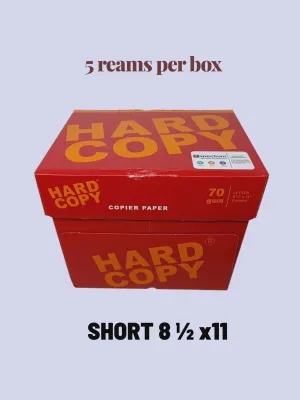
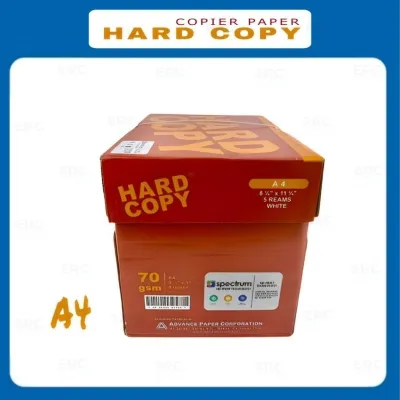
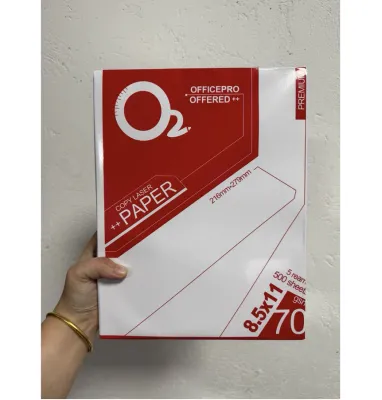
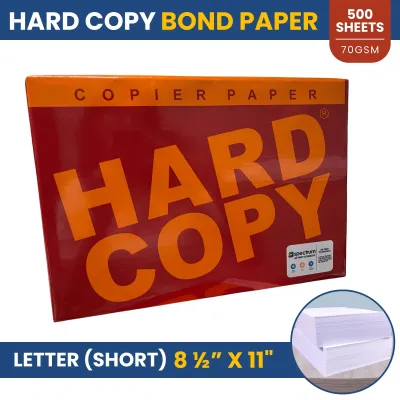
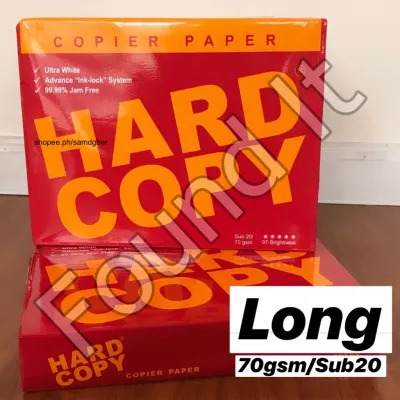
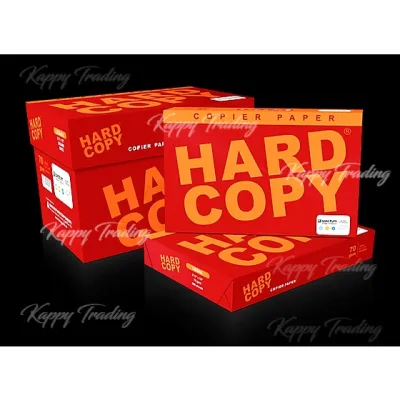
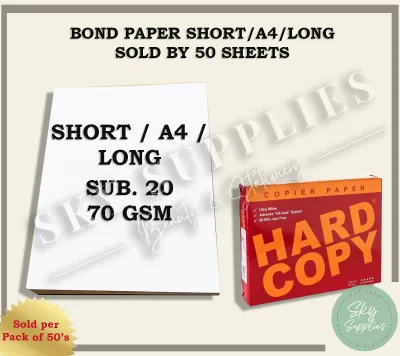
Prices are valid at publication and may change. Please refer to the product page for the latest price.
As the GSM increases, the physical structure of the paper changes. More wood pulp fibers are packed into each sheet, which increases the paper’s opacity and structural stiffness. High-opacity paper prevents light and ink from easily passing through, which is why heavier papers are preferred for double-sided printing.
However, you should not rely solely on visual estimation or touch to judge paper weight. Different manufacturing processes, such as calendering—where paper is pressed between heavy rollers to create a smooth finish—can make a dense, high-GSM paper feel surprisingly thin while still retaining its weight and opacity. Always verify the exact GSM printed on the manufacturer’s packaging before purchasing to ensure you are getting the correct density for your needs.
70gsm Bond Paper: Best for Everyday Drafts and High-Volume Printing
Often labeled as economy or draft grade, 70gsm bond paper is the thinnest and lightest standard paper weight widely available. It is designed primarily for high-volume utility printing where minimizing cost per page is the absolute priority. If you are printing hundreds of pages of internal memos, rough drafts, temporary worksheets, or bulk photocopies that will be read once and discarded, this weight keeps your stationery budget highly manageable.

Despite its cost advantages, 70gsm paper comes with distinct physical trade-offs. Because the paper is thin and has lower fiber density, it is highly translucent. If you attempt to print on both sides of a 70gsm sheet, the text from the reverse side will clearly show through, making the document difficult to read. Furthermore, thin paper is highly susceptible to absorbing moisture from the air, which can cause the sheets to curl and cling together, leading to frequent multi-sheet feeds and paper jams in high-speed office copiers.
Before committing to a bulk purchase of 70gsm paper, perform a simple observable check. Take a single printed sheet and hold it up to a standard overhead light or a window. If you can easily read the text through the back of the page, or if the paper sags significantly when held by one corner, reserve this weight strictly for single-sided, low-ink draft printing.
80gsm Bond Paper: The Standard for Professional Documents
If you walk into a typical corporate office, school administrative department, or commercial print shop, 80gsm bond paper is almost certainly the default choice. This weight represents the sweet spot of the paper industry, offering an optimal balance between physical durability, professional appearance, and cost-efficiency. It is the standard weight used for official letters, legal contracts, school reports, and everyday business documents.
When compared to 70gsm paper, 80gsm paper provides a noticeable upgrade in quality. It has a stiffer, more substantial feel in the hand, which immediately conveys a sense of professionalism to anyone holding your documents. The increased density also provides superior opacity, meaning you can comfortably print double-sided text documents with minimal show-through, saving paper without sacrificing readability.
While 80gsm is highly versatile, you must still consider your specific hardware. Most modern laser and inkjet printers are factory-calibrated to feed 80gsm paper flawlessly. However, older desktop inkjet printers with worn rubber feed rollers can occasionally struggle to grip individual sheets if the paper has been exposed to high humidity. Verifying that your printer rollers are clean and free of paper dust will ensure consistent feeding.
100gsm Bond Paper: Ideal for Premium Prints and Double-Sided Use
When your work demands an exceptional presentation, upgrading to 100gsm bond paper is highly recommended. This premium weight is significantly thicker, heavier, and stiffer than standard office paper. It is the ideal medium for client-facing proposals, formal resumes, design portfolios, certificates, and high-end marketing materials where making a strong physical impression is crucial.
One of the primary advantages of 100gsm paper is its superior ink absorption and opacity. If you are using an inkjet printer to output colorful charts, detailed diagrams, or high-saturation graphics, 100gsm paper can handle the heavy liquid ink load without warping, buckling, or bleeding through to the other side. This makes it the premier choice for professional double-sided brochures and reports.
However, the extra thickness of 100gsm paper requires careful handling. Because the sheets are stiff, they do not bend as easily around the tight rollers found in compact home printers. Before loading a large stack of 100gsm paper, consult your printer’s user manual to verify its maximum supported media weight. To prevent feed errors, many standard printers require you to feed heavier sheets individually through a dedicated manual bypass tray rather than the main paper drawer.
Side-by-Side Comparison: 70gsm vs 80gsm vs 100gsm
To help you weigh your options, the following matrix compares the practical performance characteristics of each paper weight across key decision dimensions.
| Paper Weight | Typical Use Cases | Relative Opacity | Durability & Feel | Relative Cost | Printer Compatibility Check |
|---|---|---|---|---|---|
| 70gsm | Rough drafts, internal memos, high-volume bulk copying | Low (high show-through; single-sided only) | Lightweight, flexible, prone to curling | Budget-friendly (lowest cost per ream) | Compatible with most printers; higher jam risk in humid conditions |
| 80gsm | Official letters, contracts, school reports, daily office printing | Medium (good for standard double-sided text) | Substantial, professional, standard stiffness | Moderate (excellent value for daily use) | Universal compatibility; standard setting for almost all office copiers |
| 100gsm | Resumes, client proposals, certificates, heavy color graphics | High (excellent for double-sided color prints) | Heavy, stiff, premium tactile feel | Premium (higher investment per ream) | Check printer manual; may require manual feed tray on compact models |
This comparison demonstrates that no single paper weight is universally superior. The ideal choice depends entirely on your specific document goals, your budget, and the mechanical capabilities of your printing equipment.
How to Choose the Right Bond Paper for Your Printer and Ink
To ensure a seamless printing experience, you must match your paper weight to both your printer type and the type of ink or toner you use. Laser printers and inkjet printers interact with paper fibers in fundamentally different ways, and choosing the wrong weight can result in poor print quality or mechanical issues.
Laser Printers use static electricity to transfer dry toner powder to the paper, which is then melted and fused into the fibers using high-heat rollers. Because thin 70gsm paper is lightweight, the intense heat of a laser fuser can cause the paper to curl excessively as it exits the machine. Conversely, very thick 100gsm paper requires sufficient heat to penetrate the thick fibers; if your laser printer is not set to the correct “Heavy Paper” setting, the toner may not fuse properly and can flake off the page.
Inkjet Printers spray liquid, water-based ink directly onto the paper surface. Thin 70gsm paper easily becomes saturated, causing the paper fibers to expand, warp, and buckle under the moisture. This warping can cause the print head to scrape against the wet paper, resulting in unsightly black smudges. For inkjet printing with color graphics, 80gsm is the minimum recommended weight, while 100gsm provides the best surface for absorbing liquid ink without distortion.
The Tropical Climate Factor: In highly humid environments, paper acts like a sponge, absorbing moisture from the air. This moisture softens the paper fibers, reducing their natural stiffness. A sheet of 70gsm paper that feeds perfectly in a dry, air-conditioned office may limp and jam constantly in a humid home environment. If you operate in a high-humidity area, upgrading to 80gsm or 100gsm paper provides the structural integrity needed to resist moisture-induced limpness.
Before purchasing paper in bulk, always buy a single ream or a small sample pack to conduct a trial run. Test the paper by printing a double-sided document containing both text and a small graphic. Observe how quickly the ink dries, check for any signs of bleeding or show-through, and monitor how smoothly your printer’s feed mechanism handles the sheets.
Frequently Asked Questions (FAQ)
Can I use 100gsm bond paper in a standard home printer?
Yes, most standard home printers can handle 100gsm bond paper, but compatibility varies by model. Compact home printers often feature tight, curved paper paths that force the paper to make a sharp U-turn inside the machine. Because 100gsm paper is stiff, it may struggle to bend around these tight curves, resulting in paper jams. To ensure smooth feeding, check your printer’s manual for its maximum supported paper weight, and utilize the manual feed slot or rear paper tray if your printer has one, as these slots usually offer a straighter path.
Does higher GSM always mean better paper quality?
Not necessarily. GSM is strictly a measurement of weight and density, not a certification of overall paper quality. A high-GSM paper can still have a rough, uneven texture, low brightness, or poor acid content, which can cause it to yellow over time. Conversely, a lower-GSM paper can be manufactured with premium cotton fibers, high-brightness additives, and specialized coatings that make it superior for specific tasks like high-resolution photo printing. When shopping, look at other specifications on the label, such as brightness percentage, smoothness rating, and acid-free status, alongside the GSM.
How should I store bond paper to prevent printer jams?
To prevent printer jams, you should store your bond paper in its original packaging until you are ready to load it into the printer. The wrapper of a paper ream is typically lined with a thin moisture barrier designed to protect the paper from ambient humidity. Store your paper reams flat on a shelf off the floor, in a cool, dry room away from direct sunlight or damp walls. Additionally, before loading a fresh stack of paper into your printer tray, gently fan the edges of the stack to break any static cling or minor moisture bonds between the sheets, ensuring the printer’s rollers can grab one sheet at a time.

Community discussion
Share your experience or ask a question. Comments are reviewed before publication.