
When shopping for A4 bond paper, you will inevitably encounter the term GSM printed on every ream. GSM stands for Grams per Square Meter, a standard metric used to measure paper density and weight. Rather than describing the physical thickness of a sheet, GSM tells you how much a single square meter of that specific paper grade weighs. This specification is one of the most critical factors to consider because it directly influences how ink interacts with the surface, how durable the final document will be, and how smoothly the paper feeds through your printer.
Choosing the wrong paper weight can lead to frustrating printing issues, such as ink bleeding through the page, visible ghosting on double-sided prints, or frequent paper jams. By understanding what GSM means and how it affects performance, you can make an informed decision that balances print quality, equipment longevity, and cost-efficiency.
What GSM Actually Means for A4 Bond Paper
The term Grams per Square Meter represents the weight of a sheet of paper that is exactly one meter by one meter in size. Because an individual A4 sheet is much smaller than a square meter—measuring exactly 210 millimeters by 297 millimeters—its actual physical weight is only a fraction of the GSM rating. Specifically, an A4 sheet is exactly one-sixteenth of an A0 sheet, which represents a full square meter. Therefore, a single sheet of 80 GSM A4 bond paper weighs exactly 5 grams, while a 70 GSM sheet weighs approximately 4.38 grams.
Products mentioned in this guide
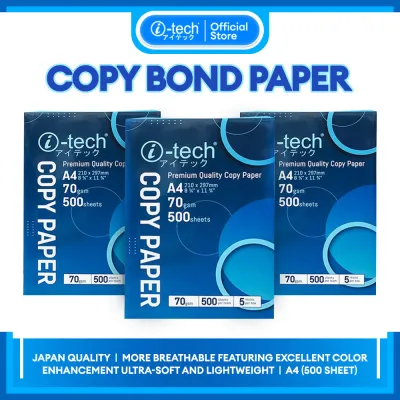
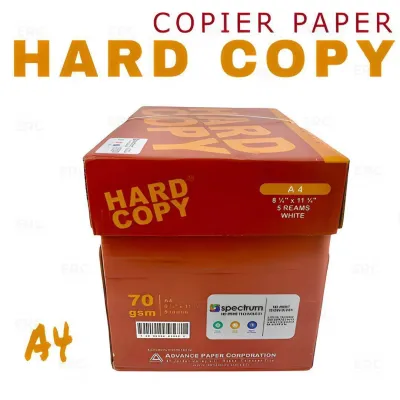
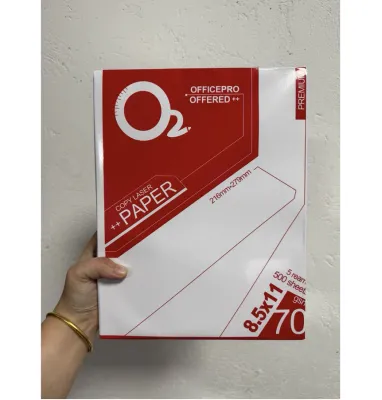
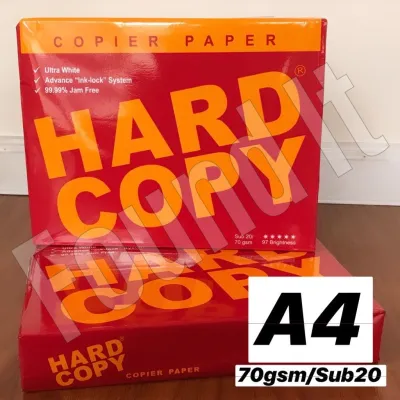
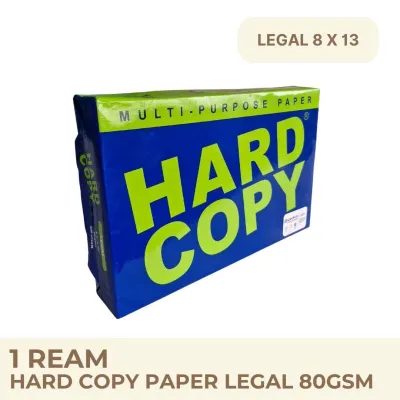
Prices are valid at publication and may change. Please refer to the product page for the latest price.
While GSM is a reliable indicator of paper density, weight does not always translate directly to physical thickness. Two different brands of 80 GSM A4 bond paper may feel slightly different in hand due to variations in manufacturing processes, fiber composition, and surface treatments. For instance, paper made with highly compacted short fibers may feel thinner but denser than paper made with bulkier, loosely pressed fibers. Additionally, the calendering process—where paper is pressed between heavy rollers to smooth the surface—can reduce physical thickness without changing the overall weight of the sheet.
How Paper Weight Influences Print and Writing Quality
The density of your A4 bond paper plays a major role in how it handles different writing instruments and printing technologies. When you use liquid inks, such as those from fountain pens, gel pens, or inkjet printers, the paper fibers must absorb the liquid without letting it spread excessively. On lightweight paper, such as 70 GSM, the lower fiber density increases the risk of bleed-through, where the ink saturates completely through to the opposite side of the sheet. It can also cause feathering, a phenomenon where ink spreads sideways along the fibers, making text look fuzzy.

Opacity is another critical quality affected by GSM, especially when printing double-sided documents. Lower GSM papers are more translucent, leading to “ghosting”—a situation where the text printed on one side is clearly visible from the other side. If you plan to print double-sided reports, upgrading to 80 GSM or higher provides the necessary opacity to keep both sides legible. Heavier paper also offers a more substantial, premium tactile feel, which immediately elevates the perceived value of your documents.
However, heavier is not always better when it comes to printer compatibility. Standard home and office printers are engineered to handle a specific range of paper weights. When paper is too thick or stiff, the printer’s internal rollers may struggle to pull the sheet from the tray or guide it through the curved paper path. This can result in frequent paper jams, misfeeds, or even long-term wear on the feed rollers.
How to Choose the Right GSM for Your Specific Needs
Selecting the ideal GSM for your A4 bond paper depends on your daily tasks, the writing tools you use, and your budget. Matching the paper weight to the specific application ensures optimal print quality while managing your office supplies budget in ₱ effectively.
For everyday, high-volume tasks, lightweight paper ranging from 70 GSM to 75 GSM is generally the most practical choice. This range is highly suitable for printing internal drafts, daily office memos, single-sided worksheets, and high-volume photocopying. Because these sheets are thinner, they take up less physical space in filing cabinets and binders, making them ideal for archiving large volumes of text-only documents.
For professional presentations, official correspondence, and double-sided printing, 80 GSM is the industry standard. This weight strikes the perfect balance between opacity, durability, and printer compatibility. It is robust enough to handle moderate ink coverage from inkjet and laser printers without curling or ghosting, making it the preferred choice for resumes, client proposals, contracts, and school reports. If you are printing highly detailed color graphics or certificates, stepping up to 100 GSM or higher provides a luxurious feel and excellent color hold, though you must verify that your printer can handle this weight.
To simplify your decision, use this quick checklist when purchasing your next ream of A4 bond paper:
- Print Volume: Choose 70 GSM to 75 GSM for high-volume, single-sided utility printing to save on costs.
- Double-Sided Printing: Always select at least 80 GSM to prevent distracting text ghosting.
- Ink Type: Use 80 GSM or higher for fountain pens, gel pens, and heavy inkjet printing to prevent bleed-through and feathering.
- Document Purpose: Reserve 90 GSM to 100+ GSM for external client-facing documents, certificates, and formal presentations.
Practical Tips for Checking and Buying A4 Bond Paper
Before purchasing A4 bond paper, always examine the manufacturer’s packaging carefully. The label will clearly display the GSM rating, along with other important specifications such as brightness and compatibility. Brightness is usually rated on a scale up to 100; higher numbers indicate a whiter sheet that provides better contrast for printed text. Ensure the packaging explicitly states compatibility with your specific device type, whether you use a laser printer, an inkjet printer, or a high-speed copier.
If you are switching brands or trying a new paper weight, it is wise to buy a single ream or a small sample pack before committing to a bulk purchase. This allows you to conduct a simple trial run. Test how the paper handles your favorite writing instruments to check for feathering, and run a few test sheets through your printer’s duplex mode to verify that the feeding mechanism operates without jamming.
Proper storage is equally critical, especially in tropical climates like the Philippines where high relative humidity is common. Paper is highly hygroscopic, meaning it readily absorbs moisture from the surrounding air. When A4 bond paper dampens, its fibers swell, which can alter the effective weight, cause the edges to curl, and lead to severe printer jams or multi-sheet feeding issues. To maintain paper quality, keep unused sheets sealed inside their original moisture-resistant wrapper. Store your paper reams in a dry, elevated cabinet away from damp walls and direct sunlight.
Frequently Asked Questions (FAQ)
Does a higher GSM always mean better paper quality?
No, a higher GSM simply indicates that the paper is heavier and denser, not necessarily of superior quality. Overall paper quality is determined by a combination of factors, including the purity of the wood pulp, the surface smoothness, acid-free properties for archival longevity, and the brightness rating. A low-GSM paper made with high-quality fibers can offer excellent smoothness and print clarity, while a poorly manufactured high-GSM paper might feel rough and suffer from uneven ink absorption.
Can I use high GSM A4 bond paper in any standard printer?
Most standard home and office printers can easily accommodate paper weights between 70 GSM and 90 GSM through their standard paper trays. However, heavier papers, such as 100 GSM and above, may exceed the feeding capacity of basic printer models. Before attempting to print on heavy paper, consult your printer’s user manual to find its maximum supported media weight. If your printer has a manual feed slot or a straight-through paper path, use it for heavier sheets to minimize the risk of paper jams.

Community discussion
Share your experience or ask a question. Comments are reviewed before publication.