
Securing a Professional Regulation Commission (PRC) license in the Philippines requires meticulous preparation, right down to the tools you bring into the testing center. If you plan to use a Canon scientific calculator for your board exam, the key to compliance lies in choosing a strictly non-programmable model. The PRC does not enforce a single, permanent list of allowed models for every single profession; instead, the commission regulates calculators by prohibiting specific advanced capabilities such as programmability, graphing, and wireless communication. Canon offers several reliable, high-performance scientific calculators that align perfectly with these strict guidelines, ensuring you can solve complex equations without facing confiscation at the door.
Understanding the exact features that proctors look for during pre-exam inspections is the best way to avoid unnecessary stress on exam day. By selecting a compliant Canon model and learning how to verify its features, you can focus entirely on your exam performance. This guide breaks down the PRC calculator rules, highlights the top exam-compliant Canon models, and explains how to prepare your device for the testing room.
Understanding PRC Calculator Rules for Board Exams
The Professional Regulation Commission maintains strict oversight over the instruments allowed in examination rooms to ensure absolute fairness and academic integrity. The primary distinction you must understand is between programmable and non-programmable calculators. Programmable calculators allow users to store custom formulas, text files, or multi-step programs in their internal memory, which is strictly prohibited during board exams.
Products mentioned in this guide
Prices are valid at publication and may change. Please refer to the product page for the latest price.
Graphical calculators are also banned by the PRC. These devices feature large screens capable of plotting curves, rendering geometric shapes, and displaying visual representations of algebraic functions. Because these visual aids can bypass the manual analytical steps that the board exams are designed to test, any calculator with graphing capabilities will be confiscated immediately at the testing center.
Instead of maintaining an exhaustive, unchanging list of approved models for every profession, the PRC typically regulates by prohibiting specific advanced features. Proctors are trained to inspect devices for indicators of non-compliance, such as physical USB ports, SD card slots, or specific key labels like “PRG,” “RUN,” or “MEM” that suggest data storage or programming capabilities. If a calculator possesses any form of wireless communication, such as infrared or Bluetooth, it is automatically disqualified.
It is also crucial to recognize that different professional boards within the PRC may issue their own specific guidelines. For example, the Board of Civil Engineering, the Board of Chemical Engineering, and the Board of Accountancy often release separate memoranda detailing additional restrictions or clarifying which specific models are permitted for their respective exams. Always check the official PRC website and the latest program of examination for your specific field to ensure your calculator meets any unique requirements.
Canon Scientific Calculator Models That Meet PRC Standards
Canon has developed a robust lineup of scientific calculators designed specifically for academic and professional use. These models offer advanced mathematical functions while strictly adhering to the non-programmable, non-graphing limitations required by exam boards. They provide a reliable alternative to other brands, often featuring highly durable construction and eco-friendly designs.

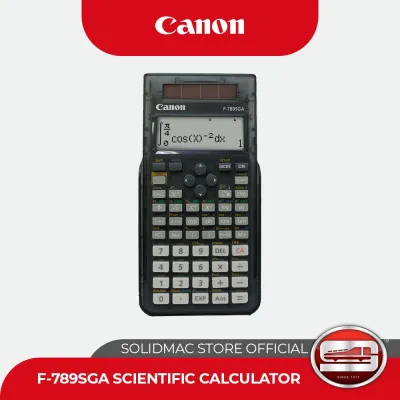
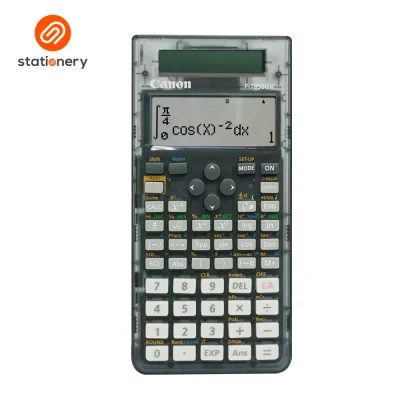
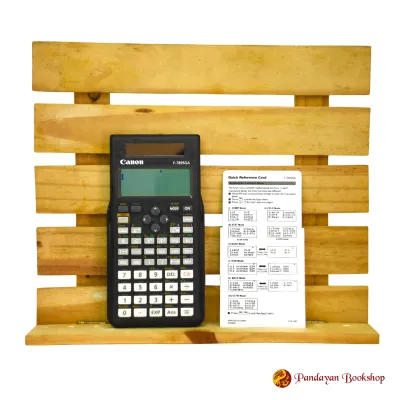
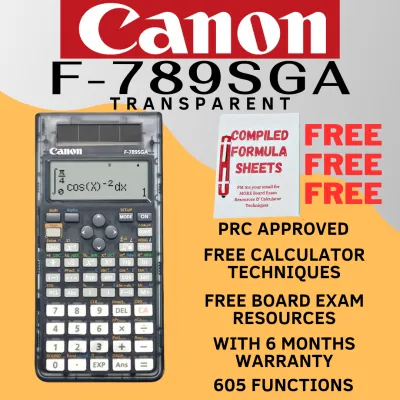
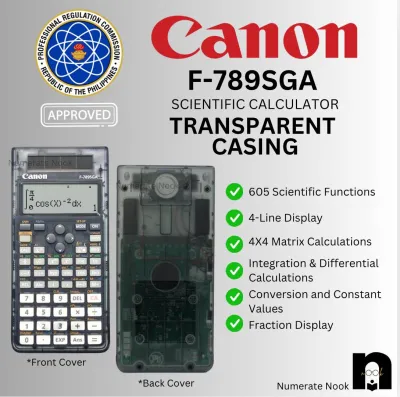
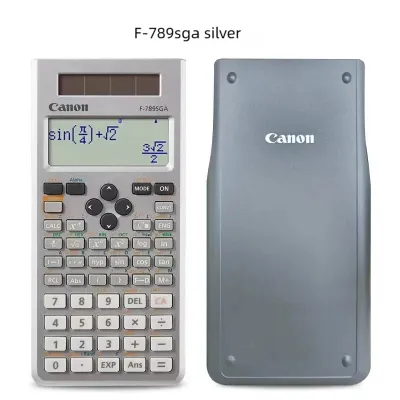
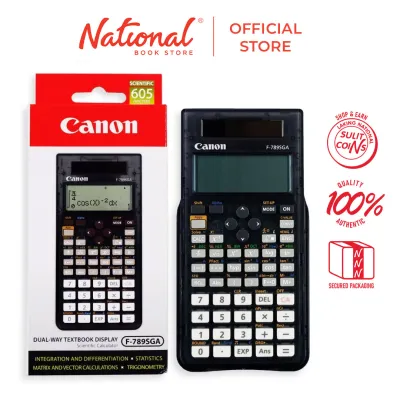
One of the most popular choices for engineering and science students is the Canon F-789SGA. This model features a high-resolution natural textbook display, which renders fractions, square roots, and other mathematical expressions exactly as they appear in standard textbooks. It is equipped with 605 advanced functions, including matrix and vector calculations, equation solvers, and integration/differentiation keys. Despite its advanced capabilities, it remains strictly non-programmable and non-graphing, making it highly suitable for demanding technical exams.
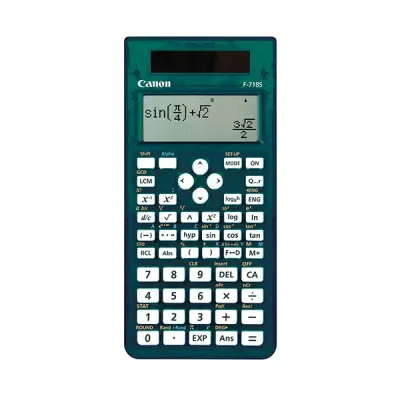
Another excellent option is the Canon F-718SG, which is widely recognized for its hygienic design featuring an antibacterial casing. This dual-powered model offers 264 functions and a clean, high-contrast liquid crystal display. It provides essential statistical calculations, coordinate conversions, and trigonometric functions in a highly durable, lightweight body that can withstand long hours of study and exam pressure.
For students seeking a straightforward, highly reliable option, the Canon F-715SG offers a practical balance of simplicity and functionality. It features a clear two-line display and 250 built-in functions. Because it lacks complex matrix or vector capabilities, it is exceptionally easy to navigate, reducing the risk of input errors during high-pressure exam scenarios.
To help you choose the right model for your specific board exam, the table below compares the key specifications of these compliant Canon scientific calculators:
| Model | Display Type | Power Source | Key Functions | Best Suited For |
|---|---|---|---|---|
| Canon F-789SGA | Natural Textbook Display | Dual (Solar & Battery) | 605 functions, Matrix, Vector, Equation Solver | Engineering, Architecture, and Applied Sciences |
| Canon F-718SG | High-Contrast LCD | Dual (Solar & Battery) | 264 functions, Antibacterial casing, Statistics | General Sciences, Forestry, and Mid-Level Math |
| Canon F-715SG | Two-Line Display | Dual (Solar & Battery) | 250 functions, Basic Statistics, Fractions | General Education, Nursing, and Basic Sciences |
These models are compliant precisely because they lack any form of user-programmable memory or graphing interfaces. They rely on pre-programmed, hard-coded algorithms to perform calculations, ensuring that you have access to powerful mathematical tools without violating any PRC guidelines.
How to Verify and Prepare Your Calculator Before the Exam
Choosing a compliant calculator is only the first step; you must also ensure the physical device is properly prepared to pass the proctor’s inspection. On the morning of the exam, proctors will physically examine your calculator to verify its model number and check for any unauthorized modifications. Ensure that the model name (such as F-789SGA) is clearly legible on the front faceplate and has not been worn away by daily use.
Inspect the calculator’s slide-on hard cover and the back of the device. Remove any stickers, handwritten notes, or formula sheets that may have accumulated during your review sessions. Even innocent markings or quick-reference guides pasted inside the cover can be interpreted as unauthorized materials, leading to immediate confiscation and potential disciplinary action.
Before you enter the testing room, you will be required to perform a complete memory clear or factory reset in front of the proctors. For most Canon scientific calculators, this procedure is straightforward but must be practiced beforehand so you can perform it quickly under pressure. To reset a typical Canon scientific calculator, follow these steps:
- Press the [Shift] key to activate the secondary functions.
- Press the [9] key, which corresponds to the [CLR] (Clear) function.
- Select the option for [3] (All) to clear all variables, formulas, and history.
- Press the [=] key to confirm the reset, then press the [AC] key to return to the main screen.
Finally, verify the power status of your calculator. While Canon’s dual-power system utilizes solar energy to preserve battery life, testing centers in the Philippines can sometimes have dim lighting or rely on inconsistent fluorescent bulbs. To prevent mid-exam failure, replace the internal backup battery (typically a CR2032 or LR44 button cell) a week before the exam. This ensures the screen contrast remains sharp and readable throughout the grueling multi-hour testing sessions.
Frequently Asked Questions (FAQ)
Can I use a Canon financial calculator for the CPA board exam?
The Board of Accountancy (BOA) enforces exceptionally strict rules regarding the use of calculators during the Certified Public Accountant (CPA) board exam. While basic scientific calculators are sometimes permitted, financial calculators—which feature dedicated keys for amortization, cash flow analysis, and compound interest—are generally subject to intense scrutiny. Many financial calculators possess programmable features or text-storage capabilities that are strictly prohibited. You must refer directly to the latest BOA advisory or memorandum issued for your specific exam date to verify if any financial models are permitted; otherwise, a basic, non-programmable scientific calculator is the safest choice.
What should I do if my Canon calculator is confiscated at the exam venue?
If a proctor decides to confiscate your calculator, remain calm and polite. The most effective way to handle this situation is to have a backup plan prepared in advance. Always bring a secondary, basic, non-programmable scientific calculator that is indisputably compliant with PRC guidelines. If your primary Canon calculator is questioned, you can calmly explain that it is a non-programmable, non-graphing model. However, because the proctor’s decision at the testing center is final, having a reliable, pre-inspected backup calculator in your bag is the smartest way to protect your exam performance and avoid panic.

Community discussion
Share your experience or ask a question. Comments are reviewed before publication.