
Choosing the right scientific calculator depends on your academic track, exam regulations, and budget. The Casio fx-991ES, fx-991EX, and fx-570ES represent different generations and power configurations of Casio’s highly popular scientific calculator lineup. For students and professionals in the Philippines, selecting the correct model ensures compliance with strict board exam guidelines while providing the computational speed needed for complex engineering, mathematics, and science courses. The high-resolution fx-991EX offers faster processing and an icon-based menu, while the classic fx-991ES and fx-570ES remain reliable, budget-friendly workhorses with traditional natural textbook displays.
Core Differences at a Glance
To help you identify the baseline differences across these three models, it is helpful to compare their core hardware specifications. While all three calculators are designed to handle advanced scientific calculations, their display technologies, power sources, and user interfaces differ significantly.
| Feature | Casio fx-991ES | Casio fx-570ES | Casio fx-991EX |
|---|---|---|---|
| Display Technology | Natural V.P.A.M. (Standard) | Natural V.P.A.M. (Standard) | ClassWiz High-Resolution LCD |
| Power Source | Dual (Solar + Battery) | Battery Only | Dual (Solar + Battery) |
| Menu Interface | Text-based List | Text-based List | Icon-based Grid |
| Matrix Capacity | Up to 3×3 | Up to 3×3 | Up to 4×4 |
| Spreadsheet Function | No | No | Yes |
These models represent a clear generational transition in student-targeted computing. The older ES series utilizes a standard natural display that mimics textbook formatting but is limited by lower screen resolution. The newer EX series, also known as the ClassWiz line, introduces high-resolution screen technology that allows for clearer characters, more detailed mathematical symbols, and even basic spreadsheet visualization.
Products mentioned in this guide
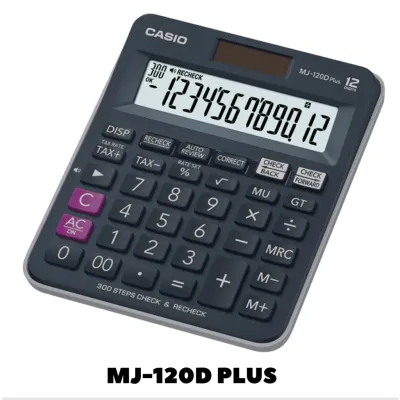
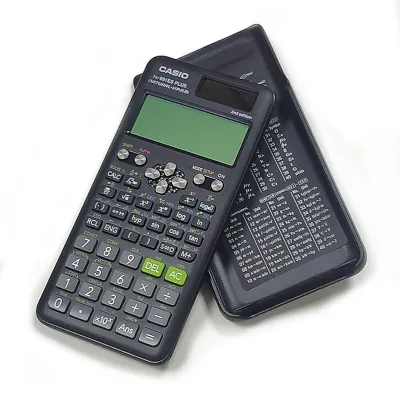
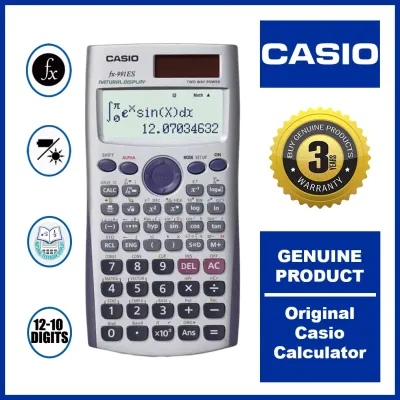
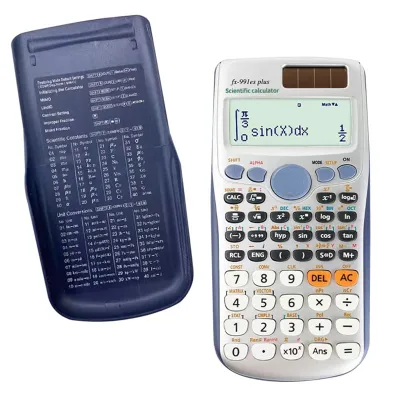
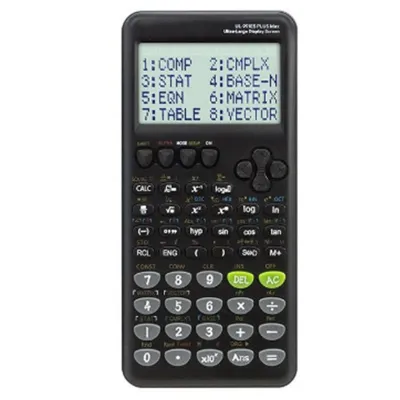
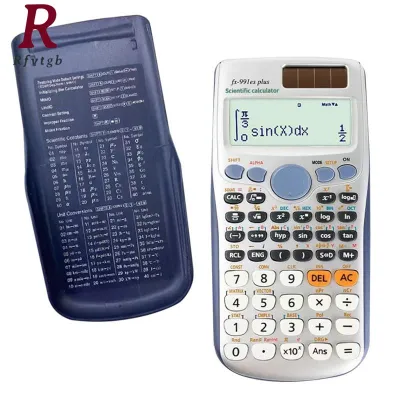
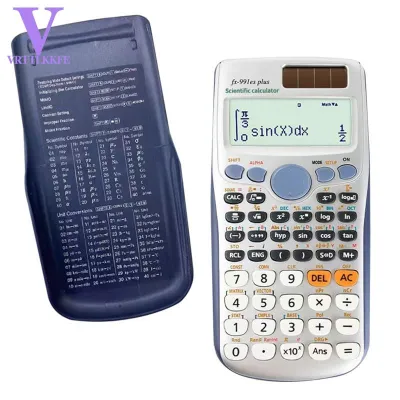
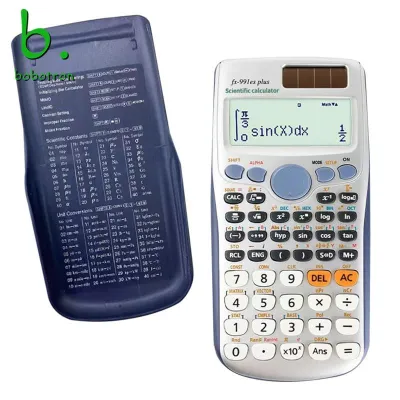
Prices are valid at publication and may change. Please refer to the product page for the latest price.
When purchasing any of these models, always verify the exact function counts and specific mathematical capabilities on the product packaging or official manual. Manufacturers occasionally update internal chipsets or release regional variations that can slightly alter the available feature set.
Display and Interface: Standard vs. High-Resolution
Evaluating screen technology and input methods is essential for supporting your daily math workflows and readability needs. The standard Natural V.P.A.M. (Visually Perfect Algebraic Method) display found on the fx-991ES and fx-570ES was a major milestone in calculator design. It allows you to input fractions, derivatives, integrals, and sum operations exactly as they are written in standard textbooks. However, because these screens rely on a lower-resolution dot-matrix format, complex formulas with multiple nested fractions or long exponents can sometimes look pixelated and difficult to read.

In contrast, the high-resolution ClassWiz screen of the fx-991EX represents a massive leap forward in clarity. With nearly four times the pixel density of the ES series, the EX model displays crisp, clean numbers and symbols. This extra resolution enables an intuitive, icon-based menu system. Instead of navigating through cryptic text abbreviations, you can scroll through a grid of clear icons representing different modes, such as statistics, matrix calculations, and equation solvers.
This difference in display technology directly impacts how you enter complex equations. On the fx-991ES and fx-570ES, entering a long matrix or a system of three linear equations requires careful scrolling through narrow text menus. The fx-991EX displays more data on a single screen, allowing you to view entire matrices or tables without constant scrolling.
Before making a final decision, it is highly advisable to test the button layout, screen contrast, and overall readability in person. In the tropical climate of the Philippines, high humidity and bright classroom lighting can affect screen visibility. Testing a unit beforehand allows you to adjust the contrast settings in the setup menu to ensure the screen remains legible under various lighting conditions.
Academic Suitability and Exam Compliance
Mapping your academic level to the right calculator ensures you do not overpay for features you will not use, or worse, buy a model that is banned in your exams. Junior high school students generally only require basic algebraic, trigonometric, and statistical functions, making any of these three models more than sufficient. However, as students transition to senior high school—particularly those in the Science, Technology, Engineering, and Mathematics (STEM) strand—the need for advanced equation solving, vector analysis, and matrix calculations becomes apparent.
For university students pursuing engineering, architecture, mathematics, or science majors, the computational demands increase dramatically. The fx-991EX is highly favored in these fields because its faster processor handles complex calculations, such as solving quadratic equations or finding the determinant of a matrix, much quicker than the older ES models. The ability to work with larger 4×4 matrices on the EX model is also a significant advantage in advanced linear algebra courses.
Despite the technical superiority of the fx-991EX, exam compliance remains the ultimate deciding factor. In the Philippines, professional licensure examinations administered by the Professional Regulation Commission (PRC), as well as various university entrance exams, enforce strict rules regarding permitted calculator models. The fx-991ES and fx-570ES have historically enjoyed widespread acceptance on these permitted lists. The fx-991EX, due to its advanced capabilities, has faced restrictions or outright bans in certain board exams.
Always check the specific, up-to-date exam board permitted lists for your course and testing year before purchasing. It is also worth noting that all three of these models are non-programmable scientific calculators. They lack graphing, coding, or programmable features, which is precisely why they are generally preferred by educational institutions looking to maintain strict exam integrity.
Power Source and Everyday Durability
Long-term usability, battery requirements, and physical protection are critical factors for a device that will accompany you through years of daily school or office use. The primary hardware distinction between the fx-991 models and the fx-570 model lies in their power configurations. Both the fx-991ES and the fx-991EX feature a dual-power setup, utilizing a solar panel on the front face alongside a small backup button cell battery.
This dual-power design is incredibly convenient for students. Under normal classroom lighting or natural sunlight, the calculator runs entirely on solar energy, preserving the backup battery for years. The fx-570ES, on the other hand, relies solely on a standard battery (typically a single AAA battery or a button cell, depending on the specific production run). While this makes the fx-570ES slightly lighter and often more affordable upfront, it carries the risk of sudden power loss during a crucial exam if the battery drains.
In terms of physical durability, all three models are built with robust plastic casings designed to withstand the rigors of a student’s backpack. They each come with a hard, slide-on protective cover that shields the screen and keycaps from scratches, impact, and accidental button presses. The keycaps themselves are made of durable plastic with printed legends that resist fading over time, though heavy daily typing will eventually show wear on lower-quality or counterfeit units.
When purchasing from physical stores or online marketplaces, always inspect the physical integrity of the device. Check that the solar panel is clean and properly aligned, ensure the battery compartment door is secure, and verify that the slide-on hard case fits snugly without rattling.
How to Choose the Right Model for Your Budget
To finalize your purchase, it helps to use a clear decision framework that balances your academic requirements with your financial constraints.
- Choose the Casio fx-991EX if: You are a university engineering, science, or mathematics student who needs the fastest calculation speeds, a high-resolution screen, and advanced matrix or spreadsheet features, and you have verified that your specific school or board exams explicitly permit its use.
- Choose the Casio fx-991ES if: You want a highly reliable, dual-powered calculator with a classic natural display that is widely accepted in almost all major high school and college exams, offering a balanced mix of features and long-term battery life.
- Choose the Casio fx-570ES if: You are on a tighter budget, do not mind a battery-only power source, and still require the exact same mathematical capabilities and exam compliance as the fx-991ES.
Budget allocation in the Philippines typically ranges from around ₱800 to ₱1,800 depending on the model and the retailer. The fx-570ES is generally the most economical option, while the dual-power fx-991ES sits in the mid-range. The fx-991EX commands a premium price due to its advanced processor and high-resolution display.
Because these calculators are highly sought after by students, counterfeit units are incredibly common on e-commerce platforms and unauthorized physical stalls. To avoid purchasing a fake unit that may fail during an exam, always look for official holographic stickers on the packaging. Genuine Casio calculators also feature high-quality print on the keys, responsive button travel, and a QR code function on the screen (especially on the EX series) that can be scanned with a smartphone to verify authenticity on Casio’s official website. Whenever possible, purchase your calculator from authorized office supply stores or official brand flagships.
Frequently Asked Questions (FAQ)
Is the Casio fx-570ES identical to the fx-991ES?
Yes, they share the same core computational engine, mathematical functions, and physical button layout. The primary difference is the power source: the fx-991ES features a dual-power system (solar and battery), while the fx-570ES relies solely on battery power. Additionally, they may differ slightly in regional packaging, localized default settings, or specific market distribution.
Can these calculators solve advanced calculus and matrix problems?
These models support basic numerical integration, numerical differentiation, and matrix operations (up to 3×3 for the ES models and up to 4×4 for the EX model). However, because they are non-programmable scientific calculators, they cannot perform symbolic calculus (such as finding general algebraic antiderivatives) or handle the highly complex graphing and programming tasks reserved for dedicated graphing calculators.

Community discussion
Share your experience or ask a question. Comments are reviewed before publication.