
Organizing your documents in a multifunction folder organizer requires matching the physical layout of your folder to the frequency with which you access your paperwork. By establishing a systematic flow—placing daily essentials in outer pockets and securing long-term archival records in zippered inner compartments—you can transform a cluttered stack of papers into a highly functional, portable filing system. In tropical climates like the Philippines, where high humidity can degrade paper and cause ink to stick to plastic, a thoughtful organization strategy also serves as a vital line of defense for your most important certificates and receipts.
Assess Your Document Types and Organizer Layout
Before sliding a single sheet of paper into your organizer, take a moment to evaluate what you actually need to store. Common household and professional documents generally fall into distinct categories: short-term transactional papers like utility bills and retail receipts, active personal identification cards, academic or school worksheets, and high-value legal agreements such as rental contracts or property titles. Each category demands a different level of security and accessibility.
Next, examine the physical anatomy of your multifunction folder organizer. These tools typically feature a combination of storage mechanisms, including multi-ring binders, expandable accordion slots, zippered mesh pockets, and small card slots. Understanding how these compartments function allows you to map your documents to the most appropriate physical spaces. For instance, rigid items like plastic cards require structured slots, while loose, multi-page documents are best suited for ring binders or expandable sections.
Products mentioned in this guide
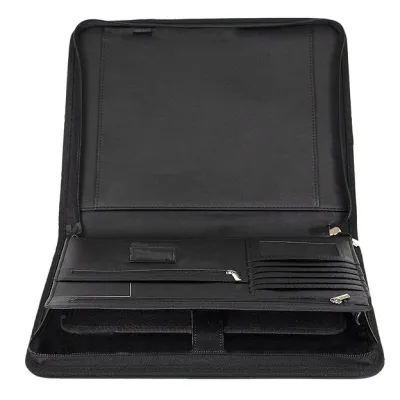
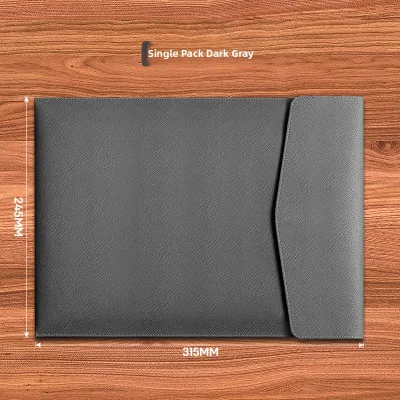
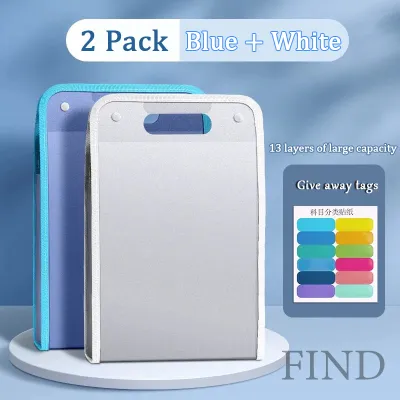
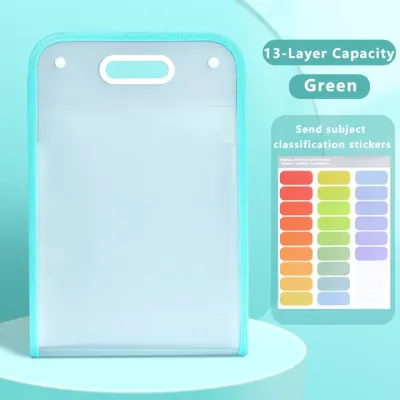
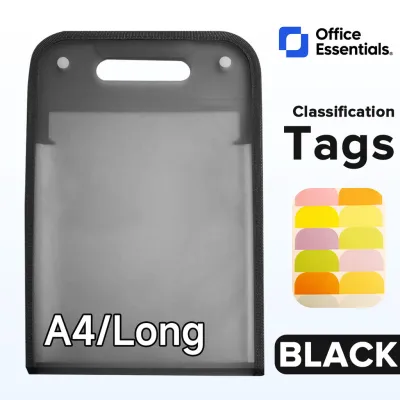
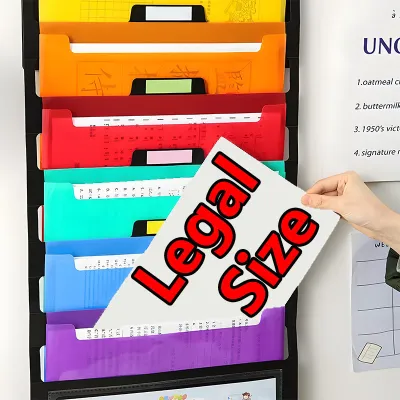
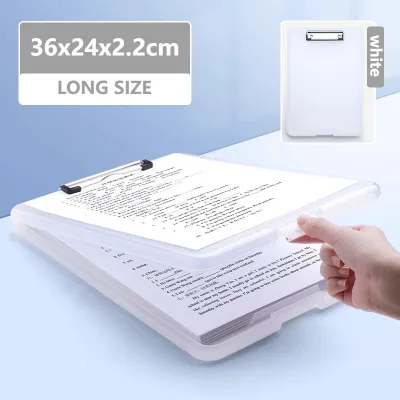
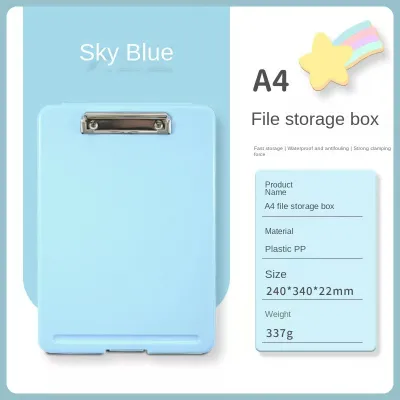
Prices are valid at publication and may change. Please refer to the product page for the latest price.
Before purchasing refills, plastic sleeves, or paper inserts, verify their dimensions and hole-punch standards (such as A4 or Letter size) to ensure a perfect fit with your organizer’s binding mechanism. Using mismatched sizes can cause pages to crumple at the edges or prevent the folder from closing properly.
Capacity and access frequency should dictate your final layout. A birth certificate or land title might only leave the folder once a year, meaning it does not need to occupy prime real estate near the front. Conversely, a transit card, a work ID, or a notepad for daily tasks must remain within arm’s reach. Matching the physical depth of each pocket to the volume of your papers prevents overstuffing, which can warp the organizer’s spine and damage the closure mechanism.
Step-by-Step Guide to Sorting and Storing Documents
To begin the physical organization process, clear a large, flat surface such as a dining table or a clean desk. Gathering all your loose papers in one central location prevents items from being overlooked or left behind in random drawers. Working in a well-lit, clean environment also ensures that fragile papers are not exposed to spills or dust during the transition.

Before filing anything, perform a thorough purge of your paperwork. Sort through the pile and discard expired discount vouchers, duplicate copies of old utility bills, and outdated school handouts. Reducing the volume of paper at this stage is crucial; overstuffing a folder organizer strains the seams, stretches out elastic bands, and makes it difficult to zip or snap the organizer shut.
Once you have eliminated the clutter, group the remaining documents into logical piles based on your initial assessment. Keep family documents, financial records, medical histories, and active work projects in separate stacks. This physical separation makes the actual insertion of papers into the organizer a swift, orderly task rather than a chaotic guessing game.
Assigning Zones for High-Frequency and Archival Items
Divide your organizer into distinct functional zones based on how often you need to retrieve each item. Place high-frequency items—such as active transit passes, daily planners, or current project checklists—in the frontmost slots or easily accessible outer pockets. This setup allows you to grab what you need quickly during a busy commute or a fast-paced meeting without rummaging through sensitive files.
Reserve the deepest, most secure inner compartments for archival or sensitive documents. Items like birth certificates, marriage contracts, and long-term insurance policies should be placed in zippered pockets or central ring binders where they are shielded from physical wear and environmental exposure. Keeping these documents deep within the organizer also adds an extra layer of privacy when you open the folder in public spaces.
If your multifunction folder organizer does not come with built-in dividers, you can easily customize the layout using color-coded sticky notes or plastic tab dividers. Assigning a specific color to each category—such as blue for medical records and yellow for financial documents—creates a visual shorthand that dramatically reduces retrieval time.
Utilizing Specialized Compartments Effectively
A true multifunction folder organizer shines in its ability to house more than just paper. To make the most of these specialized features, store your writing instruments, such as ballpoint pens, gel pens, or highlighters, in the designated elastic pen loops. Keeping pens secured in their loops prevents them from rolling loose inside the folder, which can lead to accidental ink leaks that ruin your documents.
When choosing pens for your organizer’s loops, opt for quick-drying ink to prevent smudging on your documents, and test the ink’s bleed resistance on a scrap piece of paper before writing on important forms. This simple check ensures that your notes remain legible and clean over time.
Utilize the dedicated card slots to organize business cards, bank cards, or membership cards. Instead of letting these small plastic cards clutter your wallet or float freely in larger pockets, slide them into the designated sleeves where their labels remain visible. This is particularly useful for keeping business contacts organized during networking events or conferences.
For small tech accessories like USB flash drives, memory cards, and short charging cables, utilize the zippered mesh pockets. These compartments keep small, easily lost items contained and prevent cables from tangling around your paper files. Storing digital backups on a USB drive alongside your physical documents ensures you have all your critical information in one portable package.
Maintaining Your Filing System for Long-Term Use
An organized folder is only as good as the routine you use to maintain it. To prevent your multifunction folder organizer from reverting to a chaotic state, establish a regular maintenance schedule. Setting aside ten minutes at the end of every week or month to file new receipts, discard resolved action items, and clear out temporary notes will keep the system running smoothly.
During these routine reviews, pay close attention to the physical condition of both your documents and the organizer itself. In humid tropical climates, moisture can cause papers to stick together or transfer ink onto plastic sleeves. Check for signs of dampness, fading ink, or deteriorating plastic pockets, and replace damaged sleeves immediately to protect the integrity of the documents inside.
Be prepared to adjust your organization zones as your life circumstances evolve. The transition from a school semester to a summer break, or the completion of a major freelance project, will naturally change which documents you need to access daily. Periodically shifting files between active front zones and archival back zones ensures the organizer remains aligned with your current daily routine.
Maximizing Utility with Advanced Organization Tips
To elevate your document management system, consider using clear, acid-free plastic sheet protectors for fragile or frequently handled papers. These sleeves shield delicate documents from finger oils, accidental spills, and edge tears without requiring you to punch holes directly through important certificates. Always verify that the plastic material is rated as archival-safe to prevent ink from lifting off the page over time.
If you are managing a high volume of diverse documents within a single multi-ring binder section, create a master index or table of contents on the very first page. Listing the contents of each section and matching them to numbered dividers allows you to locate specific files in seconds. This index can be easily updated or reprinted whenever you make major changes to the folder’s contents.
Finally, always pair your physical organization system with a robust digital backup strategy. Scan critical documents—such as government-issued IDs, contracts, and land titles—and store the digital copies in a secure cloud service or an external hard drive. Having digital redundancies ensures that even if your physical organizer is lost, damaged, or exposed to water, your vital information remains completely safe and accessible.
Frequently Asked Questions (FAQ)
How do I prevent papers from slipping out of expandable slots?
If papers frequently slide out of loose expandable slots, you can secure them by grouping related sheets together with a sturdy binder clip or a paper clip before sliding them into the pocket. This increases the overall thickness and friction of the stack, helping it stay firmly in place. Alternatively, you can fold a small, temporary paper tab over the top edge of your document stack to catch on the lip of the slot, preventing it from riding upward during transit.
Can I store thermal receipts without them fading?
Thermal paper receipts naturally fade over time due to exposure to heat, light, and friction. To preserve the financial information on these receipts, it is highly recommended to make a photocopy on standard paper or scan them digitally before filing. If you must store the original thermal receipts in your organizer, place them in a dark, cool, and dry inner pocket away from plastic sleeves containing PVC, which can accelerate the fading process.
What is the best way to clean the exterior of my folder organizer?
Always consult the manufacturer’s care label or product specifications first, as cleaning methods depend heavily on whether your organizer is made of leather, polyester, or plastic. For general maintenance, gently wipe the exterior with a slightly damp, lint-free microfiber cloth to remove dust and surface oils. Avoid using harsh chemical solvents, bleach, or abrasive scrubbing pads, as these can permanently degrade the material, strip protective coatings, or discolor the surface.

Community discussion
Share your experience or ask a question. Comments are reviewed before publication.