
Identifying original HP copy paper requires a systematic approach that combines visual inspection of the packaging, physical evaluation of the paper sheets, and verification through official manufacturer channels. Counterfeit office supplies are increasingly common in online marketplaces, making it essential to know how to spot a fake before loading it into your printer. By checking key security features, paper texture, and purchasing from authorized sellers, you can protect your office equipment from unnecessary wear and ensure consistent print quality.
Why Authentic HP Copy Paper Matters for Your Printer
Using counterfeit copy paper can have immediate and long-term negative consequences for your office hardware. Genuine HP paper is manufactured under strict quality control standards to ensure uniform thickness, optimal moisture content, and minimal dust production. Counterfeit alternatives, however, are often produced using substandard raw materials and imprecise cutting machinery, leading to several operational issues.
One of the most common problems associated with fake paper is frequent paper jams. In the tropical climate of the Philippines, high relative humidity can cause low-quality paper to absorb moisture rapidly. Genuine HP paper is engineered with specific chemical sizing and protective packaging to resist moisture absorption. Counterfeit paper lacks this protection, causing the sheets to soften, curl, and stick together, which leads to multi-sheet feeding and jams inside the printer.
Products mentioned in this guide
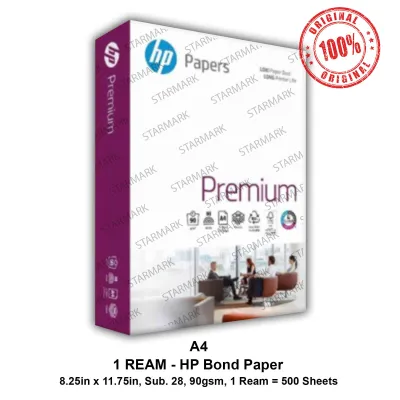
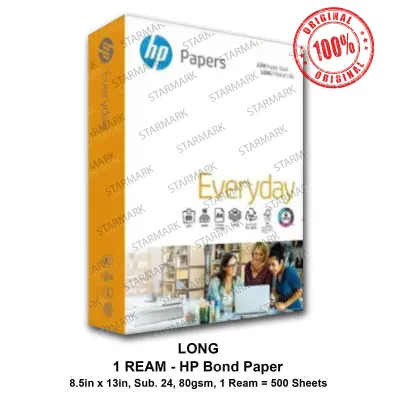
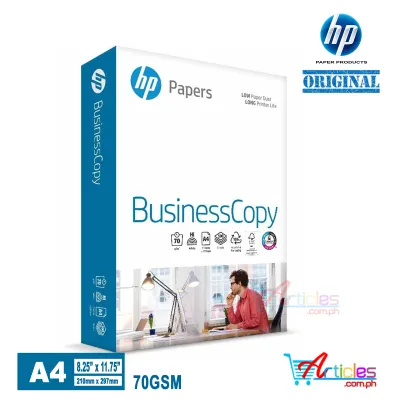
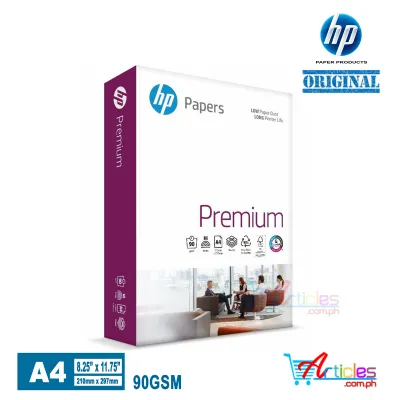
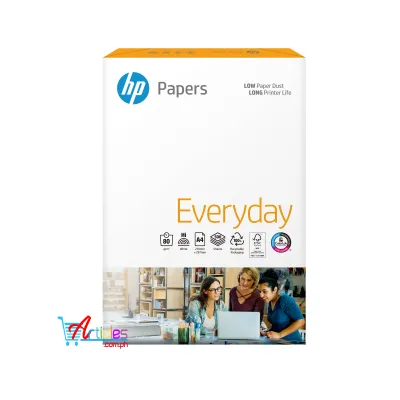
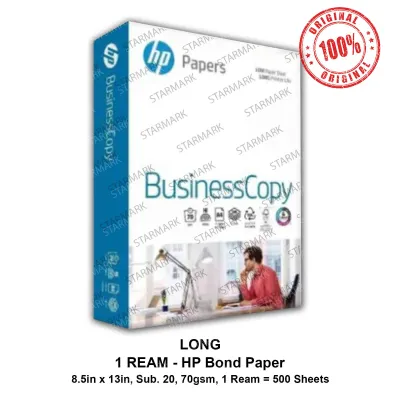
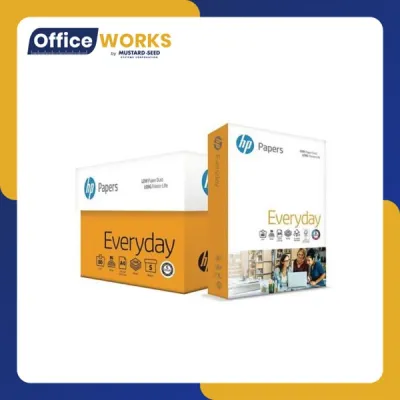
Prices are valid at publication and may change. Please refer to the product page for the latest price.
Additionally, poorly cut counterfeit paper releases an excessive amount of paper dust during the printing process. This fine dust accumulates on the printer’s internal components, including the rubber pickup rollers, optical sensors, and gears. Over time, dust buildup causes the rollers to lose their grip, resulting in misfeeds. It can also block optical sensors, triggering false paper jam errors and requiring professional cleaning or repairs.
Print quality also suffers significantly when using counterfeit paper. The surface smoothness and chemical coating of the paper directly affect how ink or toner adheres to the sheet. On fake paper, you may observe severe ink bleeding, feathering, and slow drying times, which lead to smudged documents. Laser printers may experience uneven toner adhesion, resulting in faded text, patchy graphics, and poor contrast. Using genuine paper ensures that your documents remain sharp, professional, and free of smudges.
Visual and Physical Inspection Checklist
Before opening a new ream of paper, perform a thorough visual inspection of the outer packaging. Genuine HP copy paper is wrapped in high-quality, moisture-resistant wrapper materials with crisp, high-resolution printing. The colors on the packaging should be vibrant, and the branding logos must be perfectly aligned. Counterfeit packaging often exhibits blurry text, faded colors, or misaligned graphics, which are clear indicators of a substandard printing process.

Next, examine the product label located on the side of the ream. This label contains critical product specifications, including the paper size, weight, and batch number. On genuine HP packaging, the text on this label is sharp, the barcodes are clean and easily scannable, and the batch numbers are printed clearly. If you notice smudged ink, crooked label placement, or inconsistent font styles, the product may be counterfeit.
Once you open the ream, evaluate the physical characteristics of the paper sheets. Genuine HP paper has a consistent, smooth texture and uniform brightness across the entire stack. Hold a single sheet up to a light source to check its opacity and fiber distribution; genuine paper shows a highly uniform structure, whereas fake paper often appears blotchy or uneven.
The quality of the sheet edges is another reliable indicator of authenticity. Run your finger along the side of the paper stack. Genuine HP paper is precision-cut using industrial rotary blades, resulting in perfectly smooth, clean edges. Counterfeit paper is often cut with dull or misaligned blades, leaving rough, fuzzy, or slightly jagged edges that can easily cause double-feeding in your printer.
While these physical checks are highly effective, keep in mind that visual inspections alone cannot guarantee absolute authenticity. Sophisticated counterfeiters can sometimes replicate packaging designs very closely. Therefore, physical checks should always be cross-referenced with official verification methods and careful selection of your purchasing channels.
Official Verification and Support Channels
To confirm the legitimacy of your HP copy paper beyond doubt, utilize the official verification tools and support channels provided by the manufacturer. Genuine HP paper products often feature security labels or holographic seals on the outer shipping cartons or individual reams. These security seals are designed with color-shifting properties or unique patterns that change when viewed from different angles, making them difficult for counterfeiters to copy accurately.
Many modern HP security labels also include a QR code or a unique serial number. You can scan the QR code using a smartphone to connect directly to the official HP verification portal, which will instantly confirm if the product is registered and authentic. If the label only has a serial number, you can manually enter this code on the official HP website to check its status.
If you suspect your paper is counterfeit but cannot find a security label, you can contact HP customer support directly. Provide them with the batch number printed on the ream label, the exact weight of the package, and details about where you purchased the product. Support representatives can cross-reference the batch number with their production records to verify if it corresponds to a genuine manufacturing run.
Additionally, you can visit the official HP website to download the product specification sheets for your specific paper type, such as HP Everyday Copy or HP Premium Choice. These sheets detail the exact physical attributes of the paper, including its caliper (thickness), brightness rating, and weight. For instance, a standard 1-ream package of 80 GSM A4 paper should weigh approximately 2.5 kilograms. You can weigh your ream on a digital scale to see if it matches these official specifications.
Choosing Reliable Purchasing Channels
The most effective way to avoid counterfeit HP copy paper is to buy exclusively from reputable and authorized sellers. In the Philippines, this means purchasing from established physical office supply chains, major department stores, or authorized IT retail outlets. These businesses source their inventory directly from official distributors, ensuring product authenticity.
When shopping online, prioritize official brand flagship stores or certified mall sellers on major e-commerce platforms. Avoid purchasing from unverified third-party merchants who offer deals that seem too good to be true. Always evaluate third-party sellers by reviewing their overall store ratings, reading verified customer feedback, and checking if they have a clear, hassle-free return policy. Look specifically for reviews that mention packaging quality or printer performance issues.
Price is another critical indicator of authenticity. Be highly skeptical of bulk offers or individual reams priced significantly below the standard market rate. In the Philippines, a genuine HP original 1 ream (typically 500 sheets) of 70 GSM or 80 GSM paper generally retails between ₱220 and ₱350, depending on the size and specific product line. If a seller is offering a ream for ₱100 or less, it is highly likely to be a counterfeit product made from inferior materials.
Steps to Take If You Receive Suspected Counterfeit Paper
If you suspect that the HP copy paper you received is fake, take immediate action to protect your finances and your office equipment. First, document the product thoroughly. Take clear, high-resolution photographs of the packaging, the side labels, the batch numbers, and any physical defects you observed, such as rough edges or blurry printing. Keep your original receipt, invoice, or online order confirmation as proof of purchase.
Next, initiate a return or refund request through the official dispute process of the e-commerce platform or the physical store where you bought the paper. Do not use any of the suspected paper in your printer, as doing so could cause hardware damage and may void your eligibility for a full refund. Present your documented photos and purchase proof to support your claim.
Finally, report the suspected counterfeit seller to help protect other consumers. You can submit a report directly to the customer service team of the online marketplace to have the seller’s listing investigated. Additionally, you can file a formal complaint with local consumer protection authorities, such as the Department of Trade and Industry (DTI) in the Philippines, to report the sale of counterfeit goods.
Frequently Asked Questions (FAQ)
Can I use counterfeit copy paper if it looks and feels fine?
Even if counterfeit paper appears acceptable at first glance, using it carries significant hidden risks. Substandard paper often contains invisible paper dust and incorrect moisture levels that can cause internal damage to your printer over time. This dust can clog optical sensors and wear down feed rollers, while improper moisture content leads to frequent jams. To protect your printer’s warranty and avoid costly repairs, it is highly recommended to stop using suspected paper immediately and seek a refund.
Does a holographic sticker guarantee the paper is original?
A holographic sticker alone does not guarantee authenticity. Sophisticated counterfeiters are capable of replicating basic shiny or holographic labels to make their products look genuine. To ensure the paper is original, you must cross-reference the sticker’s specific visual shifts and security features with official manufacturer guidelines. Always combine sticker inspections with physical checks of the paper’s edges, texture, and print quality, or verify the product’s batch number through official support channels.

Community discussion
Share your experience or ask a question. Comments are reviewed before publication.