
Choosing the right paper for your daily writing and printing tasks is more than just grabbing the first ream you see on the shelf. While PaperOne 80gsm is a highly popular option in offices and schools across the Philippines, determining if it is the absolute best choice for your specific needs requires looking closely at how it interacts with your tools. The ideal paper must balance thickness, surface texture, and ink absorption to prevent issues like ink bleed-through, slow drying times, or frequent printer jams.
Evaluating paper quality is especially important when you transition between different tasks, such as printing double-sided reports and writing in a loose-leaf binder. A paper that performs flawlessly in a high-speed laser printer might cause your favorite gel pen to smudge, while a paper optimized for pencil sketching might cause inkjet printer ink to feather and bleed. By understanding the physical properties of 80gsm paper and learning how to run simple, observable tests at home, you can make an informed decision that protects your equipment and enhances your daily writing experience.
Understanding Paper Specs: What 80gsm Actually Means for Your Tasks
To choose the right paper, you must first understand what the specifications on the packaging actually mean. The term “80gsm” stands for grams per square meter, which is a measure of the paper’s density and weight. If you were to cut a sheet of this paper to measure exactly one square meter, it would weigh precisely 80 grams. In the stationery and printing industries, this weight serves as a crucial middle ground between lightweight utility papers and heavy premium cardstocks.
Products mentioned in this guide
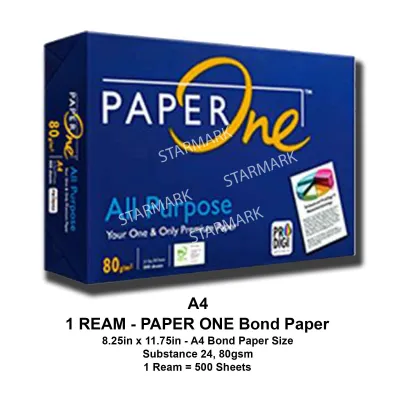
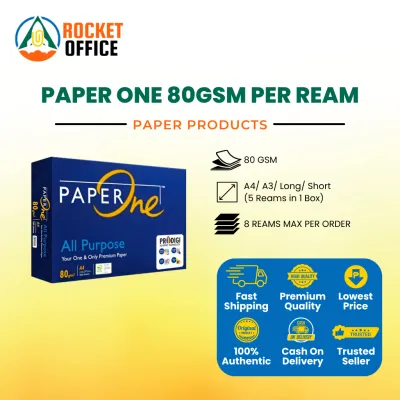
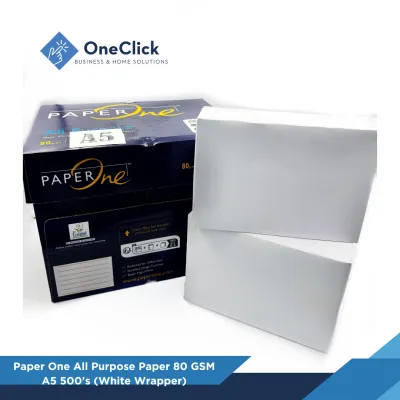
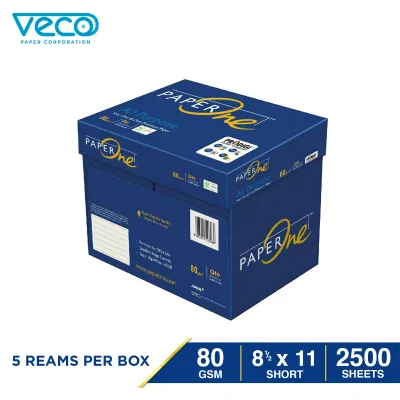
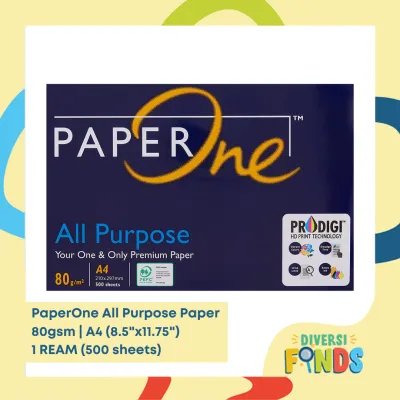
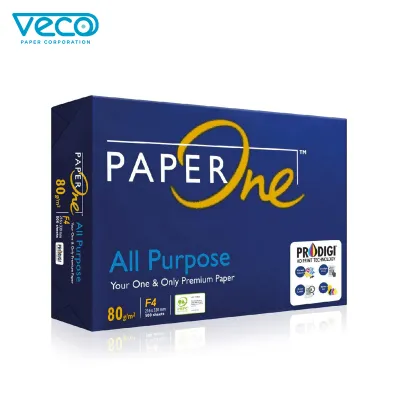
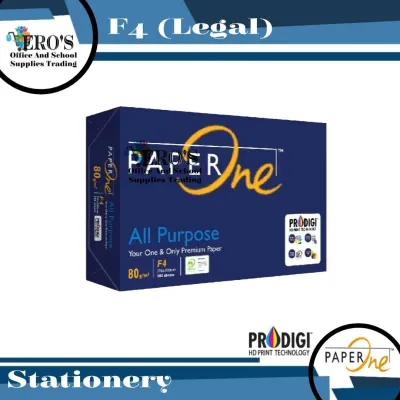
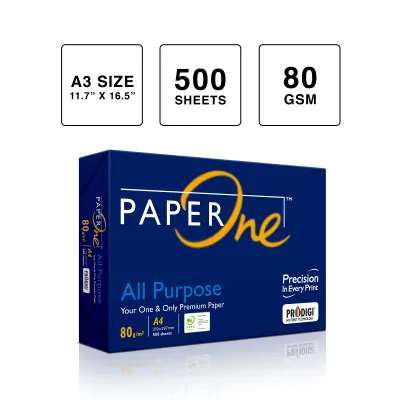
Prices are valid at publication and may change. Please refer to the product page for the latest price.
Standard copier paper typically sits at 70gsm. This lighter paper is highly economical and excellent for high-volume, single-sided draft printing, but it is thin and highly prone to show-through, meaning text printed on one side is easily visible on the other. On the other end of the spectrum, premium papers and heavy notebook pages often range from 100gsm to 120gsm. These heavier sheets feel luxurious and offer excellent resistance to ink bleed-through, but they are bulkier, more expensive, and can sometimes cause feed issues in standard home printers.
An 80gsm paper like PaperOne provides a balanced compromise. It offers enough thickness and structural stiffness to support double-sided printing and writing with standard pens, without adding unnecessary bulk to your binders or files. However, the weight of the paper is only one part of the equation. The way the paper is manufactured plays an equally important role in how it performs under real-world conditions.
During manufacturing, paper undergoes processes called sizing and calendering. Sizing involves adding chemical agents to the paper pulp to control its water resistance and ink absorption. Without proper sizing, paper behaves like a paper towel, causing liquid ink to spread out rapidly and bleed through the sheet. Calendering is the process of pressing the paper web through heavy, heated rollers to smooth out the surface fibers. The level of calendering determines whether a paper has a smooth, glossy finish or a rougher, textured surface. Because different brands use unique manufacturing formulas, two different 80gsm papers can offer vastly different writing and printing experiences.
PaperOne 80gsm vs. Standard Alternatives: Key Comparison Dimensions
When comparing PaperOne 80gsm to other commonly available paper brands in the Philippines, you should focus on four key observable dimensions: opacity, surface texture, printer compatibility, and brightness. Evaluating these factors will help you identify which paper matches your specific tools and environment.

Opacity and Show-Through
Opacity refers to how much light is blocked from passing through the paper. High opacity is essential if you plan to write on both sides of a notebook page or print double-sided documents. If a paper has low opacity, you will experience “ghosting,” where the shadow of the text on the front page makes the text on the back page difficult to read. To check this, look at the density of the paper fibers. A well-manufactured 80gsm paper should have a tight, even fiber distribution that minimizes light transmission, allowing you to use gel pens with 0.7mm or 1.0mm tips without ruining the reverse side of the sheet.
Surface Texture and Smoothness
The smoothness of a paper sheet directly affects how your writing instruments behave. High-smoothness papers reduce friction, allowing fine-tip gel pens (such as 0.38mm or 0.5mm) and rollerballs to glide effortlessly across the page without catching or scratching. This smooth surface is also ideal for digital printing, as it allows toner and ink to distribute evenly. However, if a paper is too slick, standard ballpoint pens may skip because the ball in the pen tip needs a small amount of friction to rotate and roll out the ink. Similarly, graphite pencils require a paper with a slight “tooth” or texture to shave off the graphite and leave a clear mark.
Printer Compatibility
Printer compatibility involves how well the paper handles the physical demands of printing equipment. Laser printers use intense heat and pressure to fuse dry toner powder onto the paper fibers, while inkjet printers spray liquid ink droplets that must dry quickly. A high-quality 80gsm paper must resist curling when exposed to the high temperatures of a laser printer. Furthermore, the paper must be clean and free of excess paper dust. Cheap, poorly cut papers often shed tiny cellulose fibers inside your printer, which can coat the rubber feed rollers over time, leading to frequent paper jams and misfeeds.
Brightness and Whiteness
Paper brightness is measured using the CIE whiteness index, which indicates how much light the paper reflects across the visible spectrum. A higher CIE rating (such as 160 or above) means the paper is a brilliant, crisp white. This high contrast makes printed text look incredibly sharp and colors appear vibrant, making it excellent for professional business reports and official correspondence. However, for everyday notebook use or long study sessions, extremely bright paper can reflect too much light, leading to glare and eye strain under strong fluorescent office lamps. For extensive handwriting, a slightly softer, natural white paper is often more comfortable for the eyes.
How to Test and Verify Paper Quality Before Buying in Bulk
Before purchasing paper in large quantities or buying pre-made notebooks, you can perform a few simple, observable tests using your own writing tools and office equipment to verify the paper’s quality.
The Ink Dry-Time and Smudge Test
To test how the paper interacts with your specific pens, draw a series of thick, parallel lines using your most frequently used writing instruments, such as a gel pen, a rollerball, and a fountain pen. Immediately run your finger across the lines at intervals of one, three, and five seconds. Note how long it takes for the ink to dry completely. If the ink smudges after five seconds, the paper’s surface may be too non-porous, which can be frustrating for left-handed writers or quick note-taking. Conversely, if the ink dries instantly but the edges of your lines look fuzzy and spread out, the paper is too absorbent, which will cause your writing to look messy.
The Light-Box Opacity Check
You can easily evaluate a paper’s opacity without specialized laboratory equipment. Take a single sheet of the paper and place it flat over a page of bold, dark printed text under normal room lighting. Observe how clearly you can read the text underneath. Next, write on one side of the sheet using your heaviest gel pen or marker, then flip the page over. If the writing is highly visible and legible from the back, the paper has low opacity. A high-quality 80gsm paper should keep ghosting to a minimum, ensuring that both sides of the page remain fully usable.
The Printer Feed Test
If you are testing paper for office or home printing, load a small batch of fifteen to twenty sheets into your printer’s paper tray. Print a multi-page document using the double-sided (duplex) printing setting. Watch the printer closely as it feeds the paper. Look for any signs of static cling, which can cause the printer to pull two sheets at once. Once the pages are printed, examine them for any curling or warping. Finally, rub your thumb firmly over a printed black area; if the black toner rubs off or flakes, the paper’s surface chemistry is not bonding properly with your printer’s toner.
When to Stop and Switch
Pay close attention to how your paper behaves over time. If you consistently experience double-feeding in your printer, notice a visible buildup of white paper dust inside your printer’s paper tray, or find that your gel pens consistently bleed through to the next page of your notebook, these are clear signs of a material mismatch. In these cases, you should stop using that specific paper brand or batch and switch to a different weight or a brand with different sizing specifications to protect your equipment and keep your notes clean.
Making the Final Decision: Which Paper Fits Your Specific Workflow?
Choosing between PaperOne 80gsm and other alternatives comes down to matching the paper’s physical characteristics with your daily tasks, tools, and budget.
Choose PaperOne 80gsm if:
You need a highly reliable, versatile paper that handles both double-sided office printing and daily notebook writing. Its balanced thickness and high opacity make it an excellent choice for standard gel pens, ballpoints, and double-sided documents. It is widely available in retail stores and online marketplaces across the Philippines, making it easy to source consistently for school or office use.
Choose Standard 70gsm Alternatives if:
Your primary task is high-volume, single-sided draft printing, such as printing internal memos, temporary receipts, or school worksheets. If you do not need to write on both sides of the page and want to minimize your paper budget and physical storage weight, a lighter 70gsm paper is a highly practical and economical choice.
Choose Premium 100gsm or Specialty Brands if:
You frequently write with wet inks, such as fountain pens, heavy markers, or calligraphy pens. If you require archival-quality documents or want a heavy, luxurious feel for business presentations and resumes, the extra thickness of a 100gsm or heavier specialty paper will provide the superior bleed resistance and stiffness you need.
Verify First if:
You are purchasing paper for a specialized high-speed office copier, a unique binding machine, or a specific loose-leaf refill system. Always cross-check your printer’s user manual to ensure that 80gsm falls within the manufacturer’s recommended paper weight range, especially when utilizing automatic duplex printing features.
Frequently Asked Questions (FAQ)
Does 80gsm paper jam more often in standard home printers?
No, 80gsm paper does not inherently jam more often than other weights. In fact, 80gsm is widely considered the standard operating weight for most modern home and office printers. When paper jams do occur, they are usually caused by environmental factors such as high humidity, which makes the paper damp and sticky, or improper loading in the paper tray. Accumulations of paper dust on the printer’s rubber rollers can also cause feeding issues. To prevent jams, always check your printer’s user manual for the exact supported paper weight range and ensure your paper is loaded correctly.
How should I store paper reams in humid climates to prevent curling?
In tropical climates like the Philippines, high humidity can cause paper to absorb moisture from the air, leading to curling, wavy edges, and printer jams. To prevent this, always keep your paper reams sealed in their original moisture-proof wrapper until you are ready to use them. Store your paper reams completely flat on a shelf or in a cabinet, rather than standing them upright on their edges. Additionally, avoid storing paper near direct sunlight, air conditioning vents, or directly on damp concrete floors, as these temperature and moisture fluctuations can warp the paper fibers.
Is higher brightness always better for everyday notebook use?
While high brightness (a high CIE whiteness rating) is excellent for printed documents because it provides sharp contrast, it is not always the best choice for everyday notebook use. Extremely bright white paper reflects a large amount of light, which can cause significant glare and eye strain during long writing or reading sessions, especially under bright fluorescent office lights. For extensive handwriting, journaling, or studying, a paper with a slightly softer, natural white or cream tone is often much more comfortable and gentler on your eyes.

Community discussion
Share your experience or ask a question. Comments are reviewed before publication.