
Preparing for a licensure examination in the Philippines is a journey of intense focus, where every tool in your review kit must perform flawlessly. Among these tools, your scientific calculator is arguably the most critical asset you will bring into the testing room. However, before you invest in a high-performance device, you must ensure it complies with the strict regulations of the Professional Regulation Commission (PRC). The PRC maintains a dynamic list of approved calculators to maintain academic integrity and prevent unfair advantages during exams.
While Casio is the most popular brand among Filipino examinees, not every model bearing this name is permitted in the testing center. The eligibility of a specific model depends heavily on the exact board exam you are taking, as different professional boards—such as civil engineering, mechanical engineering, or accountancy—may enforce distinct guidelines. To avoid the stress of having your calculator confiscated on the morning of your exam, you must understand how to verify your device’s compliance, recognize prohibited features, and prepare your equipment according to official standards.
Understanding PRC Calculator Rules for Board Exams
The Professional Regulation Commission establishes strict parameters for calculators to ensure a level playing field for all examinees. The foundational rule across almost all Philippine board exams is the absolute prohibition of programmable and graphing calculators. These advanced devices can store formulas, run custom scripts, and display complex visual plots, which defeats the purpose of testing an examinee’s manual problem-solving capabilities. Instead, the PRC permits only standard, non-programmable scientific calculators that perform basic arithmetic, trigonometric, logarithmic, and algebraic functions.
Products mentioned in this guide
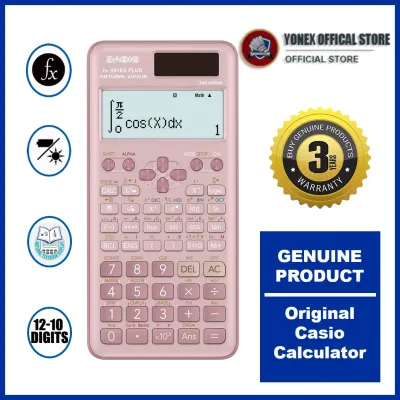
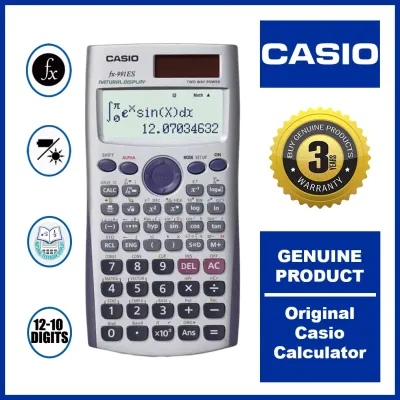
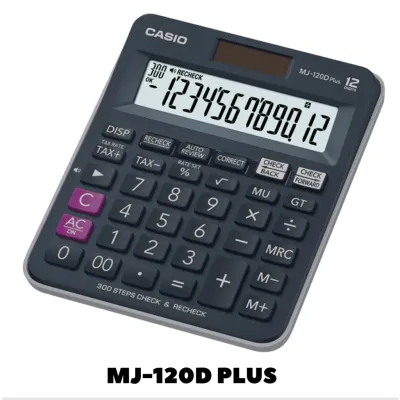
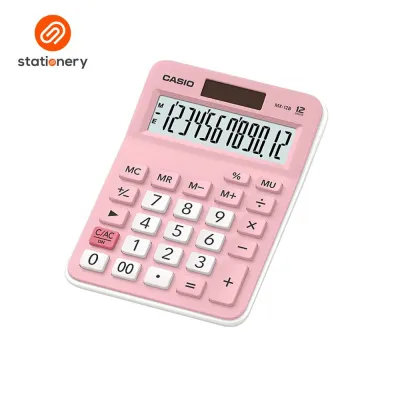
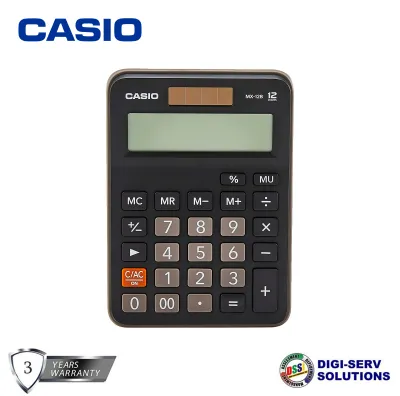
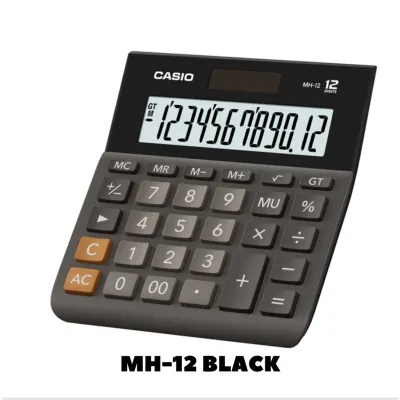
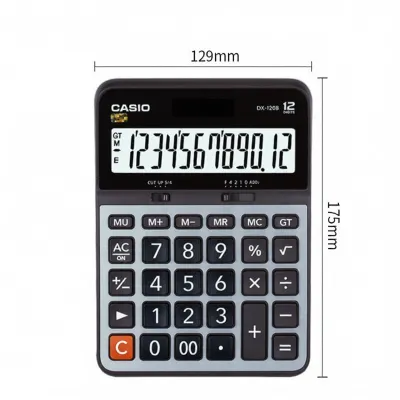
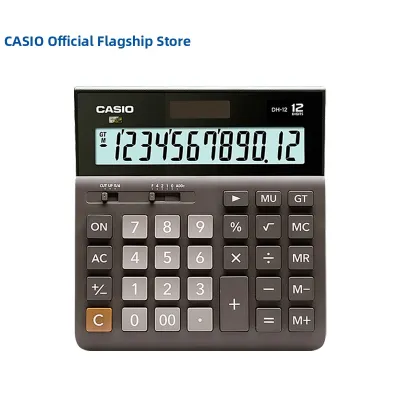
Prices are valid at publication and may change. Please refer to the product page for the latest price.
Beyond the programming ban, the PRC strictly prohibits any device equipped with communication capabilities. Calculators featuring Bluetooth, Wi-Fi, infrared ports, or any form of wireless data transfer are entirely banned from testing centers. This rule prevents examinees from transmitting questions or receiving external assistance during the examination. Additionally, any calculator that allows for unauthorized data storage—such as external memory card slots or large internal text-storage capacities—will be flagged and rejected by proctors during the initial inspection.
It is also crucial to recognize that calculator guidelines are not entirely uniform across all professions. While the PRC issues general resolutions listing allowed calculators, individual professional regulatory boards frequently release specific memoranda that modify these rules for their respective exams. For instance, the Board of Civil Engineering may have a different set of permitted models compared to the Board of Accountancy or the Board of Electrical Engineering. Consequently, you must always cross-reference your calculator model with the specific guidelines issued for your particular field of study rather than relying solely on general advice.
How to Verify if Your Casio Calculator is Allowed
Verifying whether your Casio calculator is permitted requires a systematic approach before you begin your intensive review sessions. Your first step should always be to visit the official PRC website and download the most recent memorandum or resolution concerning allowed calculator models for your specific board exam. These documents are updated periodically, and relying on outdated forum posts or old review center handouts can lead to purchasing a model that has recently been removed from the approved list. Always look for the specific resolution number and the date of publication to ensure you have the latest information.

Once you have the official list, perform a physical inspection of your calculator to verify its model number. The exact model name is typically printed on the front face of the calculator, just above the screen, and is also engraved or printed on the back casing. Proctors at the testing center will inspect both of these markings to ensure they match the approved list exactly. If the model number on your device has a suffix—such as “ES Plus,” “EX,” or “CW”—you must verify that this exact suffix is explicitly permitted, as minor variations in model letters can indicate different feature sets that may not be allowed.
In addition to checking the model name, you should inspect the physical layout of the keyboard and screen. Standard scientific calculators feature a multi-line or natural display but lack a high-resolution dot-matrix screen capable of rendering complex coordinate graphs. Furthermore, look closely at the secondary functions printed above the keys; if you see labels associated with programming, such as “PRG,” “RUN,” “edit,” or a full QWERTY keyboard layout, the device is highly likely to be classified as programmable. Familiarizing yourself with these physical indicators will help you quickly assess a calculator’s compliance when shopping or borrowing a device.
Casio Features and Series to Avoid for Testing Centers
To safeguard your exam performance, you must be able to identify which Casio product categories are universally banned in Philippine testing centers. Graphing calculators, such as the Casio FX-CG series or the FX-9860 series, are strictly prohibited due to their large color screens and advanced plotting capabilities. Similarly, any model equipped with a Computer Algebra System (CAS) is banned because these systems can perform symbolic algebra, calculus, and matrix operations automatically, bypassing the core analytical skills the board exams are designed to evaluate.
You must also steer clear of calculators that feature extensive internal memory or customizable programming functions. Models that allow users to write and save custom formulas, store text files, or create custom menus will be immediately confiscated by proctors. Even if you do not intend to use these features for cheating, the mere presence of programming capability on the device is grounds for disqualification. When selecting a calculator, ensure its internal memory is limited to standard independent memory registers (like M+, M-, and variable memories A through F) which are cleared when the device is reset.
Finally, avoid using calculators that show signs of physical tampering, modification, or extreme wear. Proctors are trained to inspect devices manually, and a calculator with a loose casing, missing model stickers, or scratched-out serial numbers will immediately raise suspicion. If a proctor cannot clearly read the model number on the front or back of the device, they may disallow its use to err on the side of caution. It is always safer to invest in a clean, well-maintained, and clearly labeled calculator rather than risking your exam on a heavily worn or modified device.
Purchasing and Pre-Exam Preparation Checklist
When purchasing your Casio calculator, it is highly recommended to buy from authorized physical stationery stores, official brand stores, or reputable retail outlets in the Philippines. The local market occasionally sees counterfeit calculators that mimic the appearance of popular Casio models but may contain non-compliant internal chips, incorrect mathematical algorithms, or hidden features that could lead to confiscation. While comparing prices, expect to pay standard market rates in Philippine Pesos (₱) for genuine models; deals that seem unusually cheap on online marketplaces are often indicators of counterfeit goods.
Once you have secured a genuine, compliant calculator, your preparation should focus on its operational readiness. In the tropical climate of the Philippines, high humidity can sometimes cause battery contacts to corrode or degrade over time. Open the battery compartment well before the exam to check for any signs of leakage or rust, and install a fresh, high-quality battery. If your model uses a dual-power system (solar and battery), ensure the solar panel is clean and free of scratches, and carry a set of permitted spare batteries and a small screwdriver in your exam kit, strictly adhering to the testing center’s rules regarding external accessories.
Lastly, dedicate ample time during your review period to master the specific layout and functions of your chosen calculator. Every series has its own keystroke sequences for solving quadratic equations, performing statistical analyses, or converting units. Attempting to learn a new calculator interface in the final days before your exam can lead to costly operational errors under the high-pressure environment of the testing room. By practicing consistently with your compliant device, you will build the muscle memory and speed necessary to navigate the exam efficiently and confidently.
Frequently Asked Questions (FAQ)
Can I use a Casio calculator with a natural textbook display?
Yes, calculators featuring a natural textbook display (often marketed as Natural V.P.A.M. or Natural Display) are generally permitted in PRC board exams. These displays show fractions, square roots, and other mathematical expressions exactly as they appear in standard textbooks, which can help reduce input errors. However, this display style is only allowed if the calculator remains strictly non-programmable, non-graphing, and complies with all other memory and communication restrictions set by your specific professional board.
What happens if my calculator is confiscated at the testing center?
If a proctor determines that your calculator is not on the approved list or exhibits prohibited features, the device will be confiscated before the exam begins. Typically, confiscated calculators are held securely by the testing staff and returned to you after the examination session concludes. However, being left without a calculator can severely disrupt your exam performance, and attempting to smuggle an unapproved or modified device into the testing room can result in severe disciplinary actions, including immediate disqualification and a ban from future licensure exams.

Community discussion
Share your experience or ask a question. Comments are reviewed before publication.