
Selecting the right VECO bond paper weight is essential for achieving clean, professional prints and avoiding frustrating printer jams. The ideal weight depends entirely on your specific printing equipment, the type of ink you use, and the ultimate purpose of your document. Paper weight is measured in GSM (Grams per Square Meter), and choosing between options like 60 GSM, 70 GSM, and 80 GSM requires balancing cost, opacity, and hardware compatibility. By matching the paper thickness to your daily tasks, you can ensure smooth feeding through your printer and excellent readability for your school or office projects.
Decoding Paper Weight: What GSM Actually Means
To make an informed decision, it helps to understand the technical specification behind paper manufacturing. GSM stands for Grams per Square Meter, which is the standard metric unit used globally to measure the density and weight of paper. When you see a higher GSM number on a ream of VECO bond paper, it indicates that a single square meter of that paper weighs more, which directly correlates to a thicker, stiffer sheet.
While a higher GSM generally provides a more premium feel and better opacity, it does not automatically guarantee superior print results across all devices. Every printer has mechanical limits regarding the thickness of the media it can pull through its rollers. Furthermore, actual ink absorption, drying speed, and show-through are not determined by weight alone; they depend on the complex interaction between the paper fibers, the type of ink used (such as dye-based inkjet, pigment-based inkjet, or dry laser toner), and the overall print density of your document.
Products mentioned in this guide
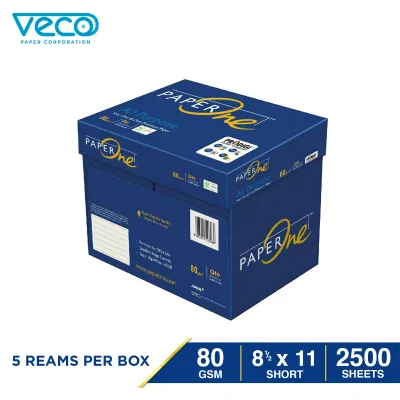
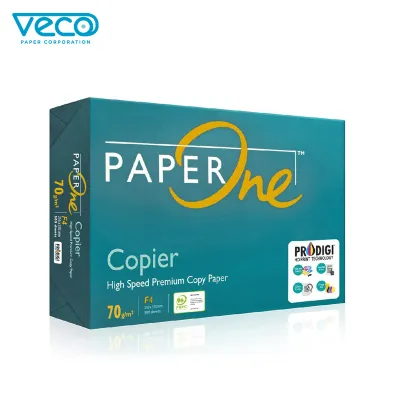
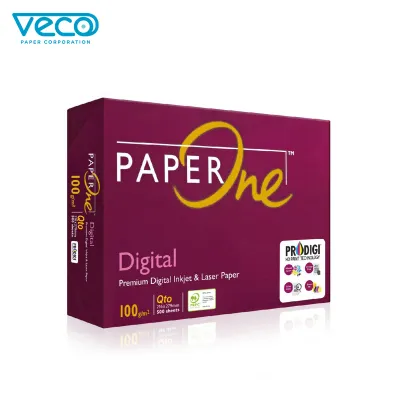
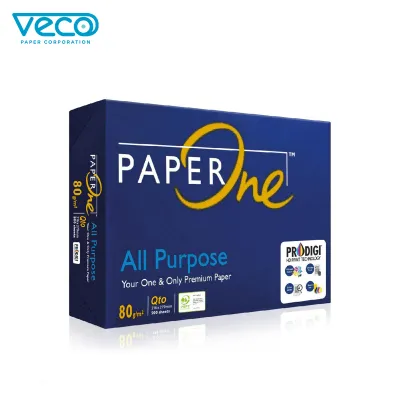
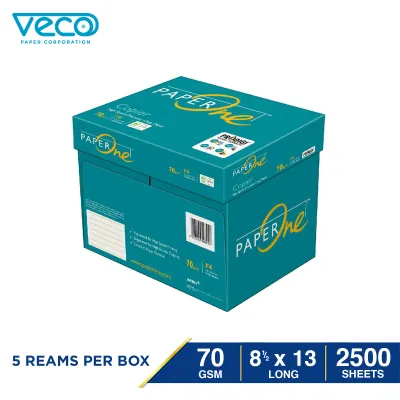
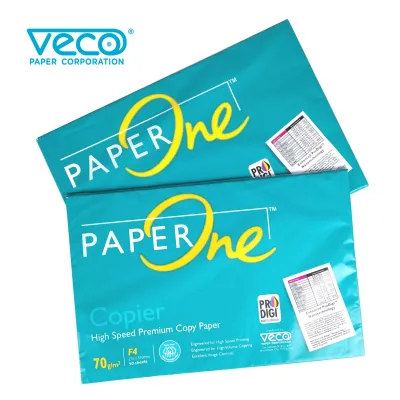
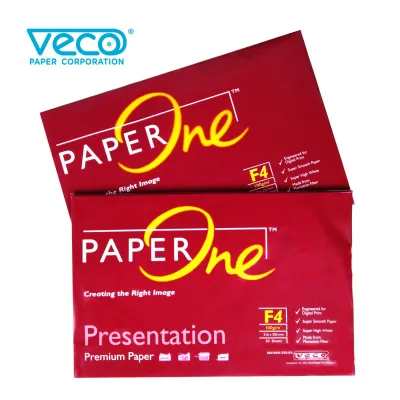
Prices are valid at publication and may change. Please refer to the product page for the latest price.
Comparing Common VECO Weight Options
VECO offers several distinct weight categories to accommodate different budgets and printing requirements. These options are generally grouped into lightweight, standard, and premium categories, each serving a specific role in school and office environments. When purchasing your supplies, always verify the exact GSM printed on the VECO packaging, as product lines and availability may update over time to meet changing market demands.

60 GSM: Lightweight and Economical
The 60 GSM option is the lightest common bond paper weight available, designed primarily for high-volume, cost-conscious tasks. Because it is thin and highly flexible, this paper is best suited for single-sided internal drafts, temporary worksheets, or quick personal notes where presentation quality is not a priority.
However, the lightweight nature of 60 GSM paper comes with specific limitations. It is highly prone to ink show-through, meaning that even standard text printed on one side will likely be visible from the back. Additionally, because the paper is thin, it may easily crumple or jam in certain high-speed printer feed mechanisms if the sheets are not loaded with care or if the printer rollers are worn.
70 GSM: The Everyday Standard
For most routine office and school tasks, 70 GSM bond paper serves as the practical, everyday standard. This weight strikes an excellent balance between cost-efficiency and physical substance, making it the go-to choice for printing multi-page reports, homework assignments, and general business correspondence.
While 70 GSM paper handles standard laser and inkjet printing exceptionally well for everyday text, it does have limits when it comes to heavy ink coverage. If you attempt to print high-density graphics, bold headings, or double-sided documents, you may still observe a slight amount of transparency or show-through. For basic black-and-white text documents, however, this weight offers a reliable and economical solution.
80 GSM: Premium and Professional
When your documents require a more formal presentation, upgrading to 80 GSM bond paper is highly recommended. This premium weight offers a noticeably stiffer, more substantial feel in the hand, which immediately conveys a sense of quality and professionalism. It is the ideal choice for formal contracts, certificates, client-facing presentations, and official letters.
The primary functional advantage of 80 GSM paper is its superior opacity. The denser fiber structure significantly reduces ink show-through, making it the safest and most reliable choice for double-sided (duplex) printing. Whether you are using a laser printer or an inkjet printer, this weight holds up well under standard ink loads without warping or curling.
Matching Paper Weight to Your Printer and Task
To avoid frustrating printer jams and ensure optimal print quality, you must align your chosen paper weight with your hardware’s capabilities. Before purchasing a large quantity of paper, always check your printer’s user manual to verify its supported GSM range. While many standard home and office printers easily handle weights up to 80 GSM or 90 GSM, some budget models or compact feed mechanisms may struggle with heavier or lighter sheets.
Using paper that falls outside your printer’s recommended specifications can lead to immediate operational issues. Paper that is too thick may fail to feed from the tray, resulting in roller slippage or severe internal jams. Conversely, paper that is too thin can easily curl under the intense heat of a laser printer’s fuser unit, leading to multiple sheets feeding simultaneously or crumpling inside the paper path.
As a general decision framework, reserve lighter weights like 60 GSM for internal archiving, draft printing, and temporary documents where cost savings are paramount. Use heavier weights like 80 GSM for external distribution, formal correspondence, and double-sided documents. If you are planning to use specialized inks, such as fountain pen inks or heavy pigment-based inks, it is always wise to test a small batch first to observe how the paper handles feathering, bleed-through, and drying times under your specific writing or printing conditions.
Quick Checklist for Buying VECO Bond Paper
When shopping for VECO bond paper at your local stationery store or through an online marketplace, keep this practical checklist in mind to ensure you get the right product for your needs:
- Verify the GSM: Do not rely solely on generic marketing terms like "premium" or "standard." Look for the exact GSM number (60, 70, or 80) clearly printed on the ream wrapper.
- Confirm the Size: Ensure the paper size matches your document requirements and printer tray settings. Common sizes in the market include A4, Letter (short), and Legal or Folio (long).
- Check Brightness Levels: If your documents contain detailed graphics or require high contrast, check the packaging for brightness or whiteness specifications to ensure crisp readability.
- Inspect the Packaging: In tropical climates with high humidity, paper can easily absorb moisture from the air. Ensure the ream's protective wrapper is completely intact and sealed. Damp paper is a primary cause of curling, misfeeds, and printer jams, regardless of the paper's weight.
Frequently Asked Questions (FAQ)
Can I use 80 GSM VECO paper in a standard home printer?
Yes, most modern home inkjet and laser printers are fully capable of handling 80 GSM paper without any issues. However, because printer designs vary, you should always verify the maximum supported paper weight in your printer’s manual. If your printer occasionally struggles to pull the thicker 80 GSM sheets from the main paper cassette, try using the manual feed slot or rear bypass tray, which provides a straighter paper path and reduces strain on the feed rollers.
Is 70 GSM thick enough for double-sided printing?
70 GSM paper can work for double-sided printing, but its success depends heavily on your print settings and ink type. It is generally sufficient for double-sided documents that consist of standard, light text printed with dry laser toner or low-saturation inkjet ink. However, if your document contains bold fonts, heavy graphics, or dark ink coverage, upgrading to 80 GSM is the safer choice to prevent distracting show-through and ensure both sides remain perfectly legible.

Community discussion
Share your experience or ask a question. Comments are reviewed before publication.