
Selecting the right A4 bond paper weight is a balance between your document’s purpose, the impression you want to make, and your printer’s mechanical capabilities. For everyday office drafts and high-volume internal documents, a lighter paper weight like 70 GSM offers excellent cost efficiency. When you need to print formal contracts, client proposals, or double-sided reports, stepping up to a medium weight like 80 GSM provides the necessary opacity and professional feel. For specialized applications such as certificates, diplomas, or archival records, premium weights of 90 GSM or higher deliver the rigidity and durability required for long-term handling. Matching your specific printing task to the correct paper density ensures clean prints, prevents costly equipment issues, and keeps your daily operations running smoothly.
Understanding GSM and Checking Your Printer's Compatibility
To make an informed decision, you must first understand what the numbers on a ream of paper actually mean. GSM stands for Grams per Square Meter, which is the standard metric unit used to measure paper density and thickness. When you see a label marked as 70 GSM or 80 GSM, it indicates the weight of a single sheet of paper measuring one square meter. Consequently, a higher GSM number means a thicker, heavier, and more rigid sheet of paper, while a lower number indicates a thinner, more flexible sheet.
Before purchasing any paper stock, you must verify your printer’s physical handling limits to avoid mechanical issues. Every printer has a specific range of paper weights it can safely feed through its internal rollers and path. You can typically locate this supported paper weight range in your printer’s user manual, on the manufacturer’s official website, or within the technical specification sheet under “media handling” or “supported paper types.”
Products mentioned in this guide
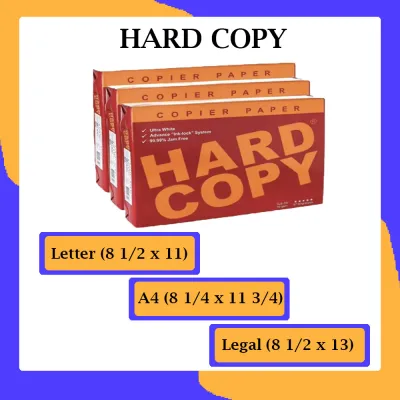
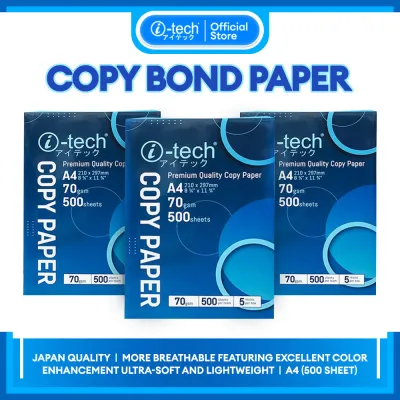
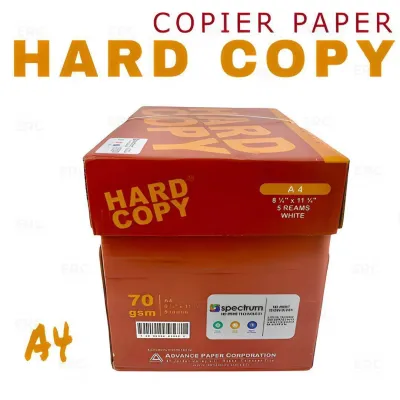
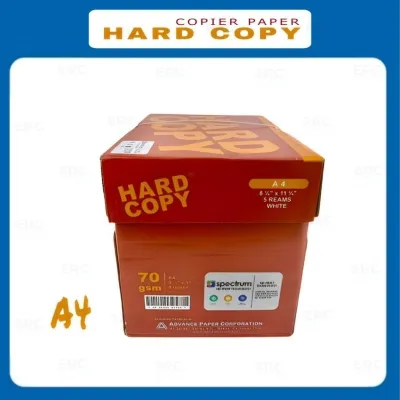
Prices are valid at publication and may change. Please refer to the product page for the latest price.
Ignoring these manufacturer limits introduces significant mechanical risks to your office equipment. Feeding paper that is too light can cause the pickup rollers to grab multiple sheets at once, leading to frequent misfeeds and internal jams. Conversely, attempting to run paper that exceeds the maximum supported GSM can wear down the feed rollers prematurely, scratch delicate internal components, or cause thick sheets to get firmly lodged in the fuser unit.
Matching A4 Bond Paper Weights to Specific Printing Scenarios
While standard weight categories serve as excellent benchmarks for different office tasks, they should be treated as non-exhaustive examples rather than absolute rules. Your final selection must always align with the specific printer’s verified compatibility limits to ensure reliable performance. By understanding how different weights perform under various printing demands, you can optimize both your budget and your output quality.

Everyday Drafts and High-Volume Internal Documents
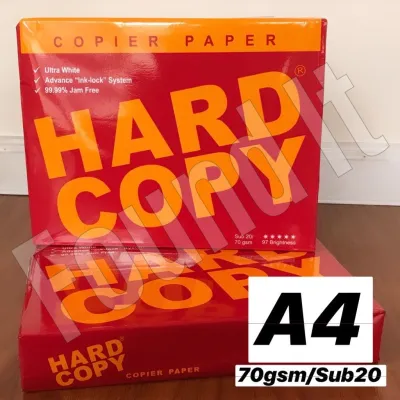
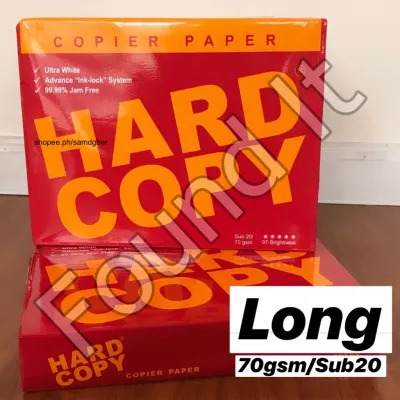
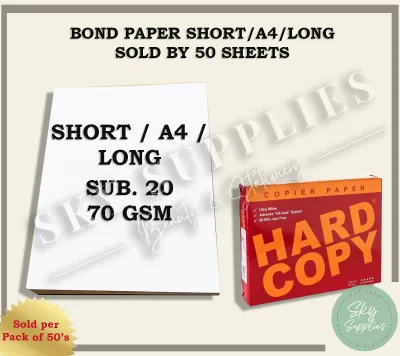
For routine office tasks, high-volume printing, and internal drafts, lightweight paper options—typically around 70 GSM—are the most practical choice. This weight category is highly cost-effective, allowing businesses and schools to print large volumes of text documents without stretching their budgets. It is ideal for printing temporary worksheets, email printouts, and preliminary drafts that do not require a premium presentation.
However, lightweight paper comes with distinct trade-offs that you must consider before loading your printer trays. Because the paper is relatively thin, it has a much higher risk of ink show-through, making it generally unsuitable for double-sided (duplex) printing. Additionally, 70 GSM paper has lower physical durability, meaning it can tear easily under frequent handling or when stored in binders with standard metal rings.
In tropical environments where humidity levels fluctuate, lighter paper is also highly susceptible to moisture absorption. When printing documents with heavy graphics or solid color blocks on 70 GSM paper, you should carefully monitor the ink saturation levels. Excessive wet ink from inkjet printers can saturate the thin fibers quickly, causing the paper to curl, warp, or even tear as it exits the delivery tray.
Formal Contracts, Client Proposals, and Double-Sided Printing
When your documents are intended for external eyes, stepping up to a medium-weight paper of around 80 GSM is highly recommended. This is the standard weight for professional business correspondence, legal contracts, and client proposals. The slight increase in thickness provides a noticeably more rigid structure and a professional tactile feel that immediately elevates the perceived value of your work.
The primary functional advantage of 80 GSM paper is its improved opacity. The denser fiber structure significantly reduces ink bleed-through and shadow effects, making it the industry standard for double-sided printing. Whether you are printing text-heavy reports or documents with light charts and diagrams, both sides of the sheet remain clean, legible, and highly professional.
Even though 80 GSM is widely compatible with almost all standard office printers, it is always wise to perform a quick test. Before committing to a full ream or a multi-box purchase for a critical client presentation, print a small test batch of your specific layout. This allows you to visually verify the opacity and ensure that your specific printer’s ink or toner output does not shadow through to the reverse side.
Premium Certificates and Heavy-Duty Archival Records
For specialized, low-volume documents that demand maximum durability and a premium presentation, you should look toward heavier paper stocks of 90 GSM and above. This category includes heavy bond papers, cardstocks, and specialty presentation sheets. These weights are reserved for certificates of appreciation, diplomas, official invitations, and archival records that must withstand decades of storage and handling.
While these heavy papers offer an undeniable sense of prestige and longevity, they present unique challenges for standard office hardware. Standard bottom paper trays are designed to feed flexible sheets through a curved path. Thicker, more rigid stocks cannot bend easily around these tight internal curves, which often results in stubborn paper jams or incomplete toner fusing.
To print on these heavier media successfully, you must verify if your printer features a specialized feed path. Many office printers include a straight-through path, a rear feed slot, or a manual bypass tray designed specifically for heavy media. Utilizing these alternative feed paths allows the thick paper to pass through the machine with minimal bending, ensuring a clean print without risking damage to the internal rollers.
Evaluating Paper Quality Beyond Just the Weight
While GSM is a critical specification, it is not the sole indicator of how well a sheet of A4 bond paper will perform in your printer. To achieve the best possible print results, you must also evaluate other physical and optical properties of the paper. Brightness and whiteness are key factors that directly affect visual contrast; higher brightness levels make black text stand out sharply and ensure that colors appear vibrant and true to life, which is essential for marketing materials and detailed reports.
Opacity is another critical property that you should visually inspect, especially if you plan to print on both sides of the sheet. You can easily check this by holding a printed sample up to a natural light source or a bright office lamp. If you can clearly read the text from the opposite side through the paper, the opacity may be insufficient for double-sided layouts, regardless of what the GSM label claims.
Finally, you should physically examine the surface smoothness of the paper. Run your fingers across the sheet to check for excessive roughness, and look closely for any loose paper dust. Rough surfaces can prevent laser toner from adhering evenly, leading to patchy prints, while excessive paper dust can accumulate inside your printer, clogging delicate sensors and absorbing the lubricating oils on the moving parts.
Smart Purchasing and Storage Practices for A4 Paper
Managing your paper supply efficiently involves balancing your printing volume with your available storage space and budget. Purchasing paper in bulk, such as by the box containing five reams, offers a lower cost per sheet and is highly economical for busy offices. However, if you have limited storage space or only print occasionally, buying individual reams is a smarter choice to prevent unused paper from sitting exposed to the elements for too long. When budgeting, expect to invest anywhere from ₱180 to ₱300 per ream depending on the brand and GSM, making bulk purchases a great way to save over time.
Proper storage is absolutely vital to maintaining the physical integrity of your A4 paper, particularly in tropical climates where humidity is a constant challenge. Always store your paper flat on a shelf or inside a cabinet, rather than standing it vertically on its edge, which can cause the sheets to sag and warp. Keep the paper sealed inside its original moisture-proof wrapper until you are ready to load it into the printer, and position your storage area away from direct sunlight, damp walls, or air conditioning drafts.
If you must move a new ream of paper from a cool, air-conditioned storage room to a warm, humid printing area, practice proper acclimatization. Let the sealed package sit in the printing room for at least 24 hours before opening the wrapper. This allows the temperature and moisture levels of the paper fibers to gradually adjust to the surrounding environment, preventing the sheets from curling immediately upon exposure to the air.
Frequently Asked Questions (FAQ)
Can I use the same A4 bond paper for both inkjet and laser printers?
Yes, standard uncoated A4 bond paper is generally compatible with both inkjet and laser printers for everyday text documents. However, if you are purchasing specialty coated papers, high-gloss sheets, or photo papers, you must check the packaging for explicit compatibility labels. Using inkjet-specific glossy paper in a laser printer can cause the coating to melt under the high heat of the fuser, potentially ruining your machine.
Why does my printer keep jamming even when using the recommended GSM?
Frequent jams on recommended paper weights are often caused by improper loading or environmental factors rather than the paper’s weight itself. Before loading a stack, gently fan the sheets to break any static cling, check for bent corners, and ensure the paper tray guides are snug against the stack without squeezing it too tightly. Additionally, high humidity can cause paper to absorb moisture and stick together; storing your paper in a dry, sealed container can quickly resolve this issue.

Community discussion
Share your experience or ask a question. Comments are reviewed before publication.